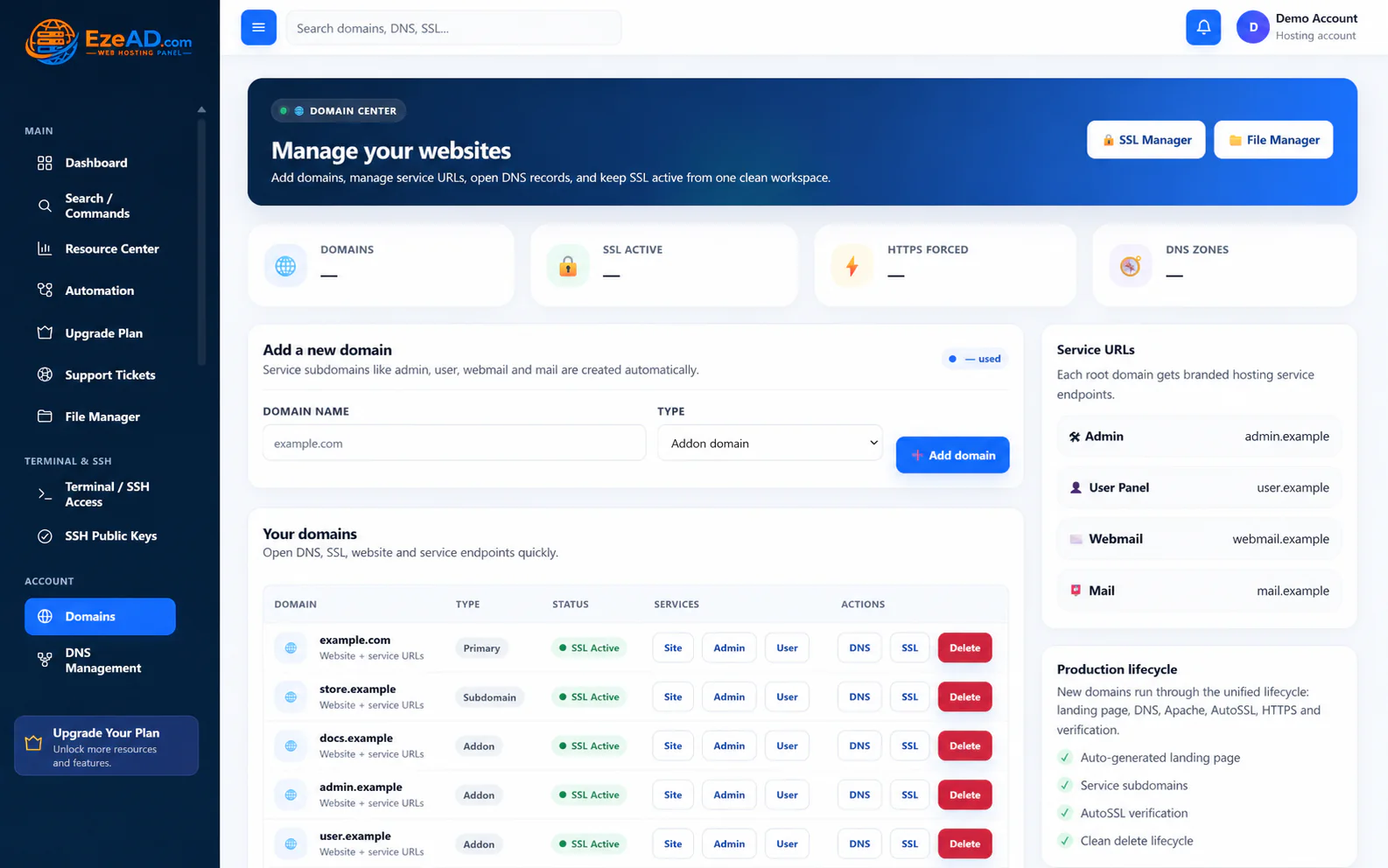
Customer workspace

A clean hosting workspace your customers can actually understand.

Give customers a modern interface for websites, domains, DNS, SSL, PHP, databases, email, files, backups, security and developer access—without exposing unnecessary server complexity.

Customer capability groups

Routine work stays direct. Provider boundaries stay intact.

The customer gets a coherent product experience while the hosting company retains server, resource and security authority.

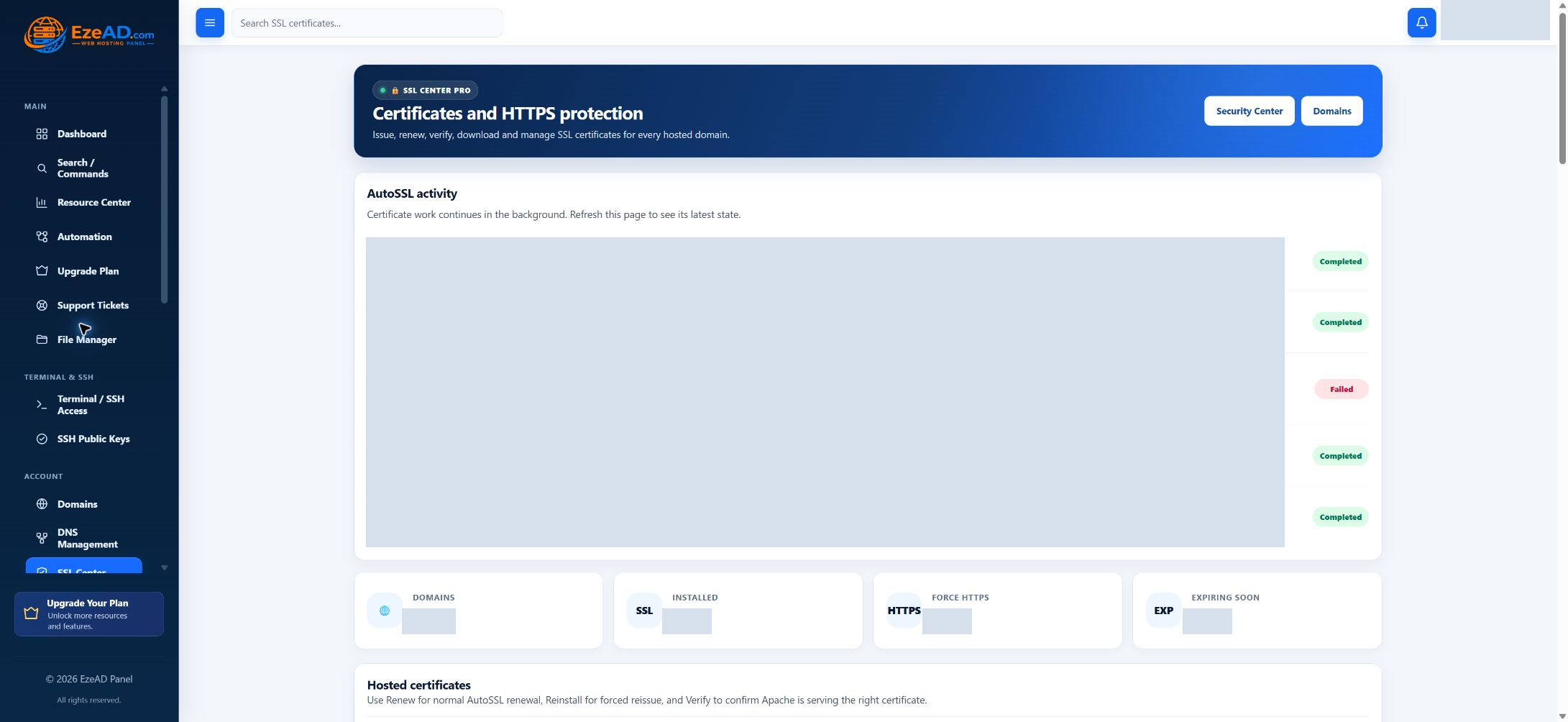
Websites and domains

Domains, service URLs, DNS, SSL, HTTPS state and the website lifecycle.

Runtime and data

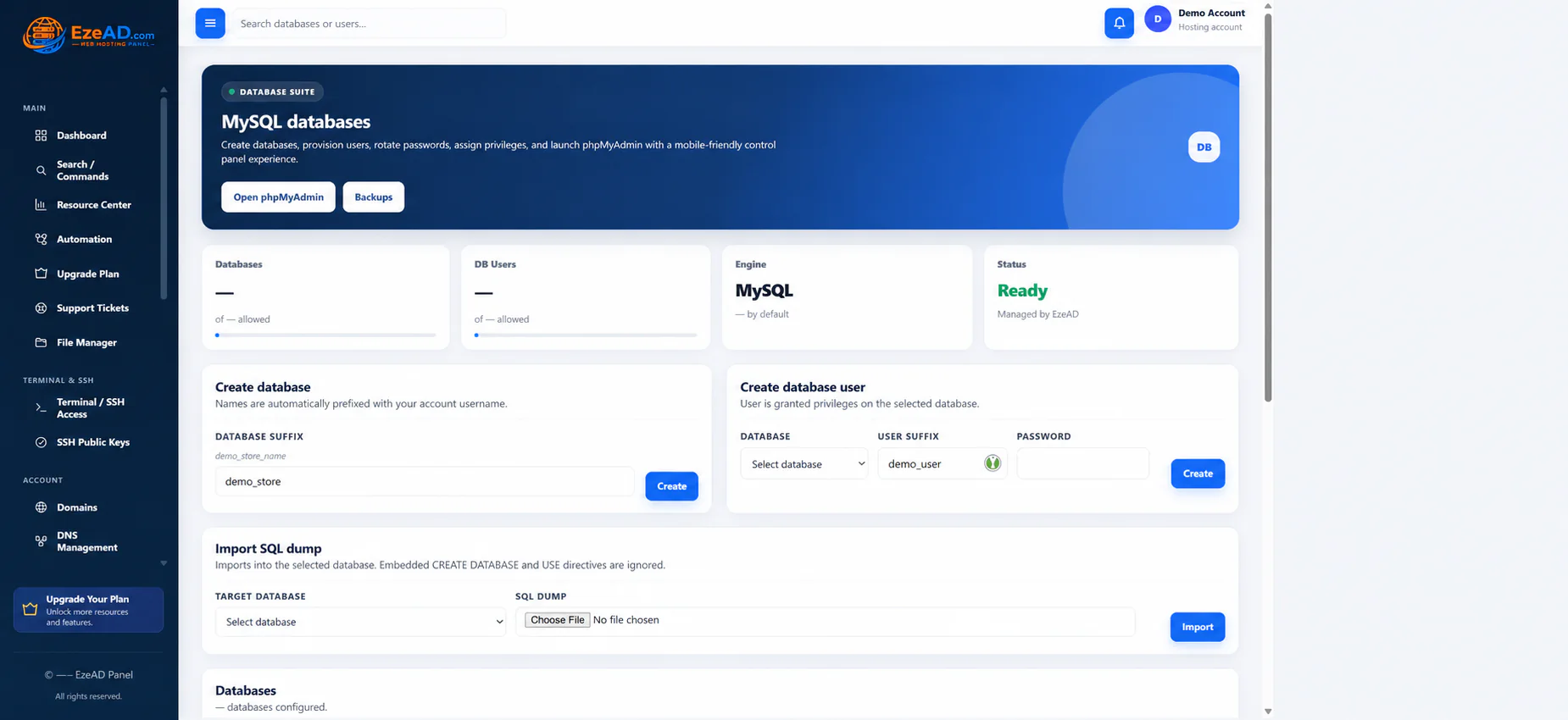
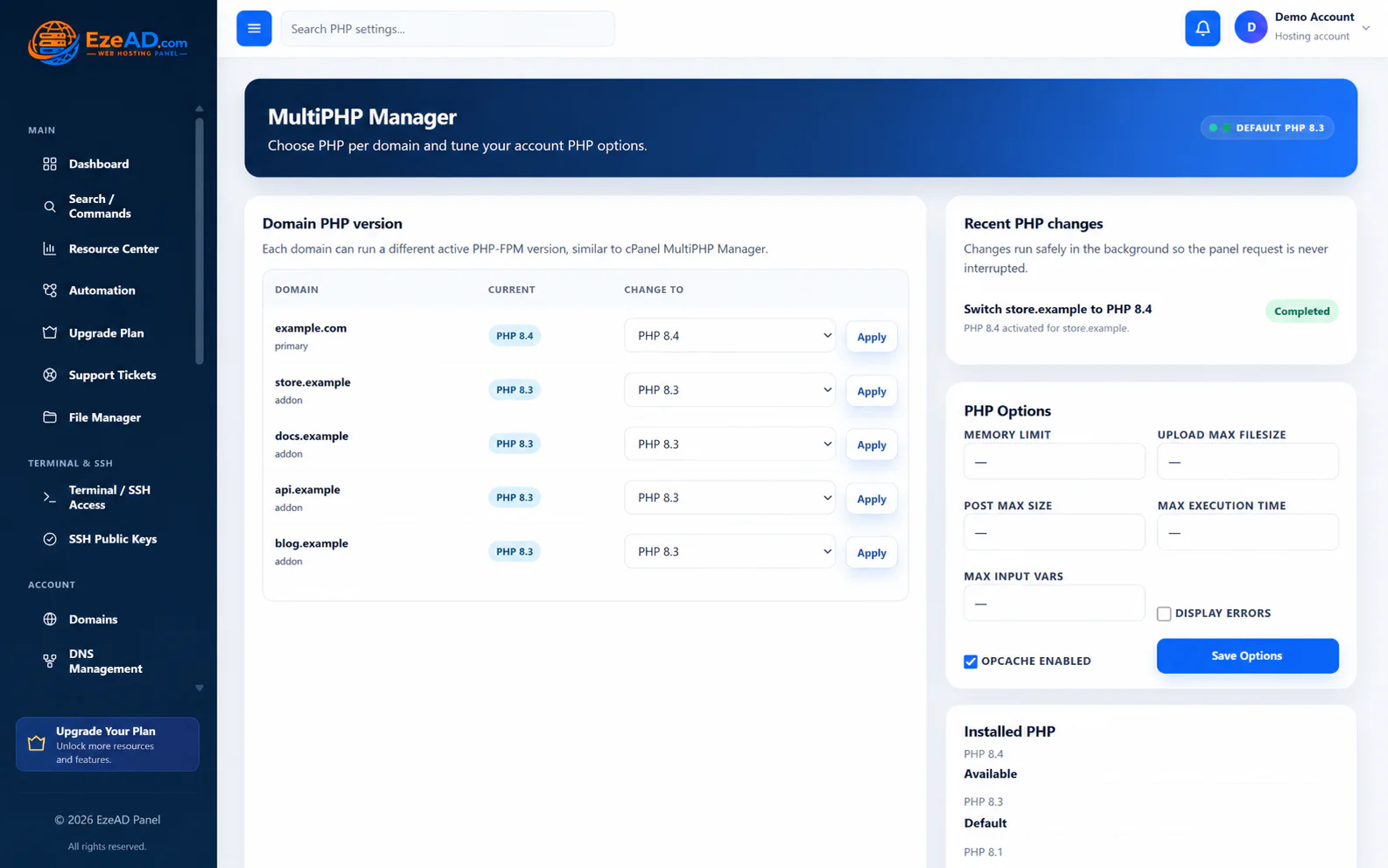
Per-domain PHP, PHP options, object cache, cron, MySQL, users, import and phpMyAdmin.

Email and access

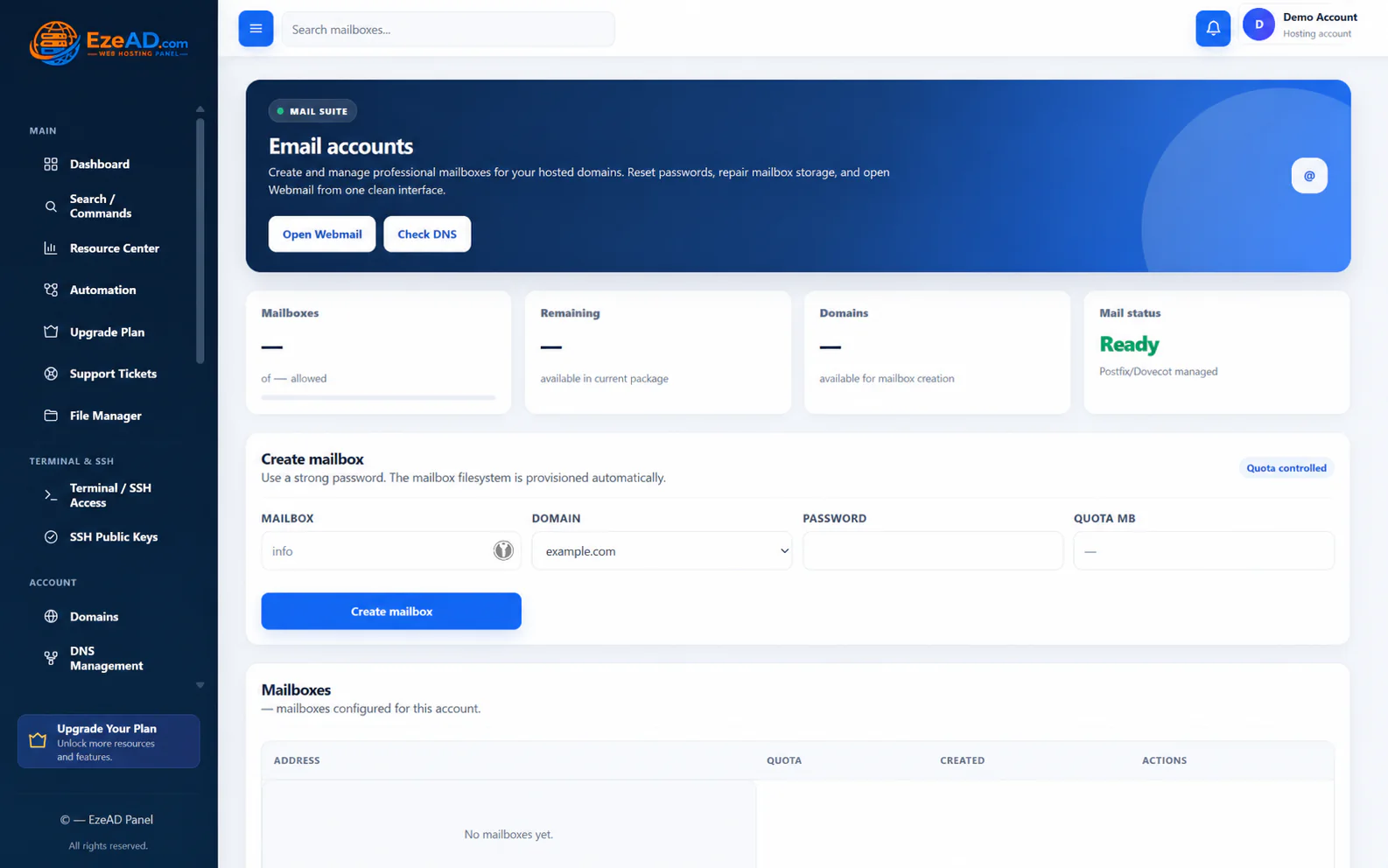
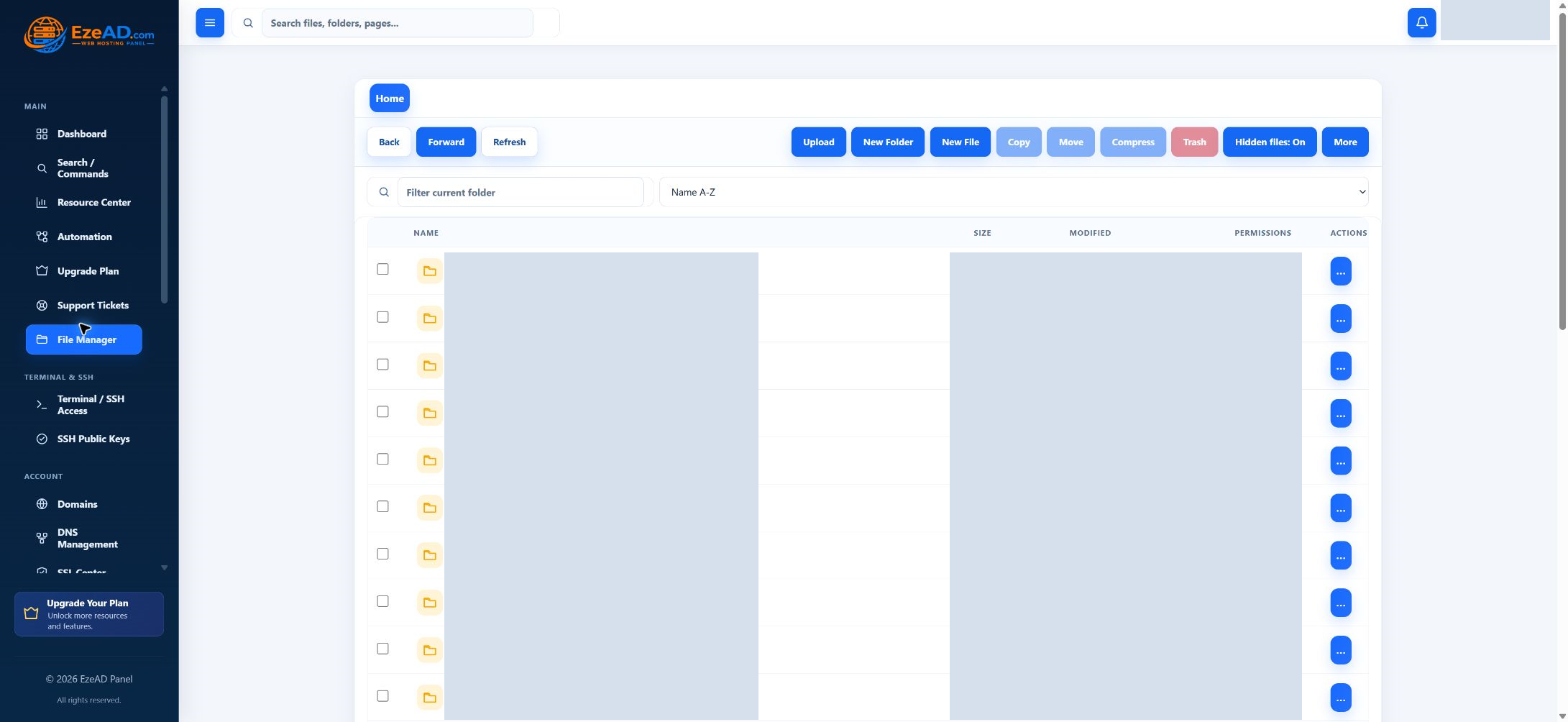
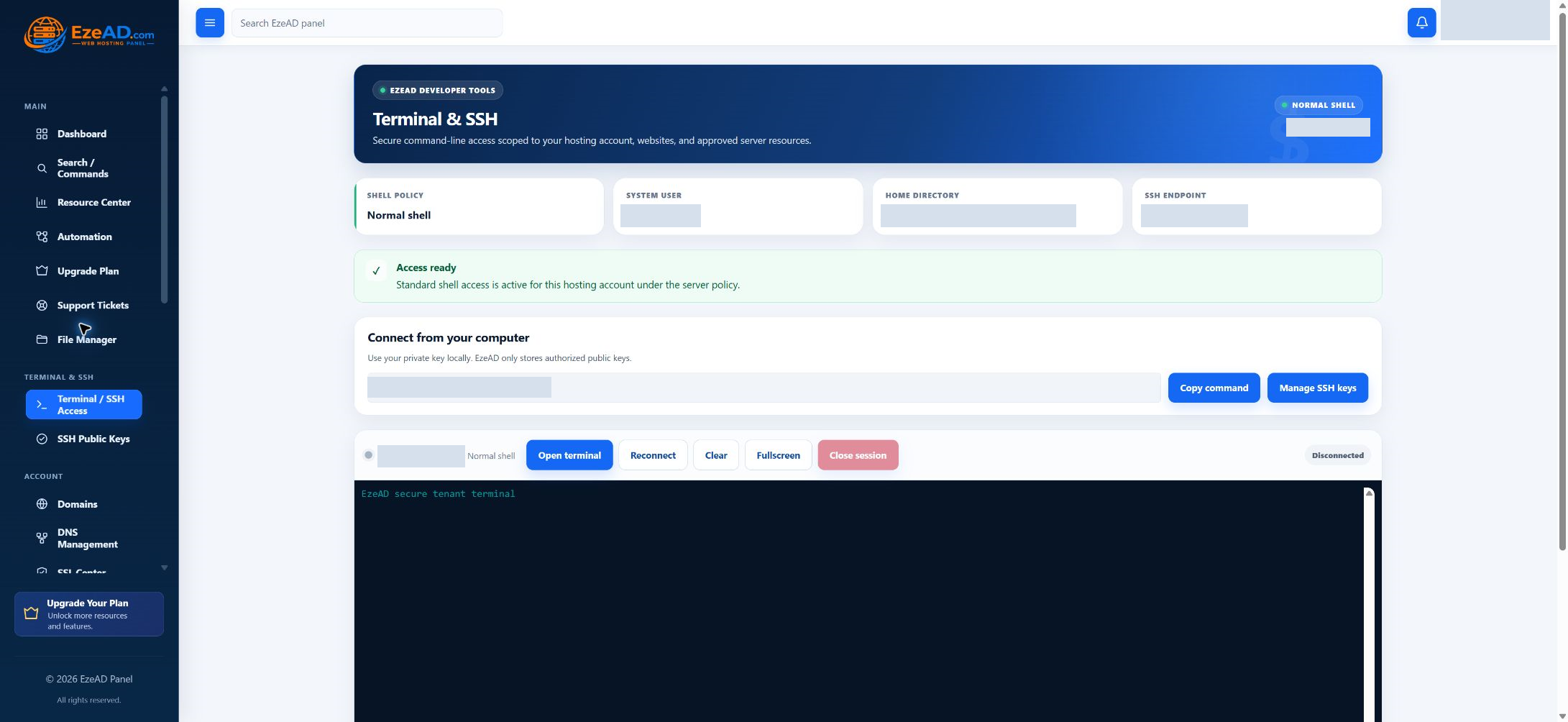
Mailboxes, webmail, deliverability, files, FTP, terminal, SSH and public keys.

Protection and account operations

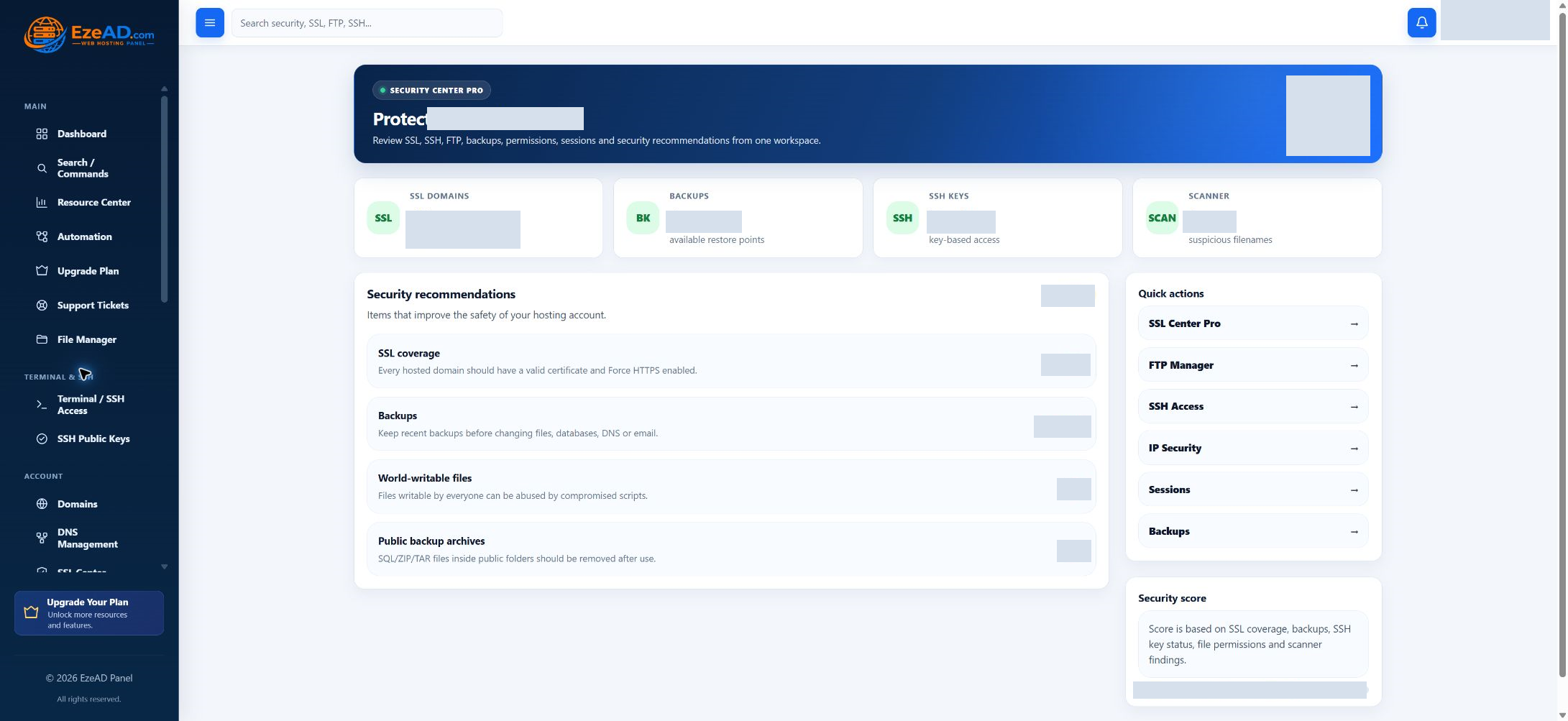
Backups, restore, malware scanning, sign-in security, sessions, support and upgrades.

How the customer panel works

Start from the account. Finish inside the right boundary.

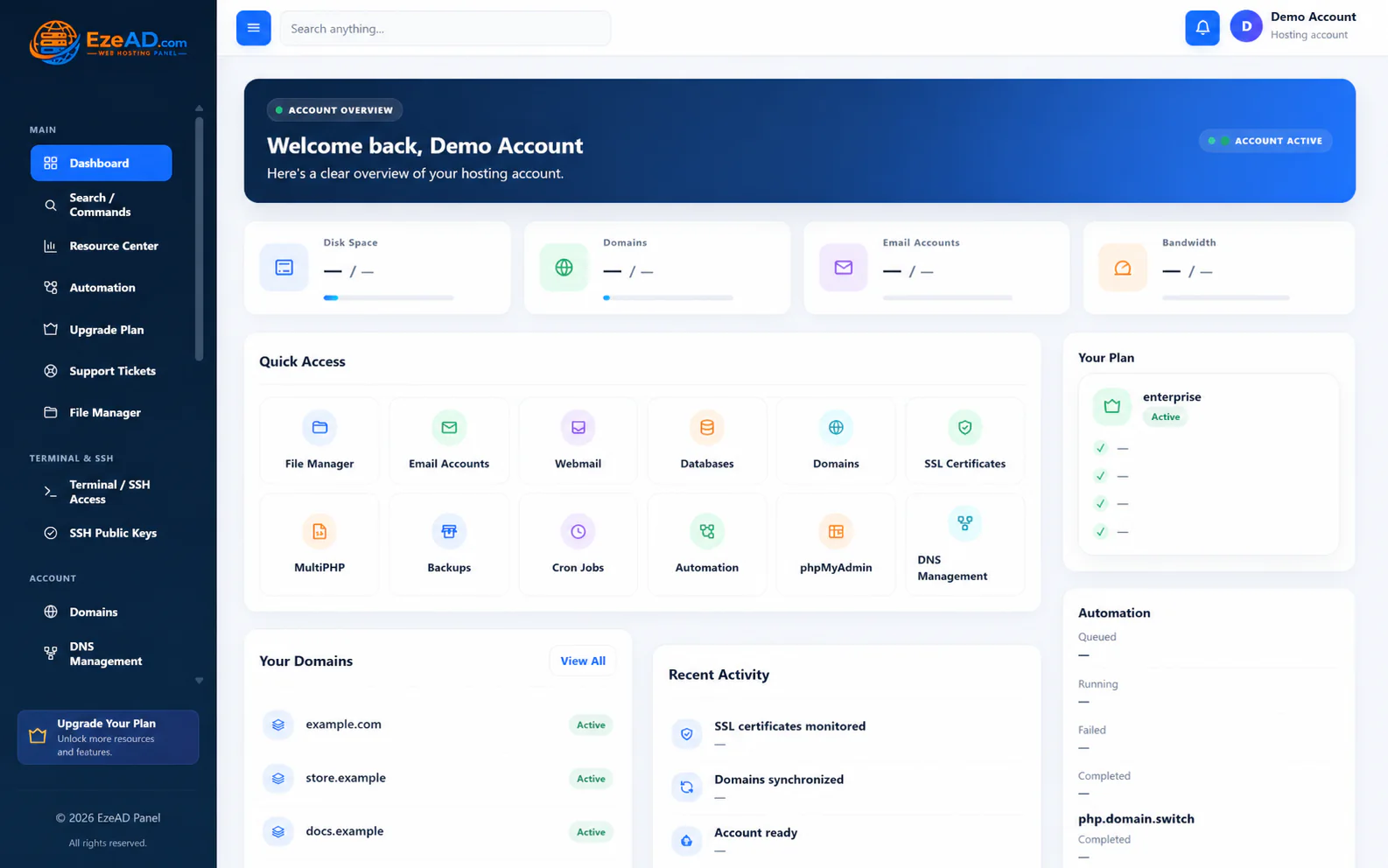
The dashboard gives customers one clear entry point, then moves them into focused workspaces without exposing unrelated server controls.

01

Understand account status

See services, usage, plan context, activity and the most common actions at a glance.

02

Open a focused workspace

Choose domains, email, databases, PHP, backups, files or security from direct navigation.

03

Complete a scoped action

Make the change with account ownership, limits and provider-managed controls still visible.

EZEPANEL IS UNDER DEVELOPMENT

Evaluate the product with its current boundaries visible.

Review current capabilities, planned commercial availability, technical requirements and documentation.