
Keep client websites organized around clear boundaries.
Manage domains, PHP, databases, SSL and backup coverage with a hosting account your team can understand and hand over deliberately.
Explore the workflow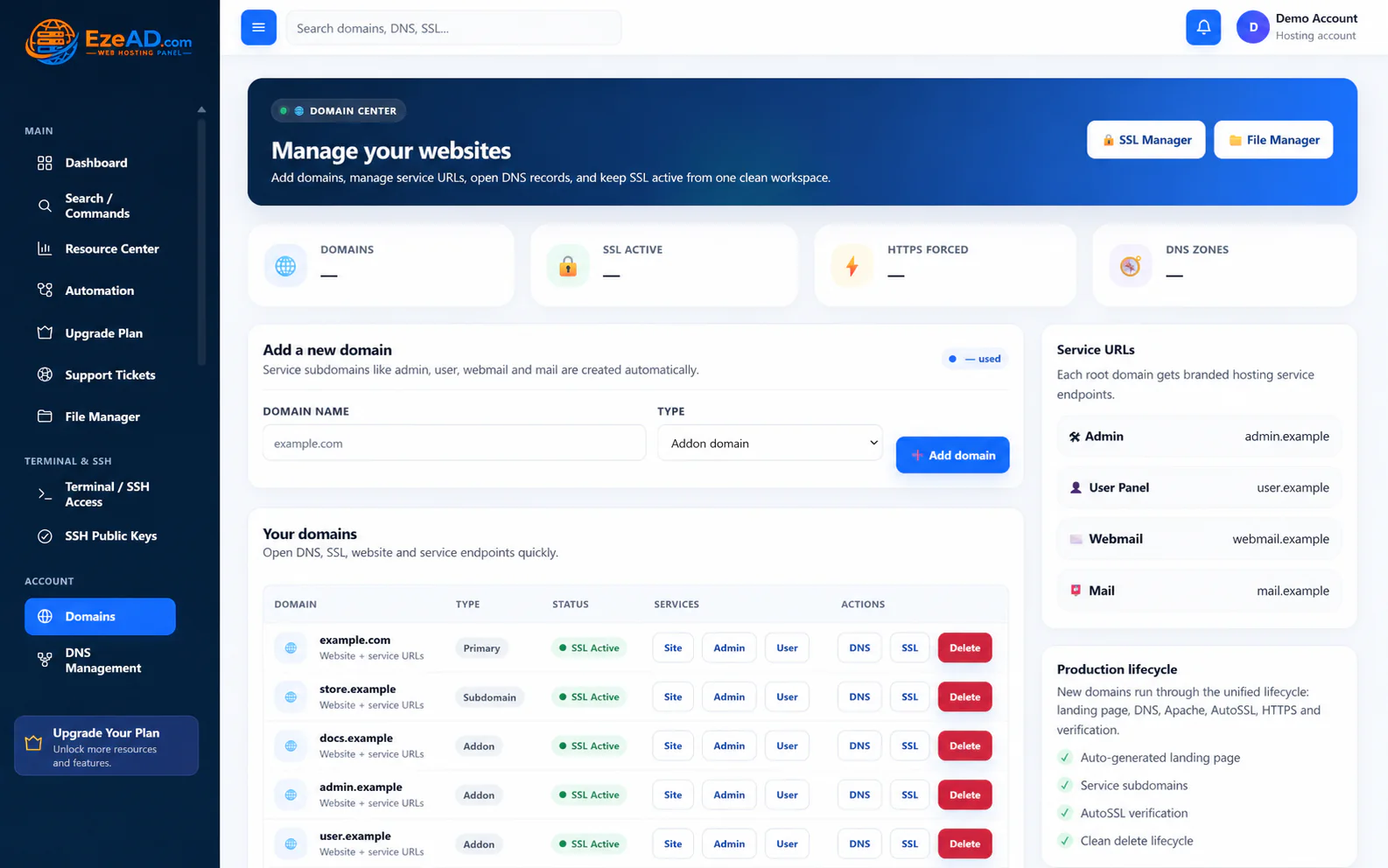
Client work becomes fragile when unrelated sites share credentials, recovery assumptions or undocumented runtime choices. Start with ownership and access, then connect the tools around each website.
Client ownership
Account identity
Website tools
Resource policy
Access and recovery
Choose the account boundary first.
Decide which client or service belongs in each hosting account. Account-scoped tools organize the domains, files, database identities and permitted access around that owner.
Multiple domains in one account are not separate tenant security boundaries. When clients need independent credentials and resource policies, plan separate accounts with the server operator.
Connect the domain to a working application.
Add the owned domain, confirm its document root and PHP runtime, create the database and application user, then configure the application with its full names and connection settings.
DNS delegation may remain with the registrar or an external provider. AutoSSL issuance, certificate coverage and an HTTPS redirect are separate steps; verify the public website rather than relying on a saved setting.
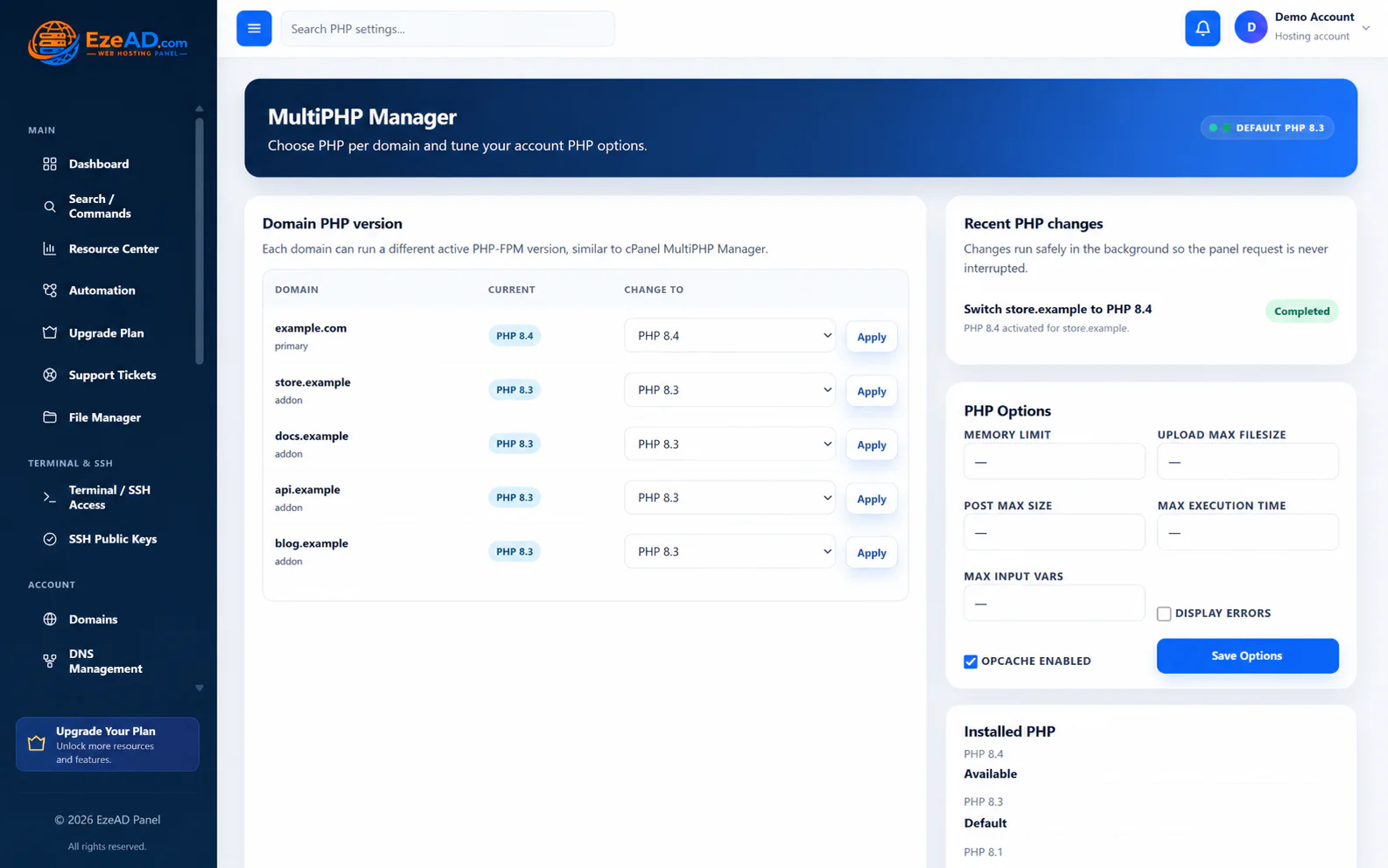
A connected workflow
- Separate client ownership
- Configure the site
- Verify DNS and HTTPS
- Protect files and data
- Hand over account tools
Make a change with a recovery path.
Keep website files and a usable database export before a material application change. Select a compatible installed PHP version and follow the runtime change result before testing the site.
File restoration does not import the database automatically. Keep the matching file and data versions together and plan how to recover a failed change without overwriting newer customer activity.
Hand over the right daily tools.
Give the client the appropriate account access for websites, email, files and support. The provider controls shell eligibility and other account capabilities.
Panel credentials, mailbox passwords, FTP credentials and database users have separate lifecycles. A panel password change does not rotate every application secret. Keep that distinction in the handover.
A practical scenario
Connect the workflow to daily work.
Example: an agency upgrades a client application. It records the current PHP choice, preserves files and SQL, changes the runtime within the permitted account scope and tests key pages before completing the handover.
Cleaner client ownership, a more deliberate change process and a customer workspace that reduces routine requests to the agency.
Frequently asked questions
Questions about this solution.
Does one domain equal one isolated client account?
No. Several domains can belong to the same hosting account. Separate client credentials and account policies require an intentional account structure.
Does EzePanel include an agency project-management system?
This solution concerns hosting operations around client sites. It does not claim a project, time-tracking or client invoicing platform.
Can I hand over a client site without server access?
The User Panel provides account-scoped hosting tools. The provider decides which features and shell access are enabled.
Explore the connected tools
Plan your next step
Discuss your client hosting setup.
Explore the software plans and commercial launch information, or discuss the requirements of your server and customers.