Now commercially available

EzePanel is live. Start your free 30-day trial.

Sign up & try free Trial eligibility and limits apply.

Hosting management + server operations

Hosting infrastructure.Under control.

Manage websites, hosting accounts and server resources while EzePanel monitors health, detects problems and helps keep services running.

Installed on your server Two focused workspaces
Built for Ubuntu · Explore system requirements →
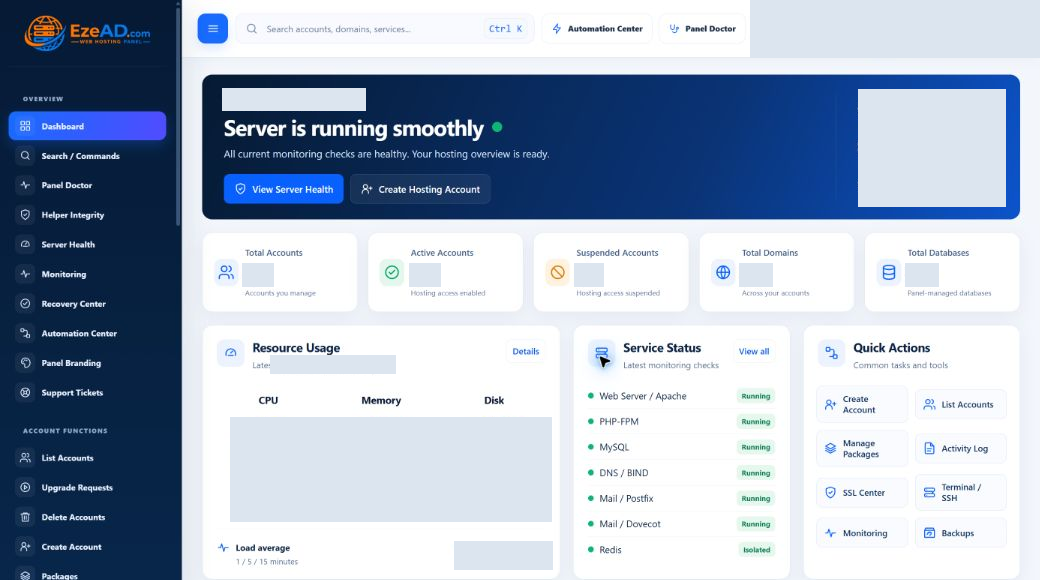
Admin Dashboard
Actual EzePanel Admin Dashboard with identity, counts and server measurements masked
Real hosting tools. Real server visibility.

The complete platform

One platform for hosting
and server operations.

Manage hosting, keep workloads under control and respond to problems from one connected platform.

Understand the platform

Built for both sides of hosting

Two workspaces. One hosting platform.

Administrators operate the server. Hosting customers manage their own websites and services.

Run the service. Keep the context.

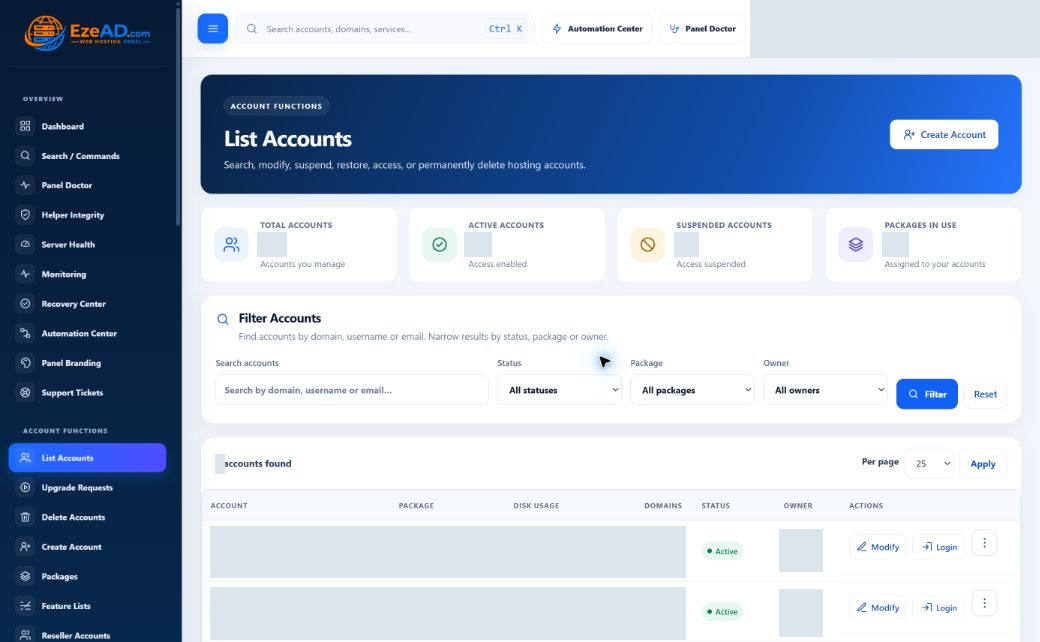
Manage accounts and packages, control resources and keep your server running from one workspace.

  • Accounts, packages and reseller delegation
  • Resource limits, PHP-FPM and service management
  • Server Health, Monitoring, Recovery and Automation
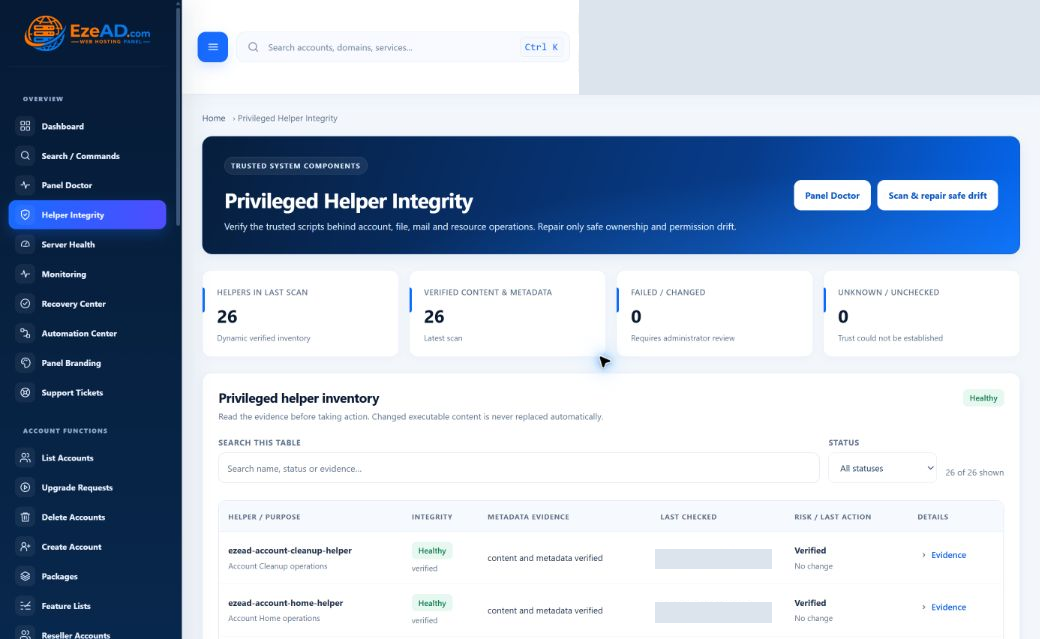
  • Domains, DNS, SSL, security and privileged access
  • Support tickets, notifications and branding
Explore Admin Panel
Admin Dashboard
Actual EzePanel Admin Dashboard with identity, counts and server measurements masked

Plans for your next server

Try free for one month.
Choose your room to grow.

Start with a free 30-day Trial or choose the hosting-account capacity that fits your business.

Compare all plans
Save ~17%

Get 2 months free with yearly billing.

Monthly prices shown.

One month free

Trial

Try EzePanel on your server for 30 days. No card required.

Free/ 30 days

No card required · no automatic renewal

1 hosting account

Your trial includes

  • 1 server · 2 websites
  • 2 subdomains · 2 domain aliases
  • 2 email mailboxes · 2 databases
  • Admin & User Panels
  • Domains, DNS & SSL certificates
  • PHP versions & PHP-FPM management
  • File Manager, FTP & scheduled tasks
  • Email accounts & webmail
  • MySQL databases & phpMyAdmin
  • Backups & restore workflows
  • Security & malware scanning
  • Server health & process monitoring
  • Recovery & task automation
  • Terminal & SSH access controls
  • Reseller panel not included
Start free trialOne trial per eligible verified customer and server.
For smaller servers

Starter

For developers, small businesses and smaller hosting servers.

$17.99/ month

$179.90 / year · 2 months free

Up to 5 hosting accounts

Included with Starter

  • 1 licensed server
  • Admin & User Panels
  • Domains, DNS & SSL certificates
  • PHP versions & PHP-FPM management
  • File Manager, FTP & scheduled tasks
  • Email accounts & webmail
  • MySQL databases & phpMyAdmin
  • Backups & restore workflows
  • Security & malware scanning
  • Server health & process monitoring
  • Recovery & task automation
  • Terminal & SSH access controls
  • Reseller panel not included
Get StarterUSD billing · automatic renewal only when selected.
Reseller access included

Business

For hosting companies, resellers and production hosting environments.

$34.99/ month

$349.90 / year · 2 months free

Up to 100 hosting accounts

Included with Business

  • 1 licensed server
  • Admin & User Panels
  • Domains, DNS & SSL certificates
  • PHP versions & PHP-FPM management
  • File Manager, FTP & scheduled tasks
  • Email accounts & webmail
  • MySQL databases & phpMyAdmin
  • Backups & restore workflows
  • Security & malware scanning
  • Server health & process monitoring
  • Recovery & task automation
  • Terminal & SSH access controls
  • Reseller Panel & reseller management
Get BusinessUSD billing · automatic renewal only when selected.

Tool availability follows your license, hosting package and enabled server services. Configure backups, email, DNS and SSH permissions for your environment. Trial limits apply across the server.

Need more than 100 hosting accounts or a custom deployment?

Contact Sales

Keep shared capacity under control

One website shouldn’t
overwhelm your server.

Control CPU, RAM, processes and PHP workers for each hosting account. Set defaults by package and adjust individual accounts when they need more—or less.

CPU & memoryKeep shared capacity balanced
Processes & PHP workersControl concurrent workloads
Disk I/OManage read and write limits
MySQL & RedisSet connection and cache limits
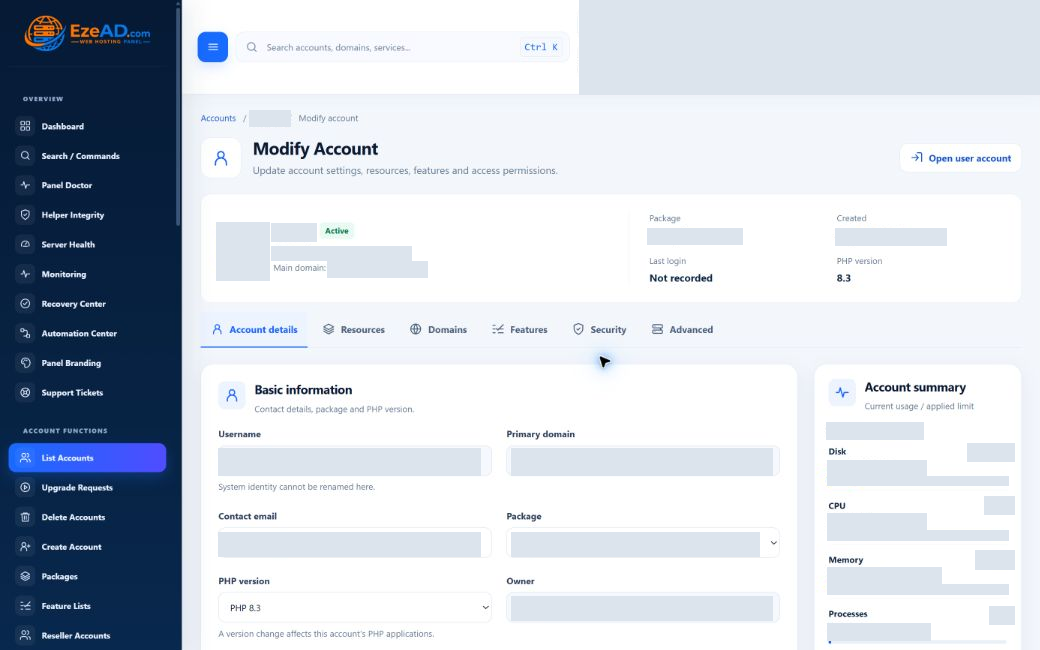
Explore Resource Isolation
Modify Account
Real Modify Account screen with Resources tab and private account values masked
Illustrative resource allocation example8-core / 32 GB host · limits, not reserved hardware

Account A2 cores · 4 GB RAM · 16 PHP workers

Account B4 cores · 8 GB RAM · 32 PHP workers

See the cause, not just the load

See what’s happening
on your server.

Trace server pressure back to the process, account and website behind it. See where to investigate before changing or restarting a service.

  • Load averages · 1 / 5 / 15
  • CPU usage
  • Memory usage
  • Processes
  • PHP workers
  • MySQL connections
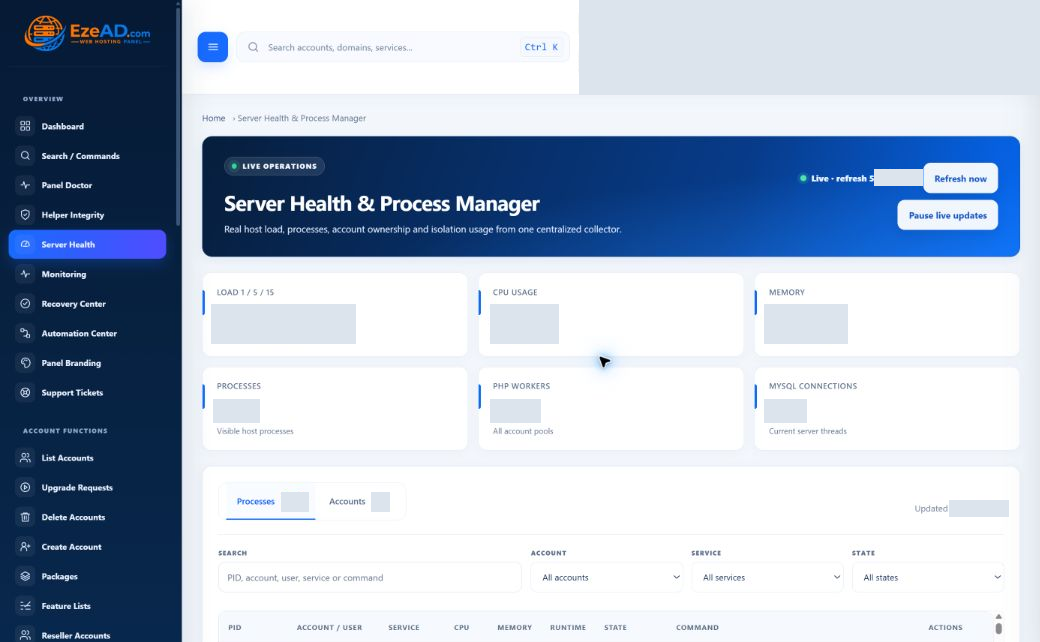
Explore Server Health
Server Health
Actual EzePanel Server Health overview with host metrics and private values masked
Follow the pressure Server Process Account Website

Account and website context appears where available. Check the snapshot time for freshness.

Detect. Investigate. Respond.

Know something is wrong before customers tell you.

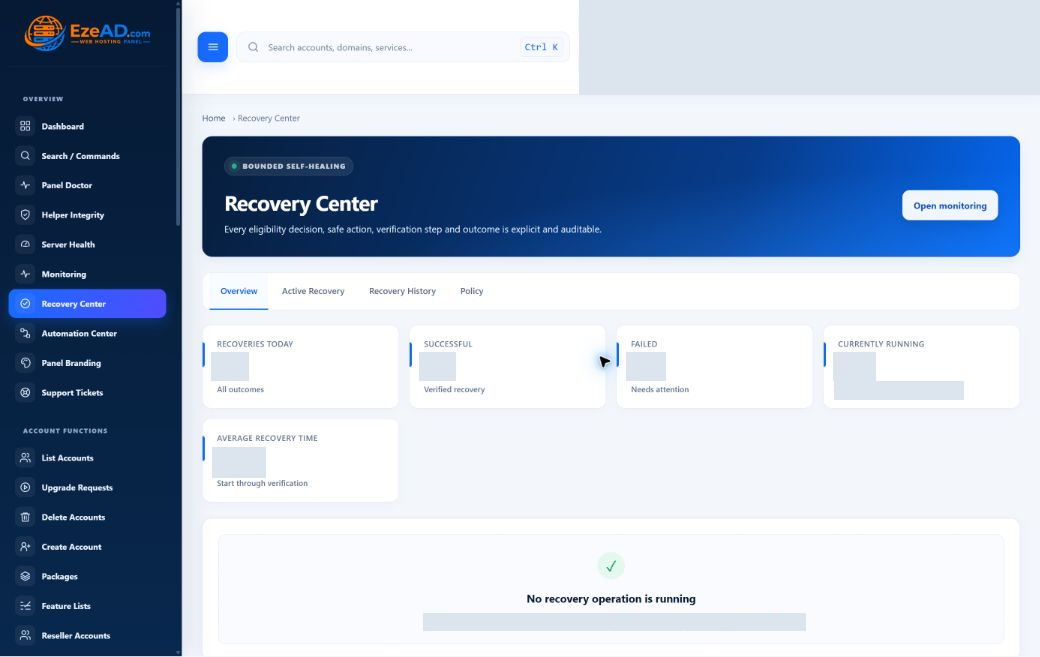
Spot persistent service problems, see who is affected and follow the incident from detection to a verified result.

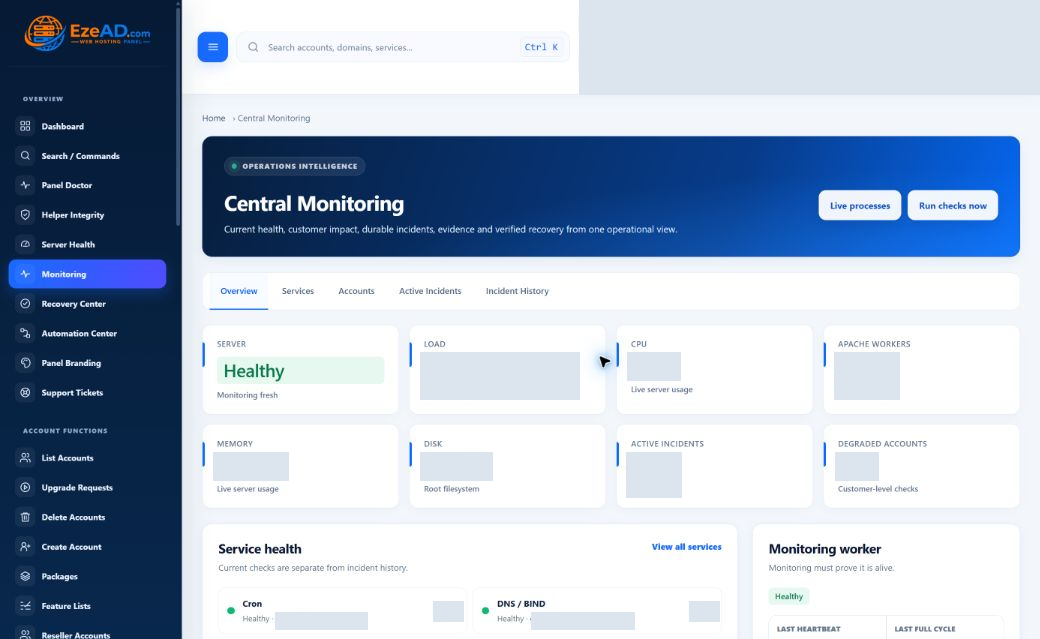
Explore Central Monitoring
Monitoring
Actual EzePanel Central Monitoring workspace with private data masked
Illustrative operating scenario · not a recorded incident
  1. Detected

    EzePanel found a persistent service problem.

  2. Evidence

    The affected account and process details were recorded.

  3. Recovery

    A safe, targeted action was allowed.

  4. Verified

    Monitoring confirmed the service returned healthy.

When recovery cannot run safely, the incident stays visible for administrator review.

CONTROLLED RECOVERY

Recovery you can audit.

Follow the problem through five clear steps.

  • Detect — identify the persistent problem.
  • Evaluate — check whether a safe action is allowed.
  • Recover — target the affected service where supported.
  • Verify — check whether the service is healthy.
  • Record — keep the action and result in history.
Explore Recovery Center
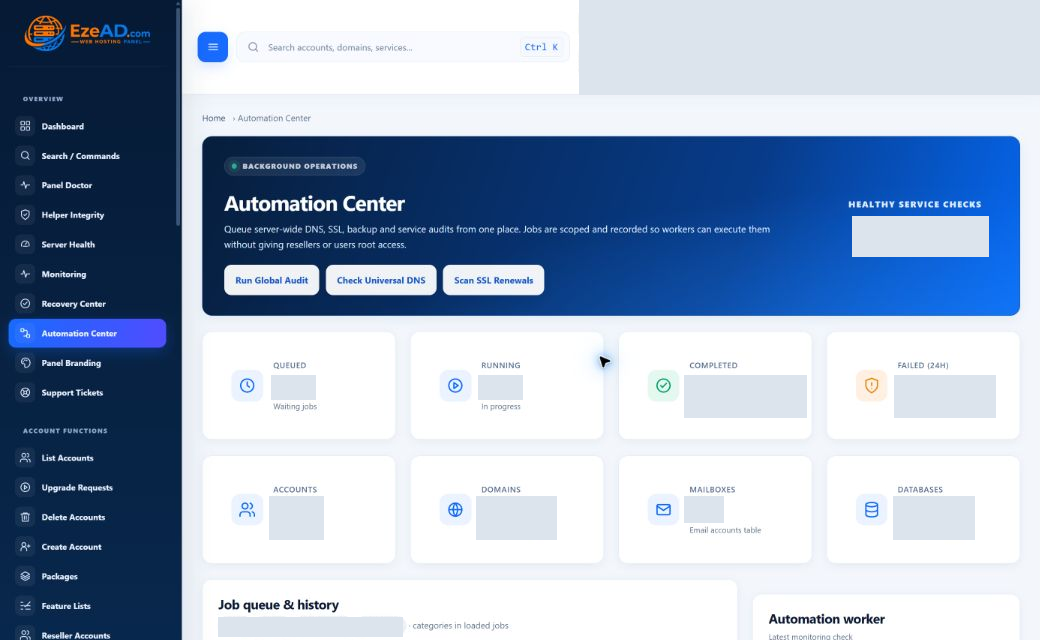
BACKGROUND OPERATIONS

Let recurring work run in the background.

Schedule supported jobs and follow their progress without keeping a browser window open.

  • Scheduled backups and maintenance
  • Job progress, results and failures
  • Logs and history for follow-up
Explore Automation Center
BUILT-IN PROTECTION

Protection belongs in the workflow.

Bring website protection, account security and backups into the same daily workflow.

  • SSL / AutoSSL and web protection
  • MFA and session security
  • Malware scans and backup history
Explore security controls

Complete hosting management

Daily tools. Connected context.

Explore the tools for your customers, your server and your hosting business.

Everything your hosting customers need.

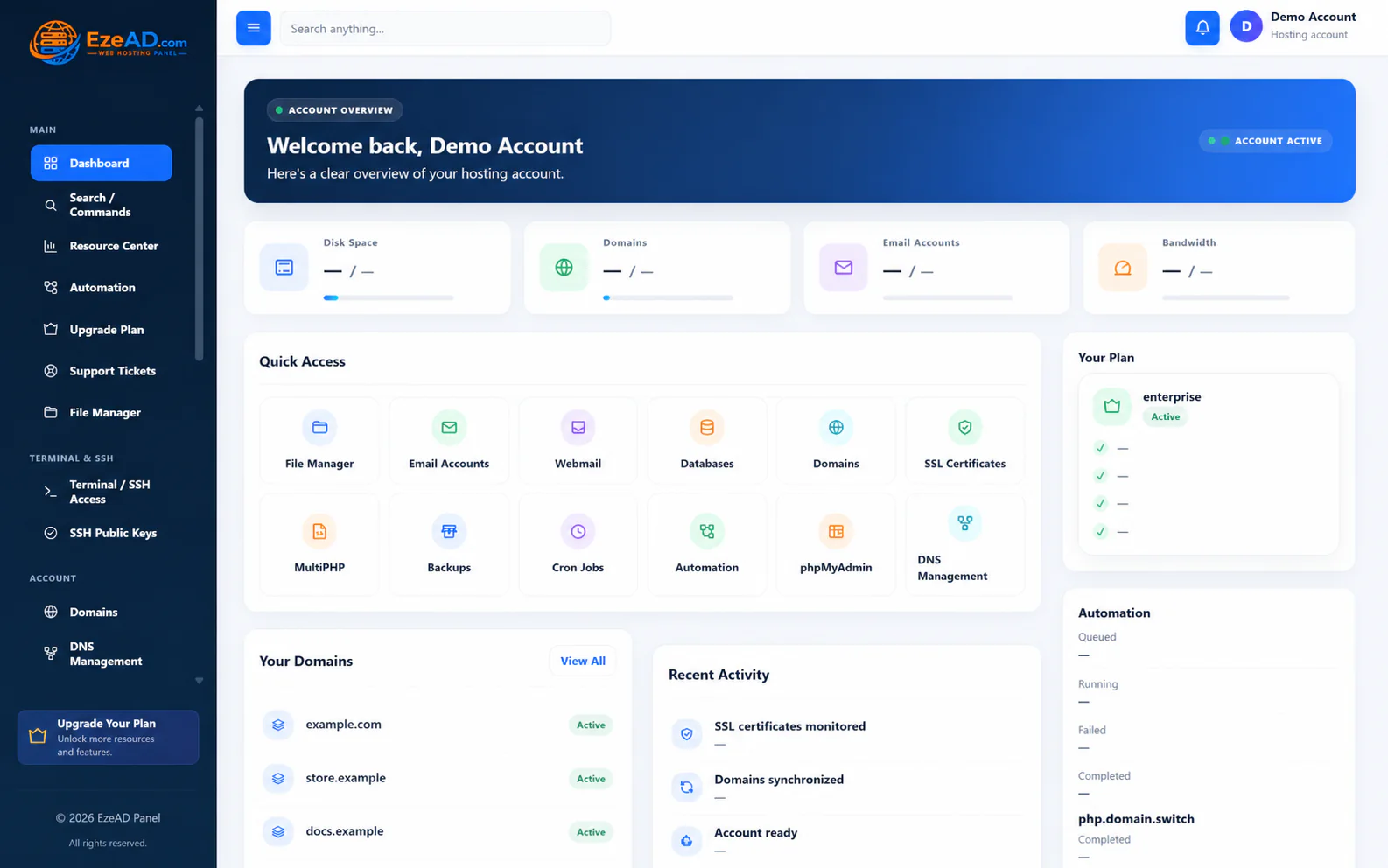
Manage domains, DNS, SSL, PHP, email, databases, files, FTP, backups, cron and SSH from one customer workspace.

  • Websites, domains, DNS and SSL
  • PHP versions and permitted options
  • Email accounts and webmail
  • Databases, phpMyAdmin, files and FTP
Explore hosting tools
User Dashboard
Actual EzePanel hosting User Dashboard with sanitized demonstration identifiers

Why EzePanel

Operate the hosting service,
not only its settings.

Keep customers productive and give your team the context to solve problems—not just another settings screen.

The thinking behind EzePanel

Prevent noisy neighbors

Resource controls help contain demanding customer workloads.

See the cause, not just the alert

Connect server pressure with the process and hosting account behind it.

Recover with evidence

Use targeted recovery and check the result before calling the problem resolved.

Give customers more control

Let customers manage domains, PHP, email, databases and security without routine administrator intervention.

Data protection + security

Protection should be
part of the platform.

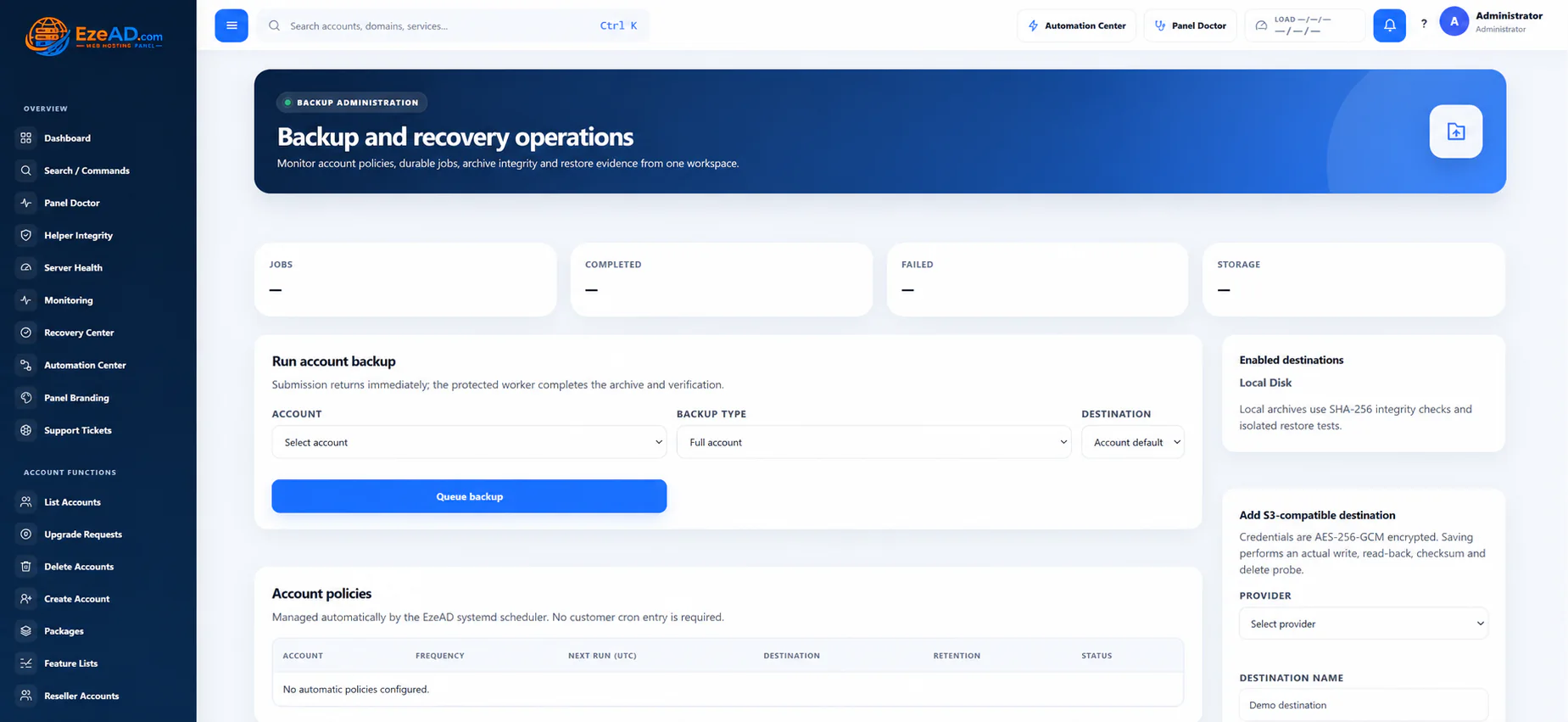
Schedule website and database backups, follow their history and restore selected content when needed.

Backups & restore

Schedules, job history and restore workflows in one place.

Layered controls

SSL, malware scanning, account security and notifications.

Choose the right backup scope and destination, then test restores before relying on them.

Backups
Actual EzePanel administrator backup workspace with sanitized data

Future vision · not available functionality

The next step:
hosting that can help
diagnose itself.

An assistant could assemble the evidence, explain a proposed response and request approval. EzePanel would execute through controlled, permission-aware actions—not an unrestricted shell.

Explore AI Operations Vision
Concept only · no live action
You

My website is down.

EzePanel AI — hypothetical response

The evidence points to PHP-FPM worker exhaustion on the affected account. Review a targeted restart, then verify the website response.

Review proposed fix
  1. Diagnose
  2. Explain
  3. Approve
  4. Fix
  5. Verify
Future safety model. Not an available AI feature or a delivery commitment.

Practical questions

Know what you’re
putting into service.

Straight answers about everyday hosting, monitoring and recovery.

Read the operating guides
How does EzePanel monitor server health?

Server Health shows recent load, CPU, memory, process, PHP-worker and MySQL readings. Central Monitoring checks services and records persistent problems. Each view includes freshness information.

What information is recorded when an incident occurs?

The incident keeps check results, affected service or account details, severity and history so administrators can understand what happened.

How does recovery verification work?

After a supported recovery action, EzePanel checks the result and records it. Monitoring separately reassesses the service so an attempted fix is not confused with a healthy outcome.

Can resource limits be changed for individual accounts?

Yes. Set defaults in a package, then adjust supported limits for an individual account. The resource guide explains how changes are applied.

How do EzePanel backups work?

Create or schedule backups for selected websites and databases, review job history and use the supported restore workflow. Test restores to confirm your recovery plan.

What happens when recovery cannot run safely?

EzePanel does not force the action. The incident and its evidence remain available for administrator review.

What can hosting customers manage themselves?

Their permitted domains, DNS, SSL, PHP, email, databases, files, FTP, backups, cron, SSH and security tools. Access follows the hosting package and provider policy.

How is EzePanel licensed?

EzePanel is server-installed software with a separate commercial portal. Review the current pricing and licensing pages for availability, approved terms and activation requirements before purchasing.

Your infrastructure. Your operating model.

Ready to put your hosting
infrastructure under control?

Explore modern hosting management, server visibility, resource control and operational automation.

Get EzePanel View PricingRead Documentation →Check current availability and approved terms before purchase.