Define the boundary
Choose the account owner, package, Feature List and any resource exception. Make the ordinary policy reusable and the exceptions visible. A reseller delegation should identify exactly which customers and packages it can manage.
Administrator workspace / implemented source
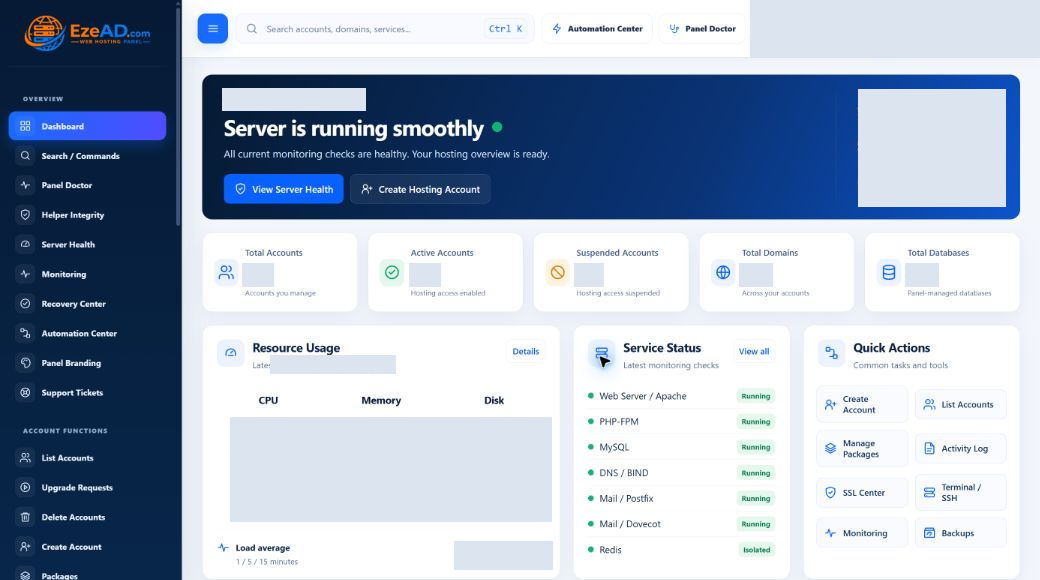
Provision accounts, resolve policy, investigate service health and manage supported recovery from a workspace built around operator responsibility.
The working model
Choose the account owner, package, Feature List and any resource exception. Make the ordinary policy reusable and the exceptions visible. A reseller delegation should identify exactly which customers and packages it can manage.
The backend validates the request and calls the relevant provisioning service or restricted helper. Generated Linux, web, PHP, database and mail state must remain consistent with the application record.
Review effective state, worker freshness and incident evidence. Use supported recovery only when eligible, and verify its after-state. Keep a data-recovery plan separate from service restarts.
Current interface / account operations
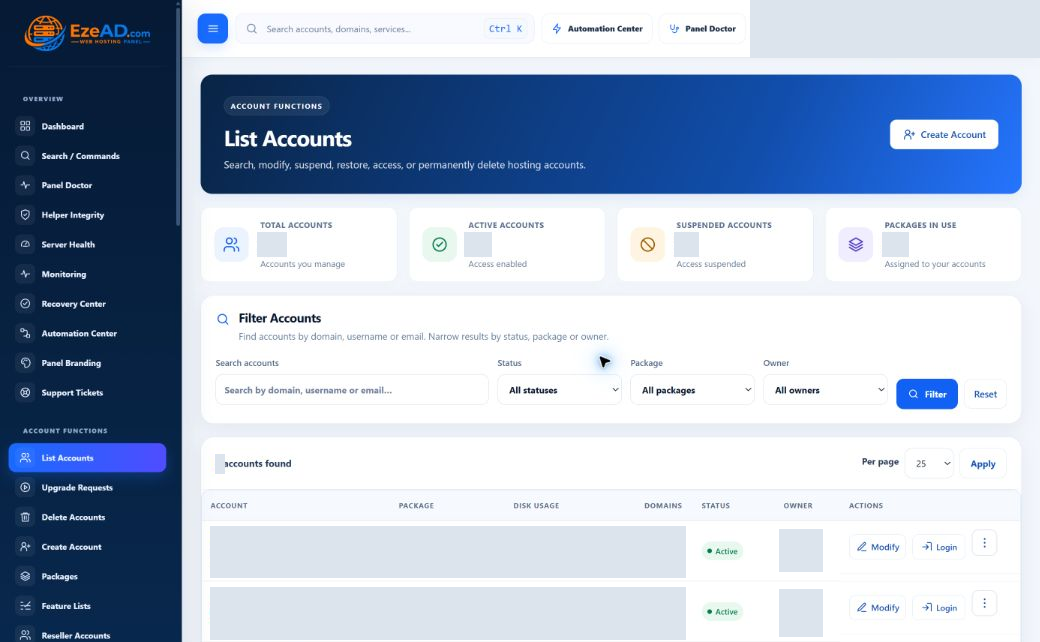
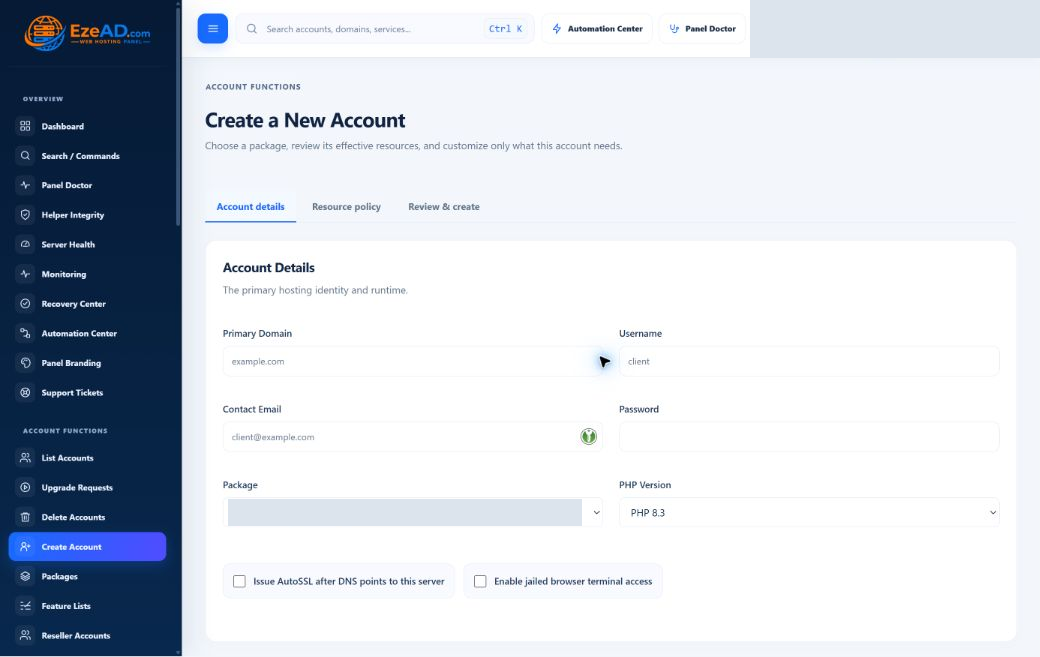
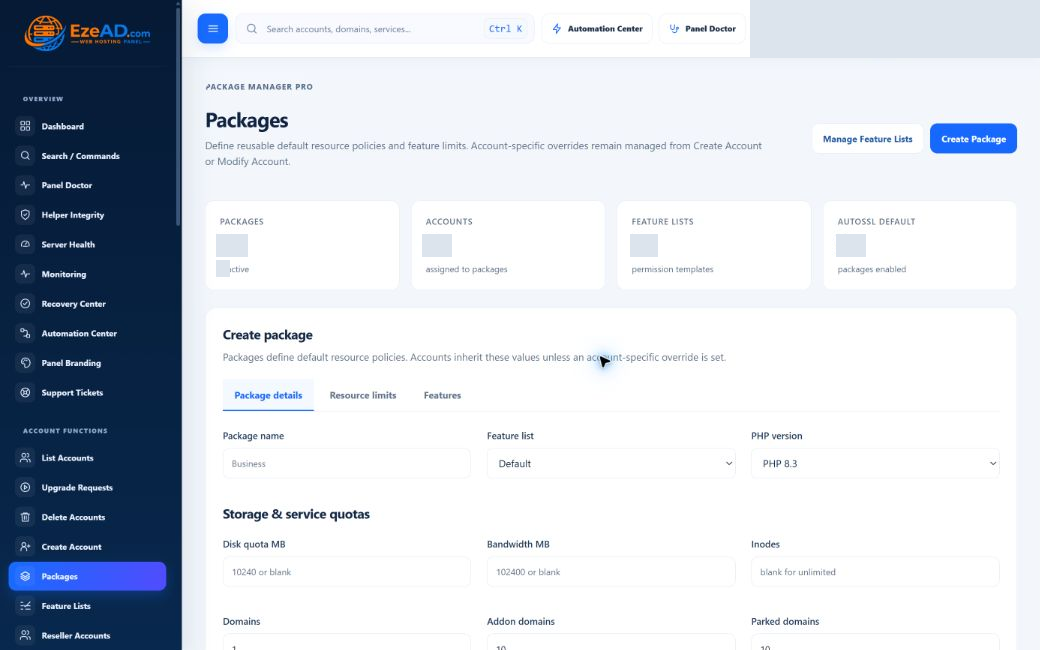
These are actual administrator captures. Opaque masks hide private identities, configuration values and production measurements; the interface labels and statuses are unchanged. Click or tap a picture to inspect it at a larger size.

Filter by account identity, status, package and owner. Review the account row and its service usage before opening Modify. Production identities and measurements are hidden in this capture.
Read the related workflow
The form collects a primary domain, username, contact email, password, package and installed PHP version. AutoSSL and browser-terminal choices are explicit. Account details, resource policy and review are separate steps; submission is not proof that all services were provisioned.
Read the related workflow
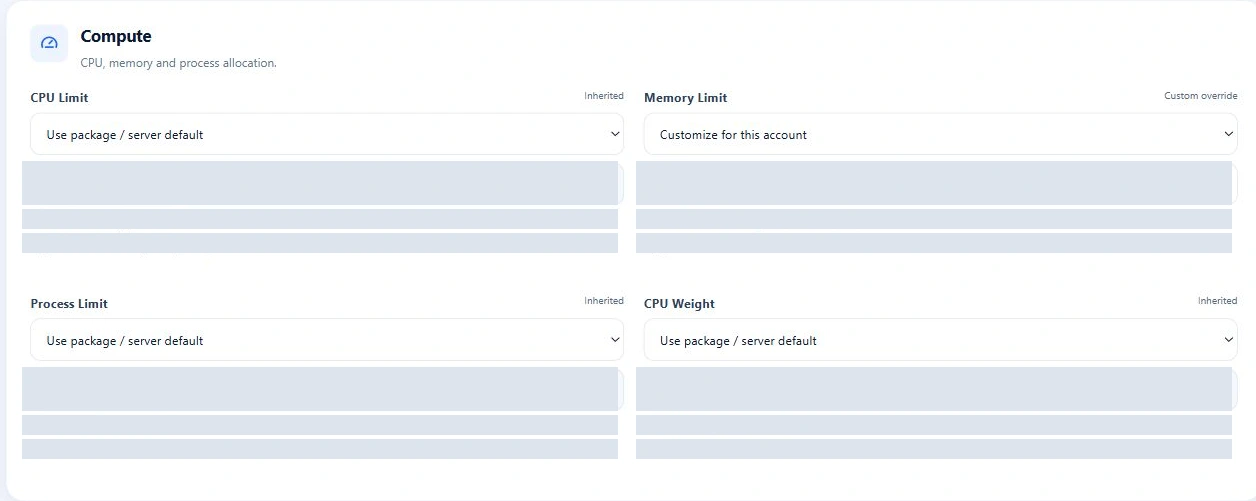
Details, Resources, Domains, Features, Security and Advanced organize different changes. Package changes can preserve or reset account resource overrides. Inspect synchronization and the resulting runtime; unavailable telemetry must not be interpreted as zero usage.
Read the related workflow
A package brings together service quotas, an installed PHP choice, resource defaults and a Feature List. Account-specific overrides remain separate. These are provider-created hosting packages—not EzePanel software subscription prices.
Read the related workflow
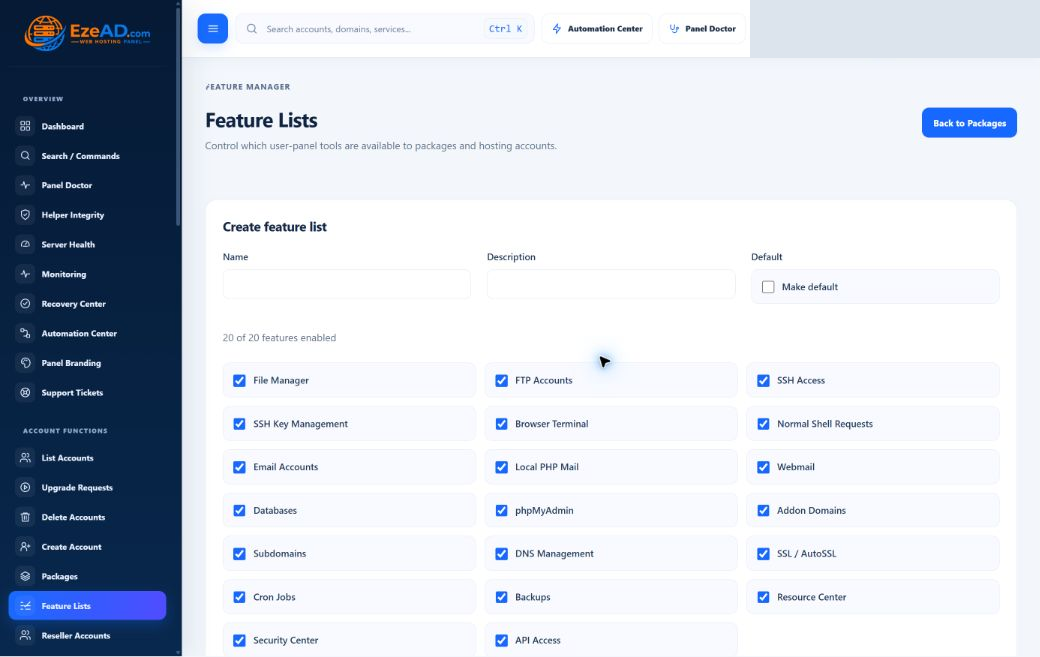
Name and describe a list, choose its customer tools and optionally make it the default. The interface includes files, mail, databases, DNS, SSL, backups and access tools. A list used by packages cannot be deleted until those packages are reassigned. Tool availability does not replace backend authorization.
Read the related workflowCurrent interface / operational evidence
Choose the workspace that answers your question: what is consuming resources, what is unhealthy, whether privileged helpers are trusted, or what happened after a queued action.

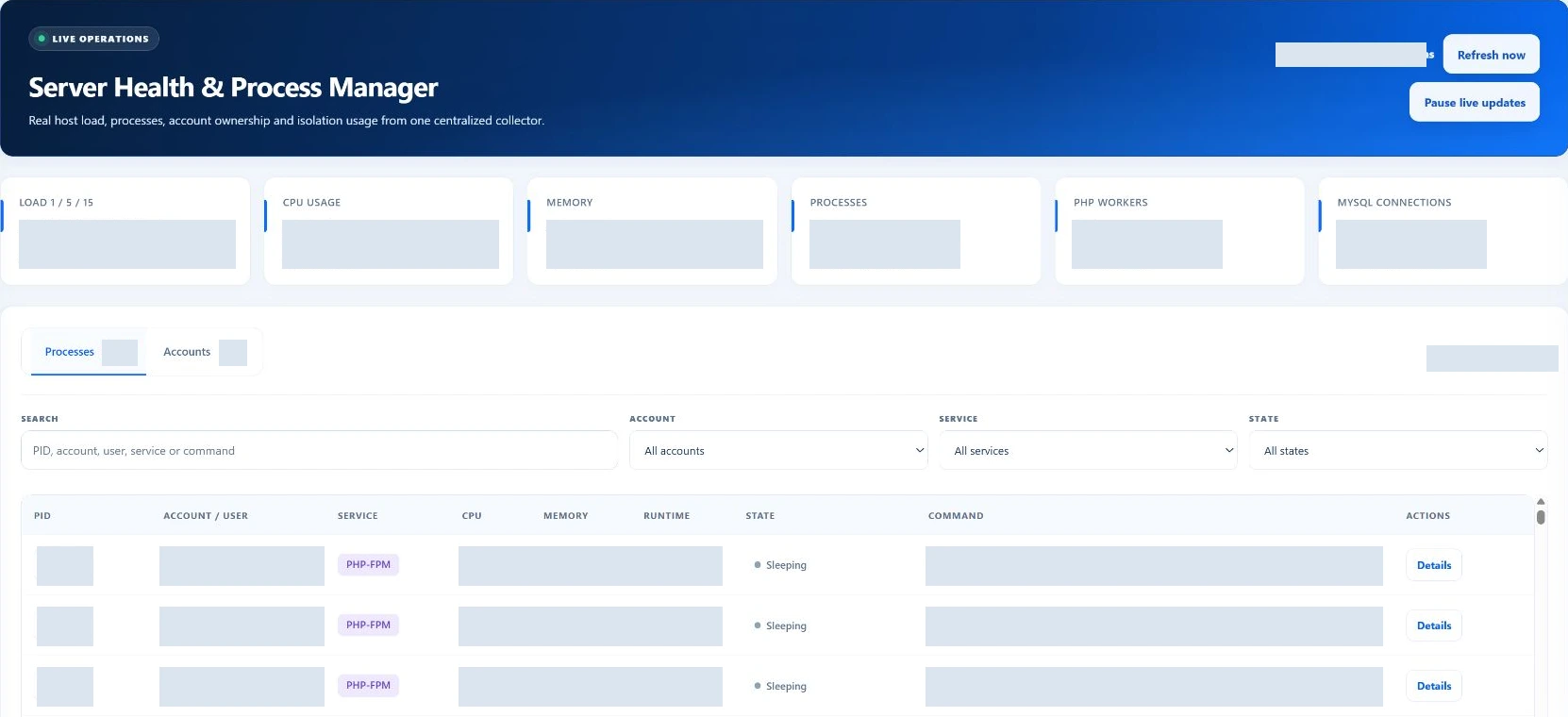
Inspect load, CPU, memory, process count, PHP workers and MySQL connections, then use the process or account view to narrow the investigation. Freshness matters: a cached observation is not a continuous guarantee. This overview crop excludes process rows and hides host measurements.
Read the related workflow
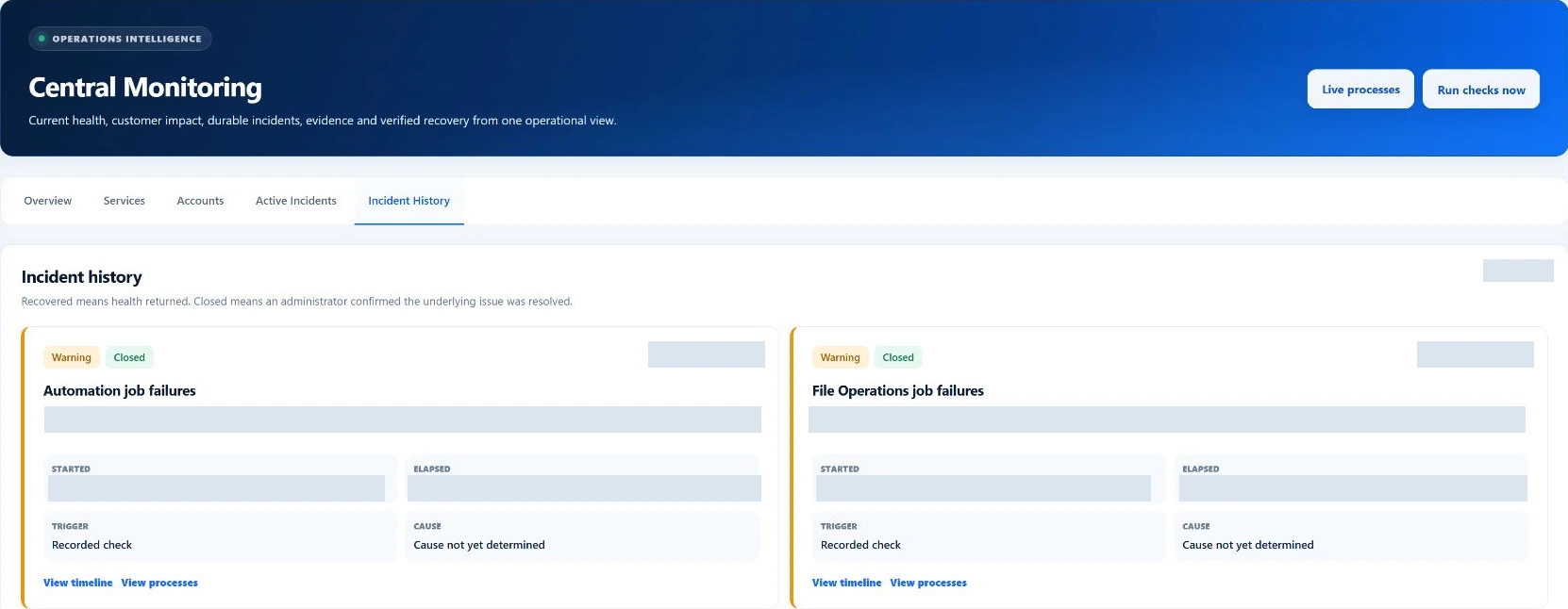
Overview, Services, Accounts, Active Incidents and Incident History answer different questions. Check worker freshness alongside service health. A healthy state in this historical capture is not a live status report for your installation.
Read the related workflow
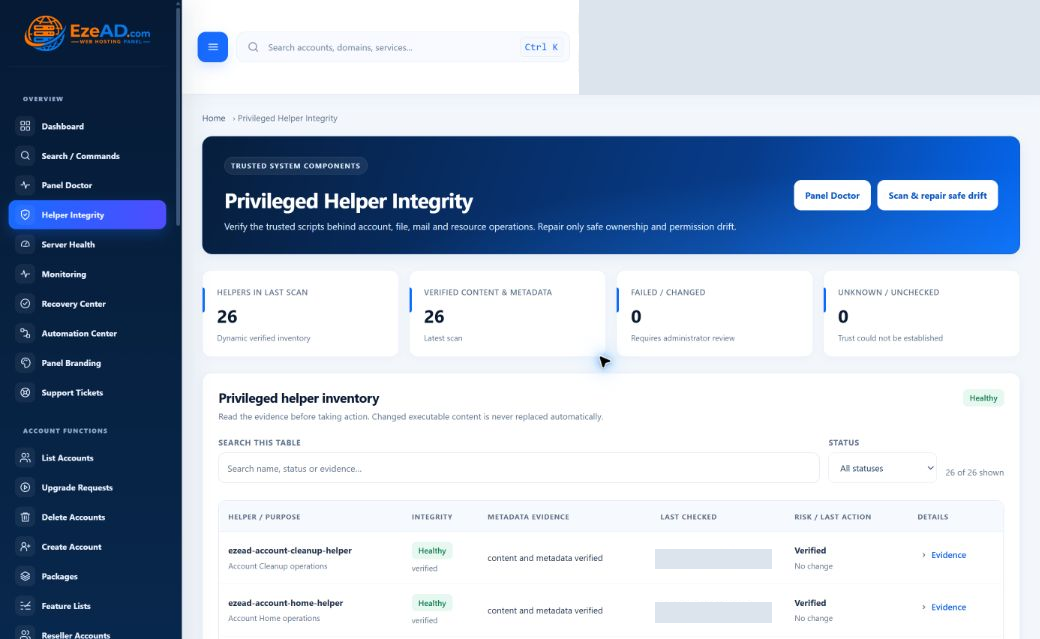
Review helper content, metadata, last-check evidence and failure or unknown states. Safe repair is limited to supported ownership and permission drift under its authorization checks. Changed executable content is not silently replaced by this repair action.
Read the related workflow
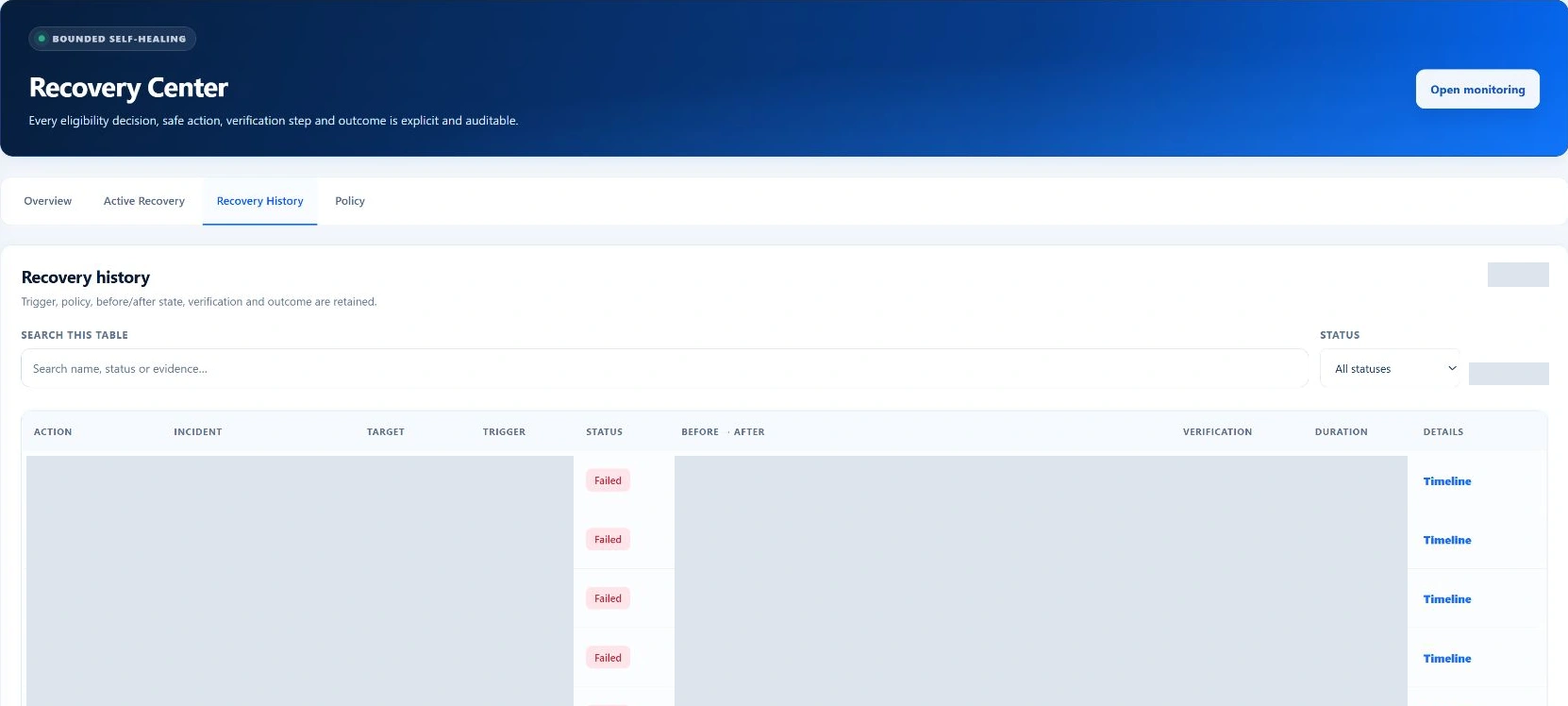
Overview, Active Recovery, Recovery History and Policy separate current work from previous attempts. Supported actions depend on eligibility, maintenance state, retry limits and cooldowns, followed by verification. Service recovery is not a data restore or a universal repair guarantee.
Read the related workflow
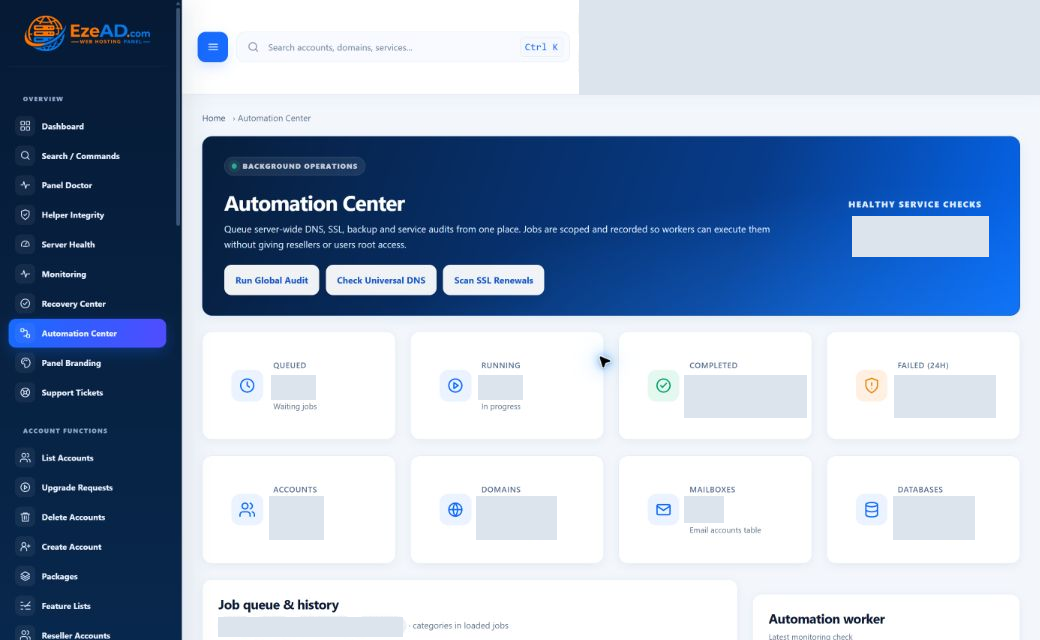
Review queued, running, completed and failed operations alongside job history and worker evidence. The interface exposes supported audit, DNS and SSL entry points. A queued request still needs a working executor; do not equate acceptance with successful completion.
Read the related workflowExact role. Exact module.
These earlier sanitized captures provide additional monitoring, recovery, security and backup context; they are separate from the refreshed interfaces above. Click a screenshot to inspect it. A capture illustrates the interface; it does not certify the current state of a server.

Connect current host health, services, incidents and customer impact in one operator view.
Explore this workspace
Review eligibility, bounded action, verification and incident history before closing an event.
Explore this workspace
Keep restricted operations, web protection, identity controls and evidence inside explicit boundaries.
Explore this workspace
Coordinate scheduled protection, restore scope, job progress and recoverability evidence.
Explore this workspaceCurrent terminal, reseller and branding captures remain unavailable in this reviewed asset set. Those capabilities are described below without substituting another role’s interface.
Workflow directory / 26 capabilities
Each entry identifies a useful operation and its limit. Availability is subject to release, configuration, role and entitlement; these are not a promise of unlimited resources or universal compatibility.
Define the identity and package, provision the hosting account, then verify its service state. A database record is only one part of a usable account.
Provisioning requires authorized administrator or delegated ownership scope.
Read the workflowChange supported account settings and inspect the resulting state. Keep the customer identity, service configuration and effective package policy consistent.
A saved form does not independently prove runtime reconciliation.
Read the workflowReview ownership and data impact before removing an account. Treat hosted files, databases and service identities as data-bearing resources rather than a disposable row.
Destructive behavior needs explicit authorization and a recoverable data plan.
Read the workflowDefine reusable hosting allowances and assign them to accounts. Use package defaults to explain the ordinary service offer rather than repeating ad hoc limits.
Hosting packages are not EzePanel software subscriptions or approved commercial editions.
Read the workflowChoose the customer tools a package exposes. Review feature entitlements alongside backend permission checks so hidden navigation is not mistaken for access enforcement.
Role, ownership and entitlement remain separate checks.
Read the workflowAssociate a reseller with permitted accounts and packages. Verify ownership restrictions using the delegated identity rather than relying on a reseller label.
A technical reseller profile does not establish a commercial reseller programme.
Read the workflowCompare server defaults, package values and account exceptions. Reconcile the resolved policy with Linux, PHP and database behavior and inspect warnings.
Actual enforcement depends on the supported host and successful reconciliation.
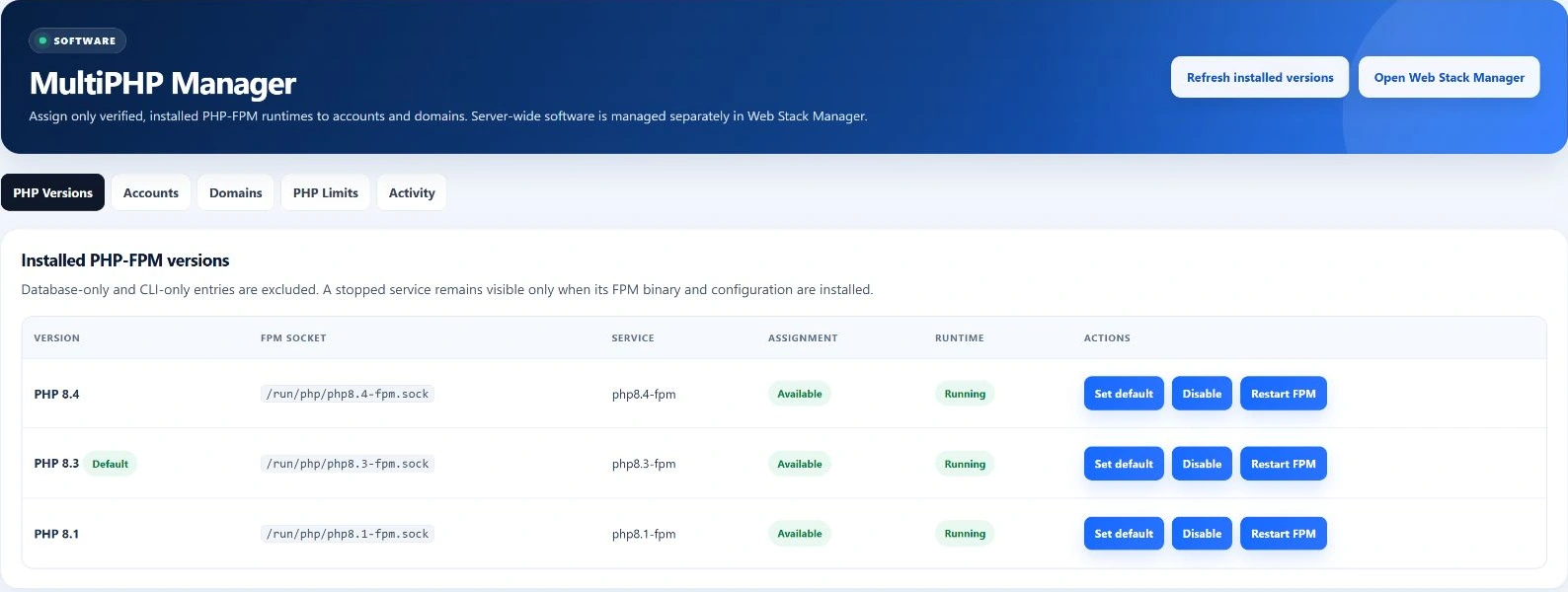
Read the workflowManage available runtimes and account pools while preserving the panel runtime. Relate worker and request limits to effective account resource policy.
A worker, request and browser session are different units of work.
Read the workflowRead a recent shared snapshot of load, memory and process activity. Use account attribution to narrow a noisy workload before changing limits.
Freshness and attribution confidence are part of the evidence.
Read the workflowInspect process identity, state and resource use in context. Distinguish customer workload from protected platform services before considering any allowed action.
Protected-process and ownership checks restrict actions; this is not unrestricted process control.
Read the workflowFollow service and account checks into incidents with timestamps and evidence. Review worker freshness so a stale observation cannot masquerade as current health.
Check configuration and retention are deployment-specific, not an uptime guarantee.
Read the workflowReview incident eligibility, supported action, cooldown and attempt state. Inspect the subsequent health evidence and retain the result for investigation.
Only allowlisted recovery conditions are handled; not every failure can self-heal.
Read the workflowInspect the relevant service and use supported lifecycle operations with the correct authority. Keep service impact and operational evidence attached to the change.
A service restart can interrupt customers and is not a generic troubleshooting shortcut.
Read the workflowTrack supported queued operations and their worker transitions. Separate requested, running and completed work before retrying or closing an incident.
Queue persistence does not prove a worker is fresh or a job succeeded.
Read the workflowConfigure supported backup scope, schedules and destinations, then review history and restore evidence. Account for staging capacity and destination availability.
An enabled feature is not a successful backup or a verified restore.
Read the workflowReview databases, users and their account association. Use supported grants and connection policy rather than sharing a platform database identity with customers.
Names, credentials and grants must remain within authorized scope.
Read the workflowAssociate a domain with its owning account and generated web configuration. Review the website root and service endpoints before public traffic moves.
External DNS may still point somewhere else after local provisioning.
Read the workflowReview zones, records and intended nameserver authority. Generated DNS configuration must validate, and public delegation must reach the intended service.
A local zone is not evidence of registrar delegation.
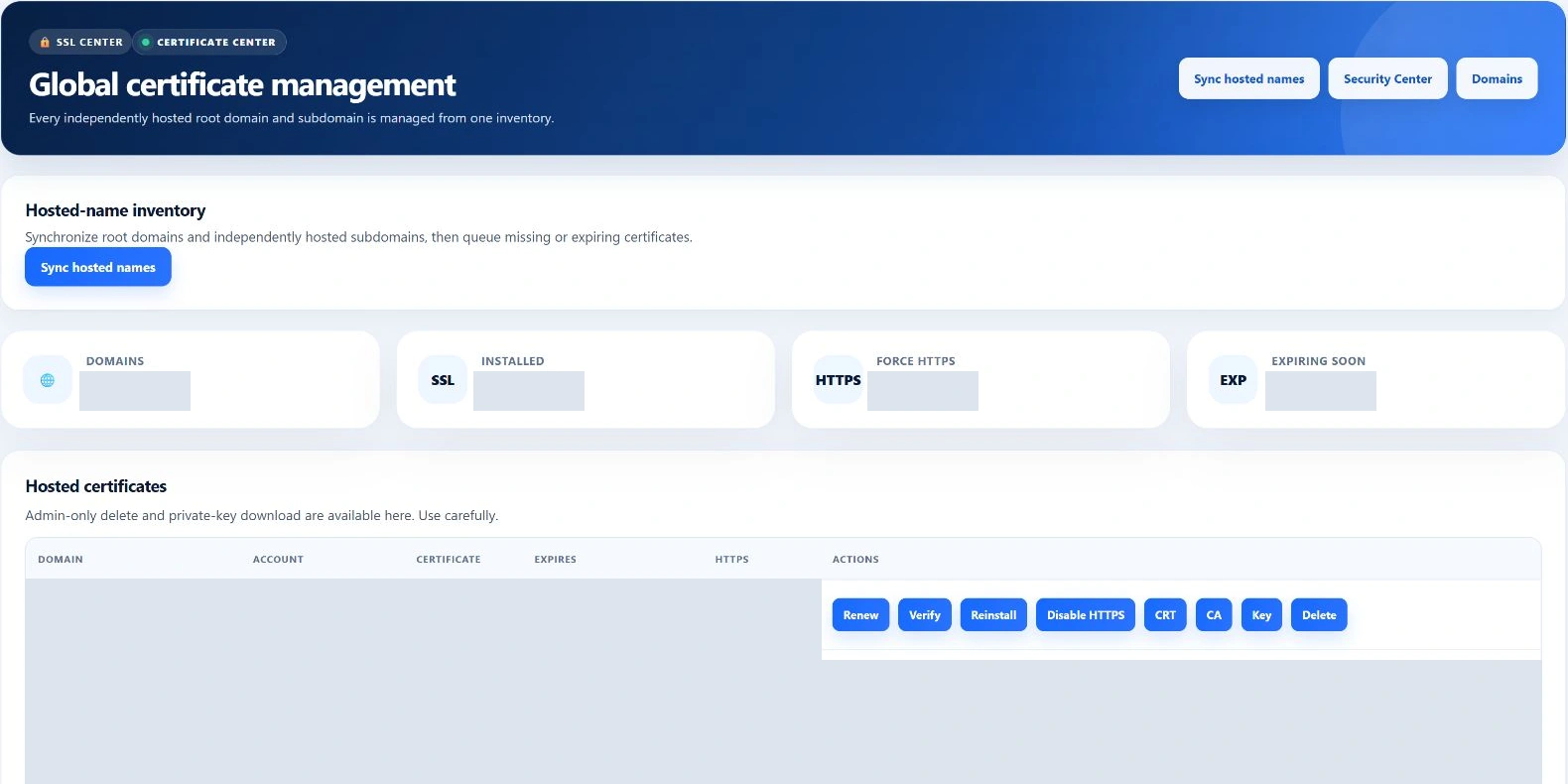
Read the workflowCheck domain eligibility, certificate state and renewal behavior. Validate the certificate on the endpoint clients actually use after provisioning.
Issuance depends on ownership, DNS and certificate-authority validation.
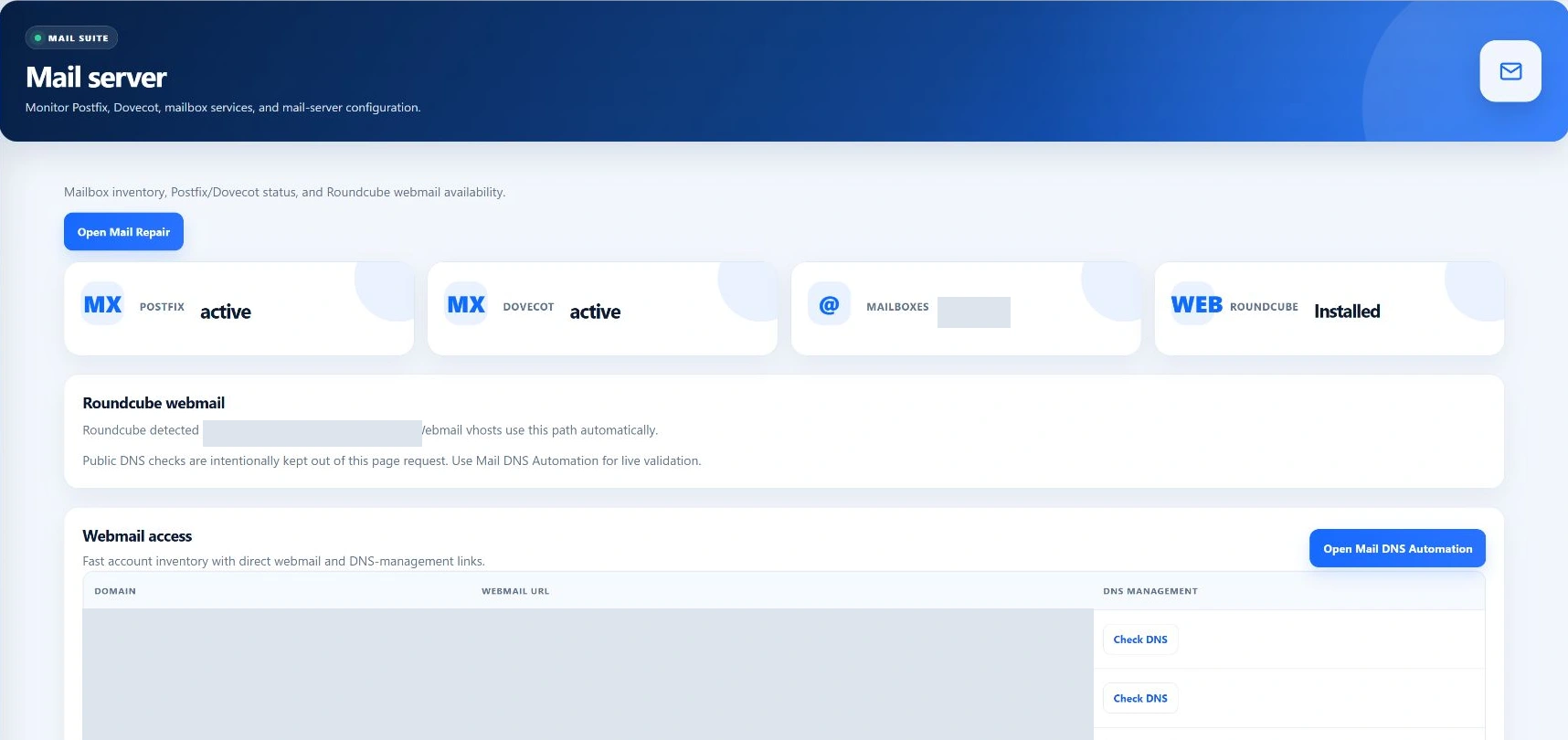
Read the workflowSeparate mailbox provisioning, mail queues, client authentication and deliverability. Inspect the relevant stage instead of treating mailbox creation as inbox-delivery proof.
Notification SMTP and hosted customer mail are distinct configurations.
Read the workflowTrack hosting-customer tickets, replies and status. Review notification transport separately and retain the context needed to verify a resolution.
The panel ticket system is separate from the software-customer portal.
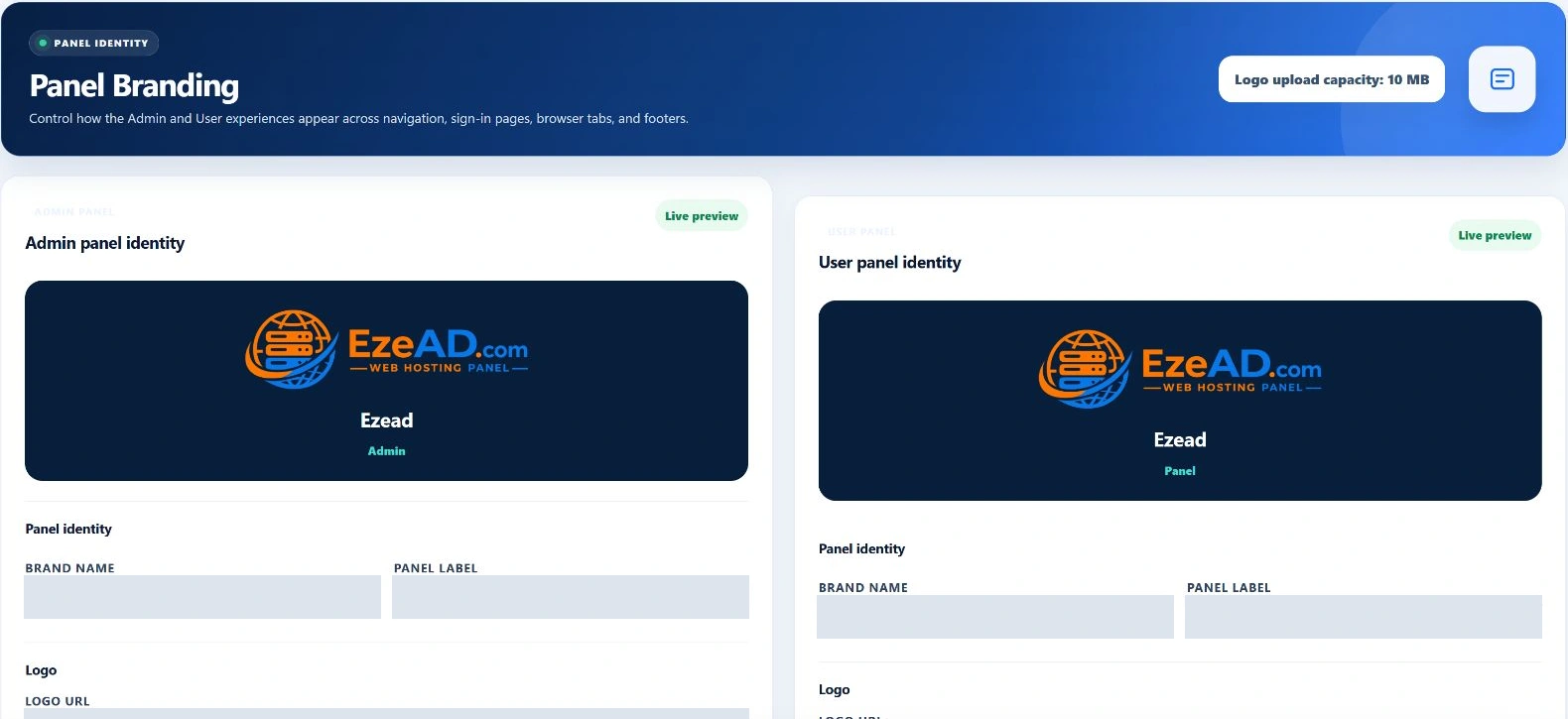
Read the workflowApply supported brand settings and validated image uploads for the intended scope. Review readability and identity on both light and dark surfaces.
Configurable branding does not grant third-party trademark or redistribution rights.
Read the workflowReview identity, web protection, firewall and security evidence together. Use the supported configuration paths so operator intent and generated state remain traceable.
Security tooling reduces specific risks; it is not a blanket compliance certification.
Read the workflowReview supported scan requests and their results under the relevant account and filesystem scope. Preserve evidence before any potentially destructive remediation.
A completed scan does not guarantee the absence of every threat.
Read the workflowDecide which access mode an account is permitted, manage authorized keys and inspect session boundaries. Keep administrative access separate from customer shell entitlement.
Feature availability does not grant root or unrestricted filesystem access.
Read the workflowInspect recorded operations and privileged-helper integrity through the available administrative views. Use evidence to identify drift rather than hiding it behind a healthy badge.
Integrity inspection does not replace full release and authorization testing.
Read the workflowRoot infrastructure access, customer impersonation, destructive account operations and service lifecycle changes carry different risks. Establish who is authorized, what evidence is retained and how a failed change can be recovered. Do not equate a visible button with an unrestricted privilege.
The commercial SaaS portal is another boundary: software orders, subscriptions and licences are not the same as the hosting accounts shown here. A hosting provider can have many customer accounts while holding its own software-customer relationship with EzePanel.
Understand the complete architectureBefore you decide
No. Backend role, ownership and operation-specific checks determine authority. Reseller scope is narrower than platform authority.
Not necessarily. Inspect effective policy, generated state and reconciliation results.
No. It handles supported, eligible conditions with bounds and verification.
No. They are sanitized interface captures, not live server observations.
No. The installed panel manages hosting; the portal manages the software-customer relationship.
Provision a representative account, exercise both roles, inspect effective policy and verify a controlled backup/restore path.
From product model to evidence
Use a controlled evaluation to test the release and workload that matter to you. Commercial availability, licensing and support terms require separate approval.