
Find the workload behind the server pressure.
Move from current health and service state to processes, account resources and a deliberate corrective action. Keep the evidence close to the controls.
Explore the workflow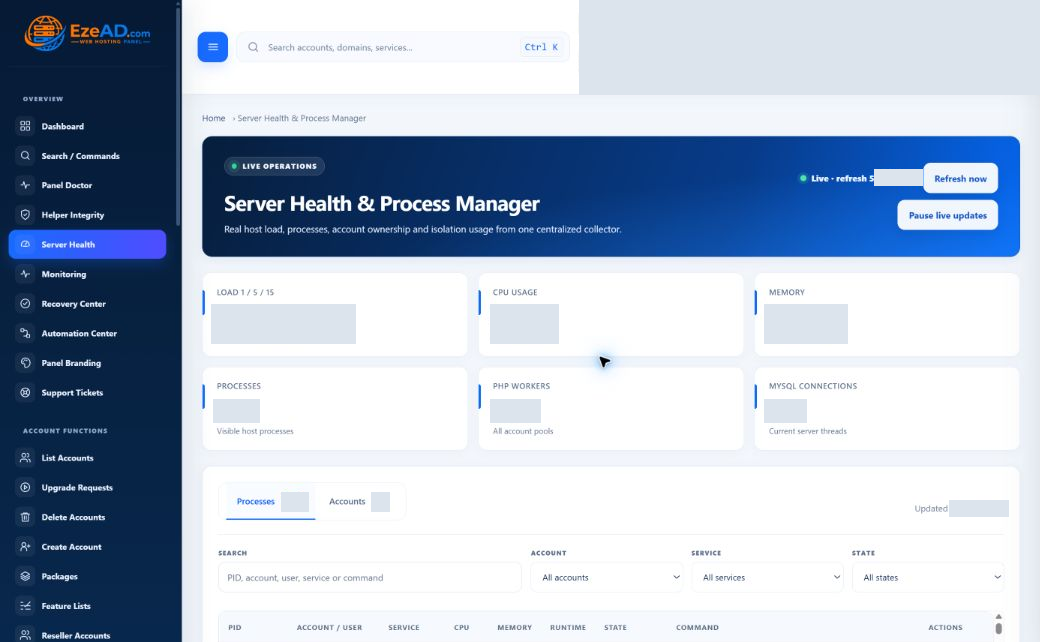
High load is a symptom, not a diagnosis. Administrators need to connect system measurements to ownership and service impact before changing a shared component or interrupting a customer workload.
Read the signal in context.
Review load, CPU, memory and current process information. Follow the account and service ownership available in the process view instead of treating every busy process as a fault.
Measurements describe an observation window. A quiet snapshot does not explain every intermittent incident, and a high value is not enough to identify a safe corrective action.
Separate resource policy from usage.
Check effective account CPU, memory, process, PHP-worker and database-connection settings. Trace exceptions through account, package and server fallback values.
A policy change can alter capacity and contention. Understand the workload and host headroom first, then verify the resulting effective policy and customer behavior.
Operate the correct service scope.
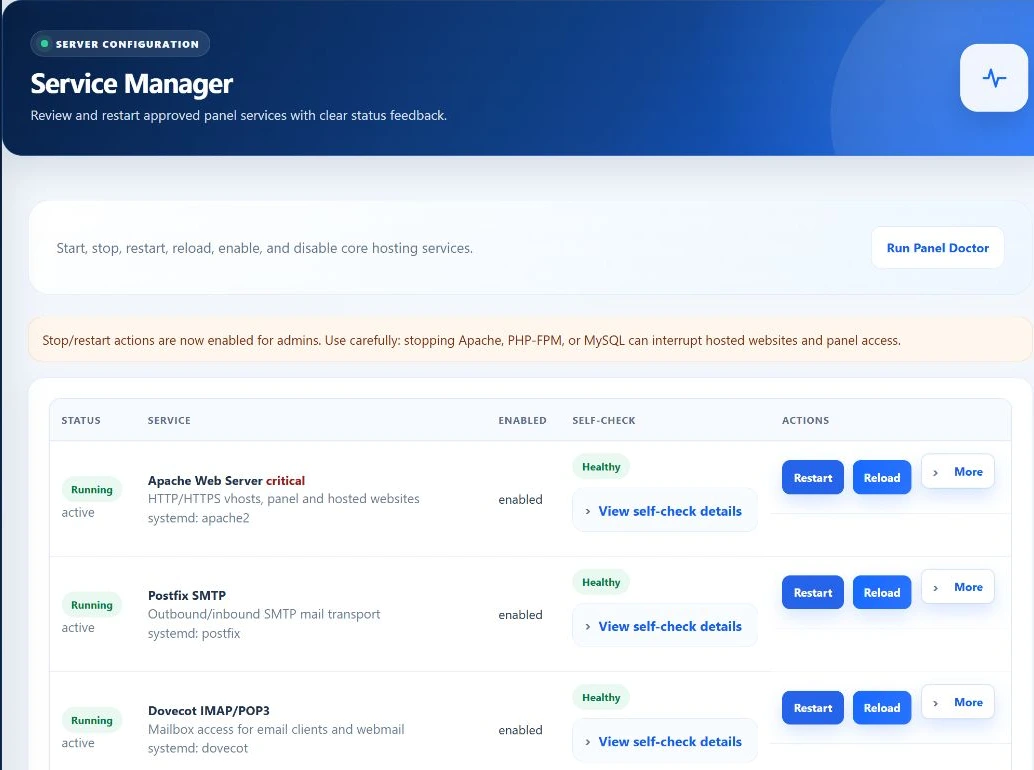
Service Manager brings active state, boot configuration and component checks together with permitted actions. Process actions and shared service operations have different impact.
Review the target before acting. Restarting a shared service can affect several accounts. An active process is not a substitute for testing DNS, HTTP, SSL or the application path that matters.
Close the investigation with evidence.
Use Central Monitoring for checks and incident context, Recovery Center for eligible bounded actions, and the relevant security or backup workflow when that is the actual issue.
Record what changed and verify the outcome. Multi-server control, deeper historical analytics and AI-assisted operations remain future direction; current account and service tools still require operator judgment.
A connected workflow
- Observe pressure
- Identify ownership
- Inspect effective policy
- Choose the target
- Verify service impact
A practical scenario
Connect the workflow to daily work.
Example: PHP workers are exhausted for one account. Compare the account policy and process context, inspect the application demand and choose a supported correction. Avoid treating a server-wide restart as the default account-level response.
More precise investigations and a defensible connection between a server observation, the target you changed and the result you checked.
Frequently asked questions
Questions about this solution.
Does the health overview prove every application is healthy?
No. It provides server and workload observations. Verify the affected application and use the relevant service checks.
Are resource limits and resource usage the same thing?
No. Limits describe effective policy; measurements describe observed consumption. Investigate both before changing capacity.
Does this page describe fleet administration?
No. Central multi-server management is future roadmap work. The current workflows described here operate in the server environment.
Explore the connected tools
Plan your next step
Discuss your server operations.
Explore the software plans and commercial launch information, or discuss the requirements of your server and customers.