
Control the application environment within your account.
Choose permitted PHP settings, manage MySQL data, schedule application commands and use SSH or the browser terminal when the provider enables access.
Explore the workflow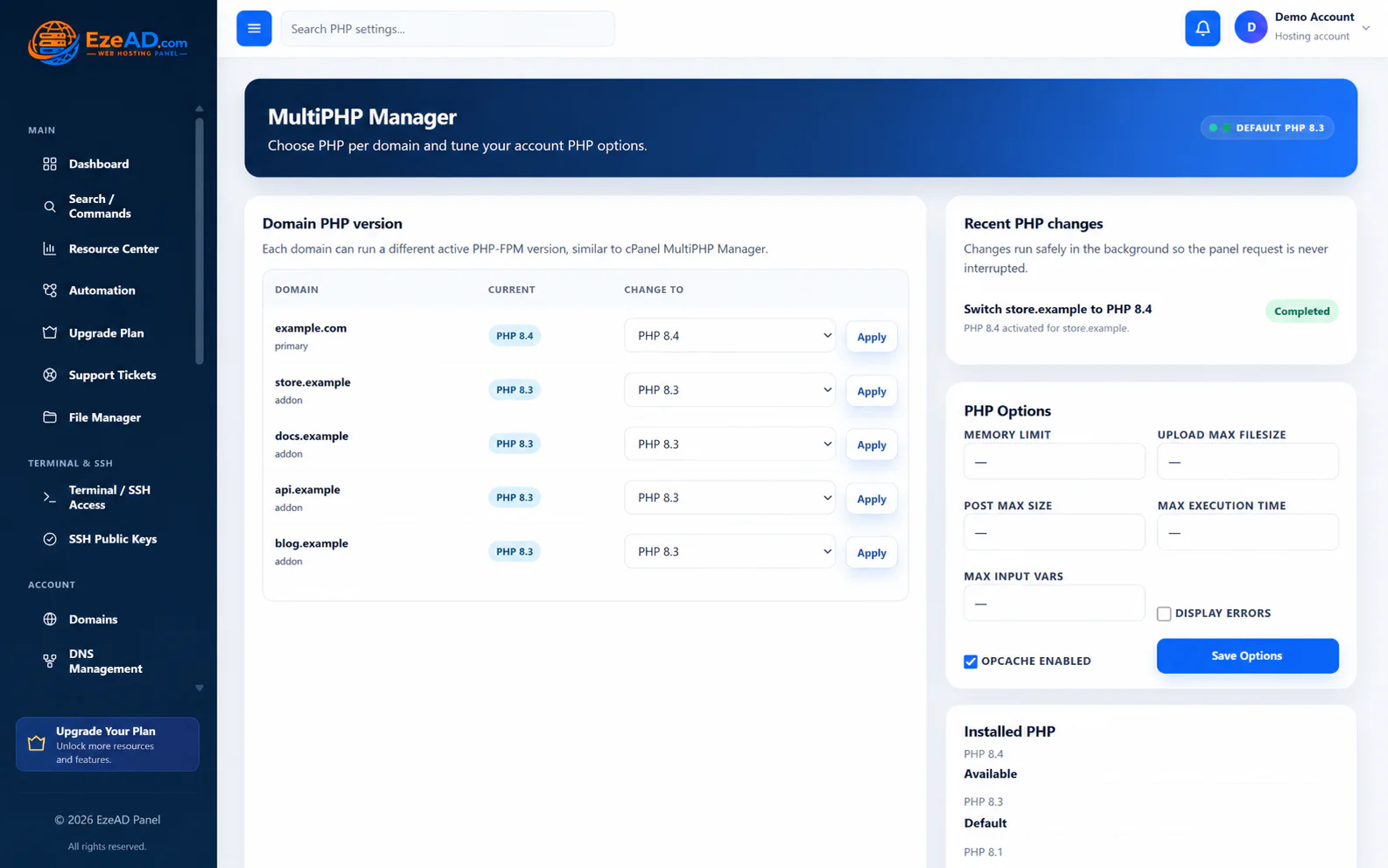
Application work slows down when every routine runtime or data task requires server-wide access. EzePanel puts useful controls in the account while keeping infrastructure authority explicit.
Match the runtime to the application.
Select from the installed and permitted PHP versions for the domain. Review the available options and follow the background change result before testing the application.
A PHP version choice is not a capacity increase. Worker limits, memory policy and server capacity remain related but distinct controls. Ask the provider about unavailable runtimes or limits.
Keep data access explicit.
Create an account-owned database and assign an application user. Use the account-prefixed names and correct credentials in application configuration; the current creation flow grants access on the selected database.
SQL import accepts supported dump formats and changes the chosen database. Keep a recovery copy and inspect errors before retrying. phpMyAdmin opens through the panel’s account-scoped launch workflow.
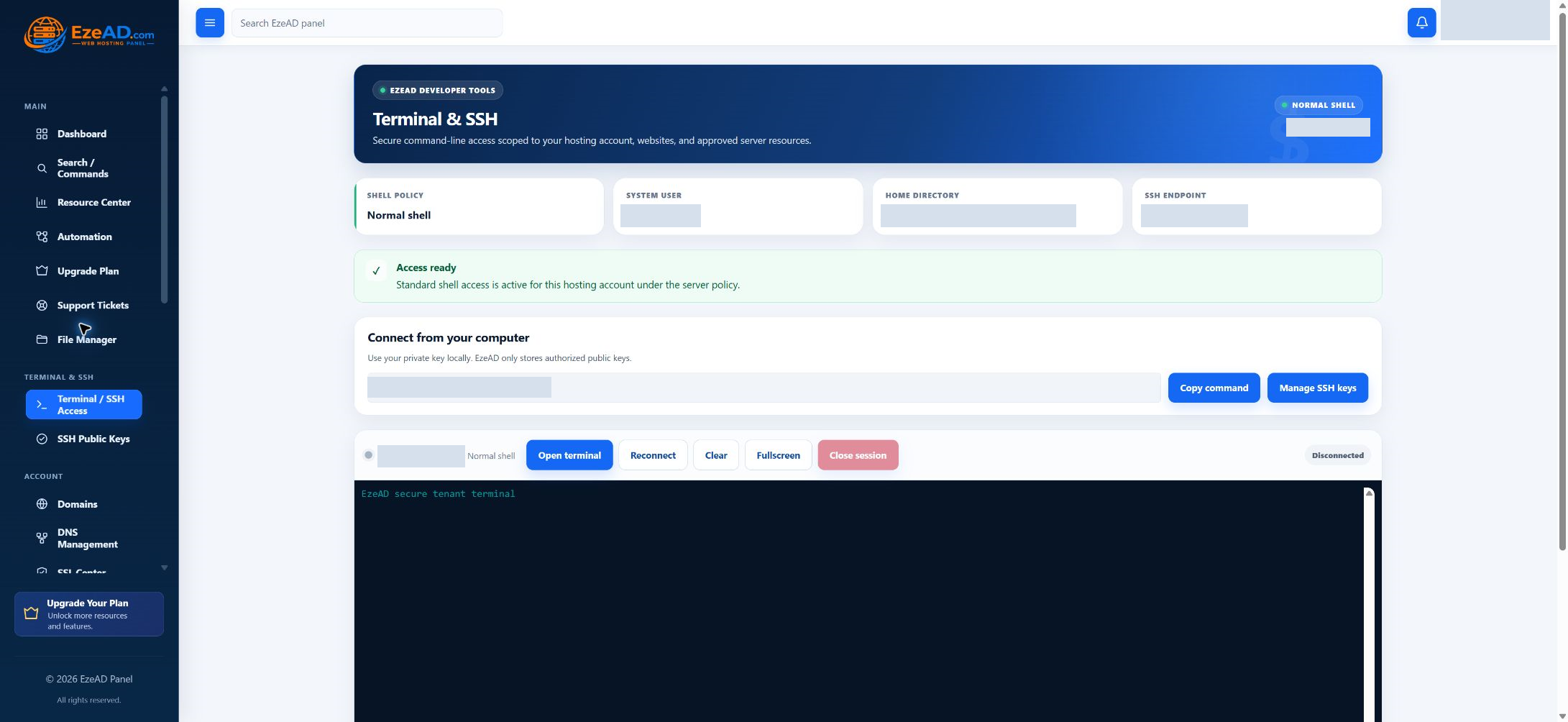
Use the access mode the provider permits.
Browser terminal, SSH access, public-key management and shell mode are separate policy decisions. Jailed and normal account shells have different boundaries; normal account access is not server-root authority.
Add the supported public key, retain the private key yourself and verify the intended account. A request for normal shell access requires administrator review. A terminal screen alone does not prove an active connection.
Schedule and diagnose application work.
Cron Jobs stores an account command and five-field schedule. Confirm the interpreter, full script path, timezone and application logging; plan for overlap and failure inside the application.
Review available job results and application logs through permitted tools. No dedicated Git deployment UI is presented here. Git integrations and broader developer APIs remain roadmap work, not a built-in release pipeline.
A connected workflow
- Choose the runtime
- Connect owned data
- Use permitted access
- Schedule known work
- Test the application
A practical scenario
Follow the application evidence.
Example: a scheduled application task fails. Check the command path and interpreter, reproduce only the safe diagnostic steps within the account, inspect the application output and ask the provider about unavailable environment dependencies.
More routine application work can stay within a clear account scope, with fewer reasons to request unrestricted server access.
Frequently asked questions
Questions about this solution.
Is Git deployment built into the current User Panel?
Git deployment integrations are planned. Current account tools do not provide a built-in repository connection, automatic deployment or release rollback pipeline.
Does normal SSH access mean root access?
No. The session uses the hosting-account identity. The provider controls shell mode and access policy.
Does Cron show every execution result?
The current Cron workspace manages schedules. Application output and logging need their own deliberate configuration.
Explore the connected tools
Plan your next step
Discuss your application requirements.
Explore the software plans and commercial launch information, or discuss the requirements of your server and customers.