
The EzePanel platform
One platform to run, protect and manage your hosting infrastructure.
EzePanel brings server administration, hosting accounts and customer tools together—with resource controls, monitoring and recovery built into the operating experience.
See plans and launch availabilitySwipe to inspect · tap the image for full context
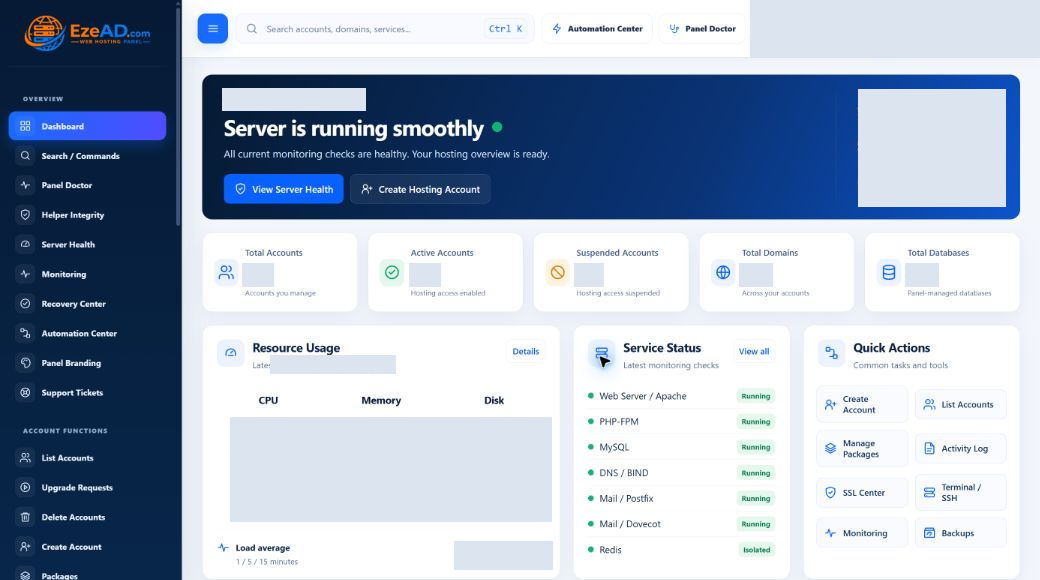
Connected hosting
From the server to the customer account.
One environment, with a clear place for every responsibility. Your team operates the infrastructure; customers work on the services that belong to them.
- ServerLinux hosting stack
- EzePanel AdminOperate and protect
- Hosting accountsPackages and policies
- User PanelCustomer self-service
- Websites & servicesDomains, mail and data
Server operations
Services, health, processes and the web, PHP, database and mail stack.
Hosting management
Accounts, packages, domains, certificates and resource policies.
Customer operations
Everyday website, file, email and database tasks within the account.
Monitoring & recovery
Health checks, incident context, supported recovery and its outcome.
Admin control
Operate the server without losing sight of its accounts.
Create hosting accounts, define the packages behind them and manage the services they rely on. Move from customer needs to server operations without losing the account context.
Explore the Admin PanelSwipe to inspect · tap the image for full context
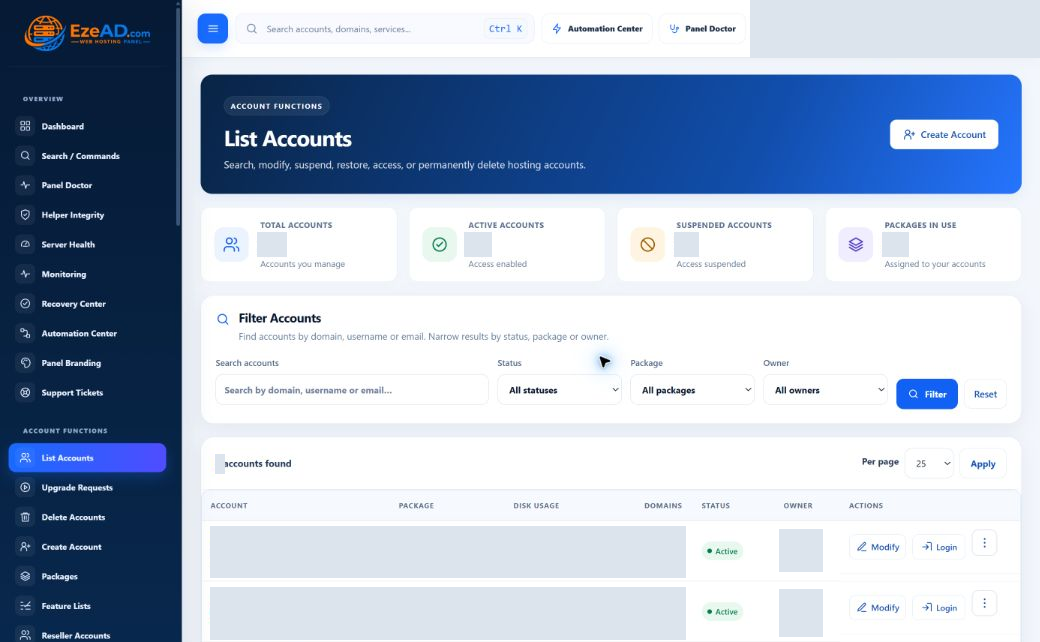
Account-level resource control
Give each account a policy—not just a place on the server.
Start with reusable package settings, then adjust an individual account when its workload needs a different allowance. Keep CPU, memory, PHP and data-service limits tied to the customer they serve.
Controls available in account policy
System resources
CPU Limit · Memory Limit · Process Limit · CPU Weight · I/O Weight
PHP runtime
PHP-FPM Workers · PHP Memory per Worker · PHP Request Timeout
Disk activity
Disk Read / Write Limit · Disk Read / Write IOPS
Data services
MySQL Connections · Object Cache Memory
Server visibility
See what the server is doing before a problem becomes guesswork.
See load, CPU and memory alongside process visibility. Use account context to narrow an investigation, then move into the relevant service or resource controls.
Explore Server HealthSwipe to inspect · tap the image for full context
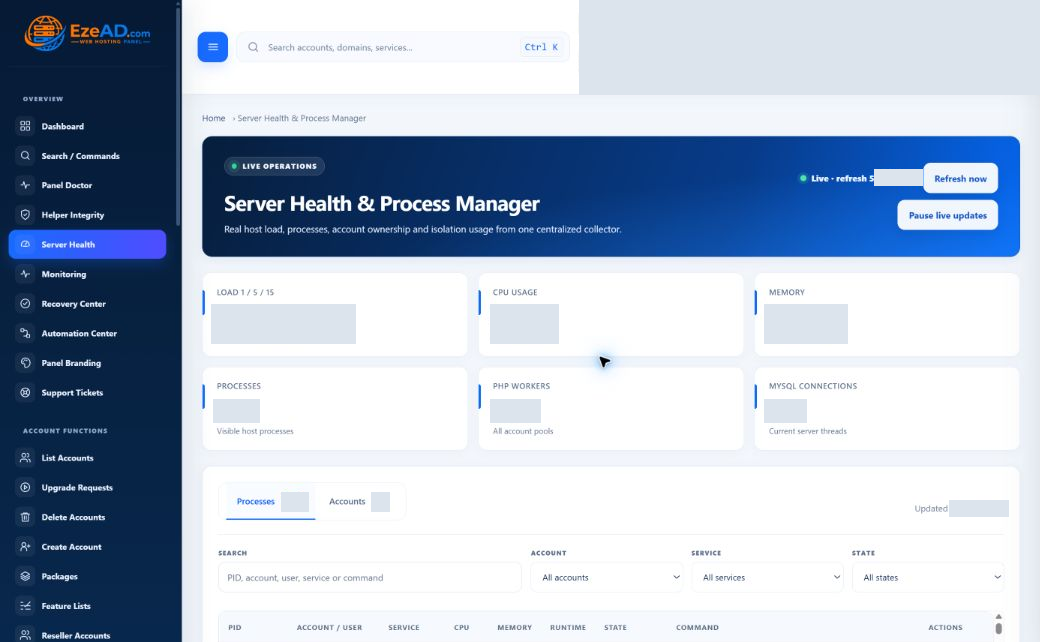
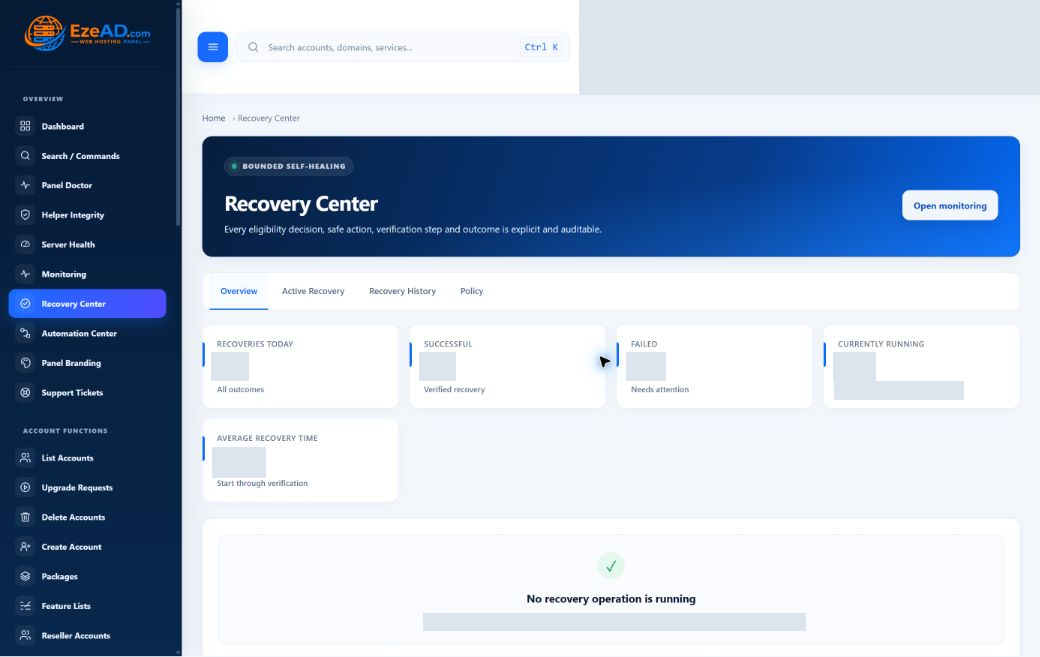
Monitoring + recovery
Detection is only useful when you know what happened next.
Connect health checks with incident context, supported recovery and the result. Recovery is targeted: eligible actions follow configured limits and leave a history.
Monitor
Detect service and website health changes.
Understand
Follow the incident, timing and available evidence.
Recover
Run a supported action when the condition is eligible.
Verify
Record the result and subsequent health checks.
Swipe to explore screens · select a tab
Swipe to inspect · tap the image for full context
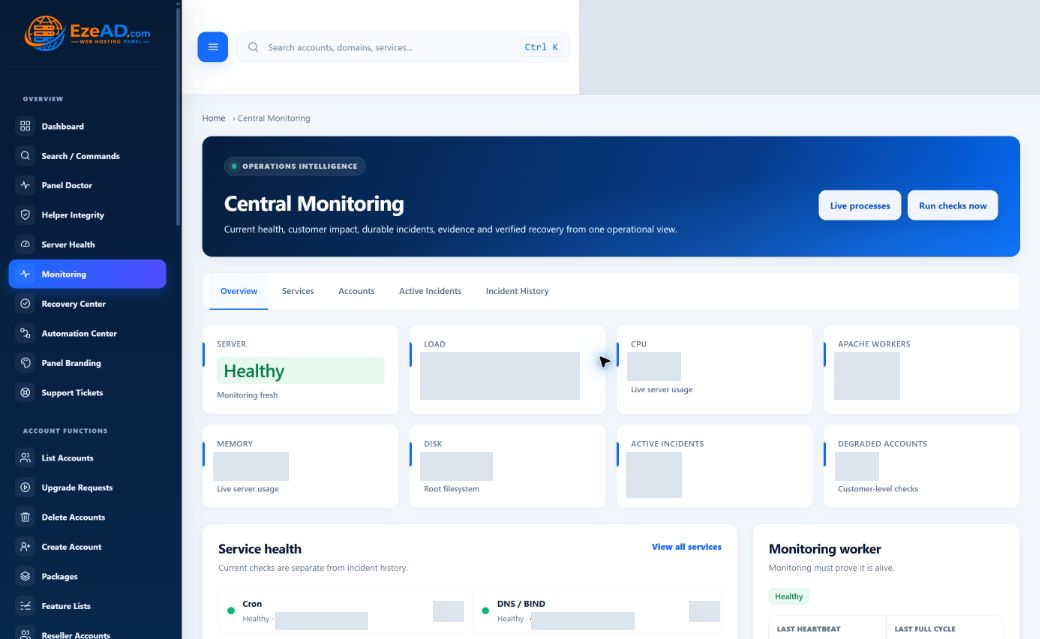
Swipe to inspect · tap the image for full context
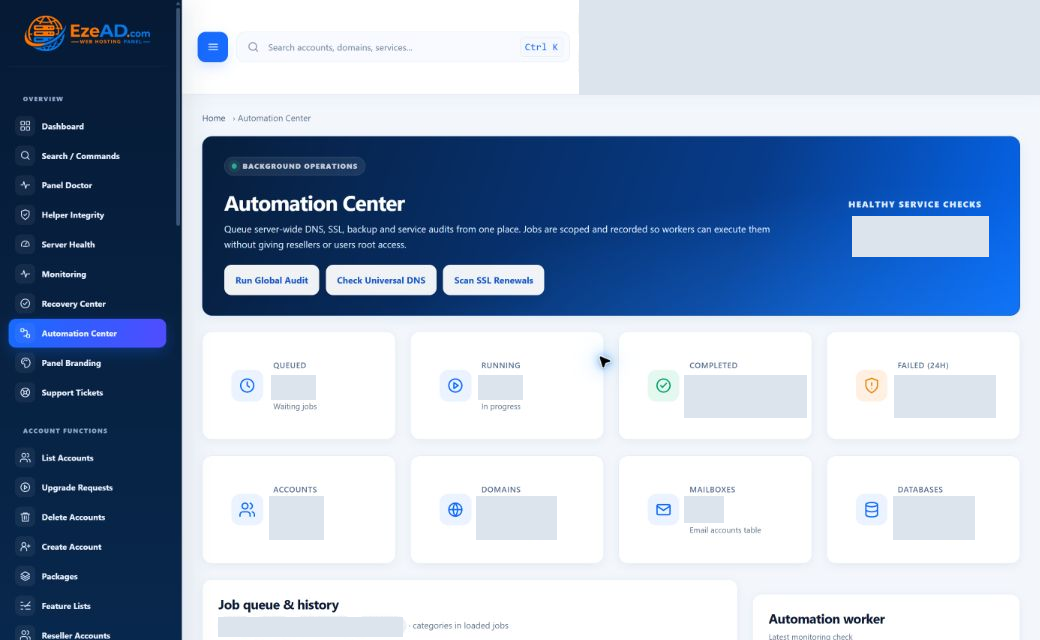
Automation Center
Turn routine hosting operations into controlled workflows.
Let supported jobs continue in the background. Your team can see what is queued, what is running and what finished—without keeping the original browser request open.
Repeat the routine
Coordinate scheduled backups and supported background tasks.
Follow the work
Separate queued, running, completed and failed jobs.
Keep the outcome
Use job history and recorded results for follow-up.
Swipe to inspect · tap the image for full context
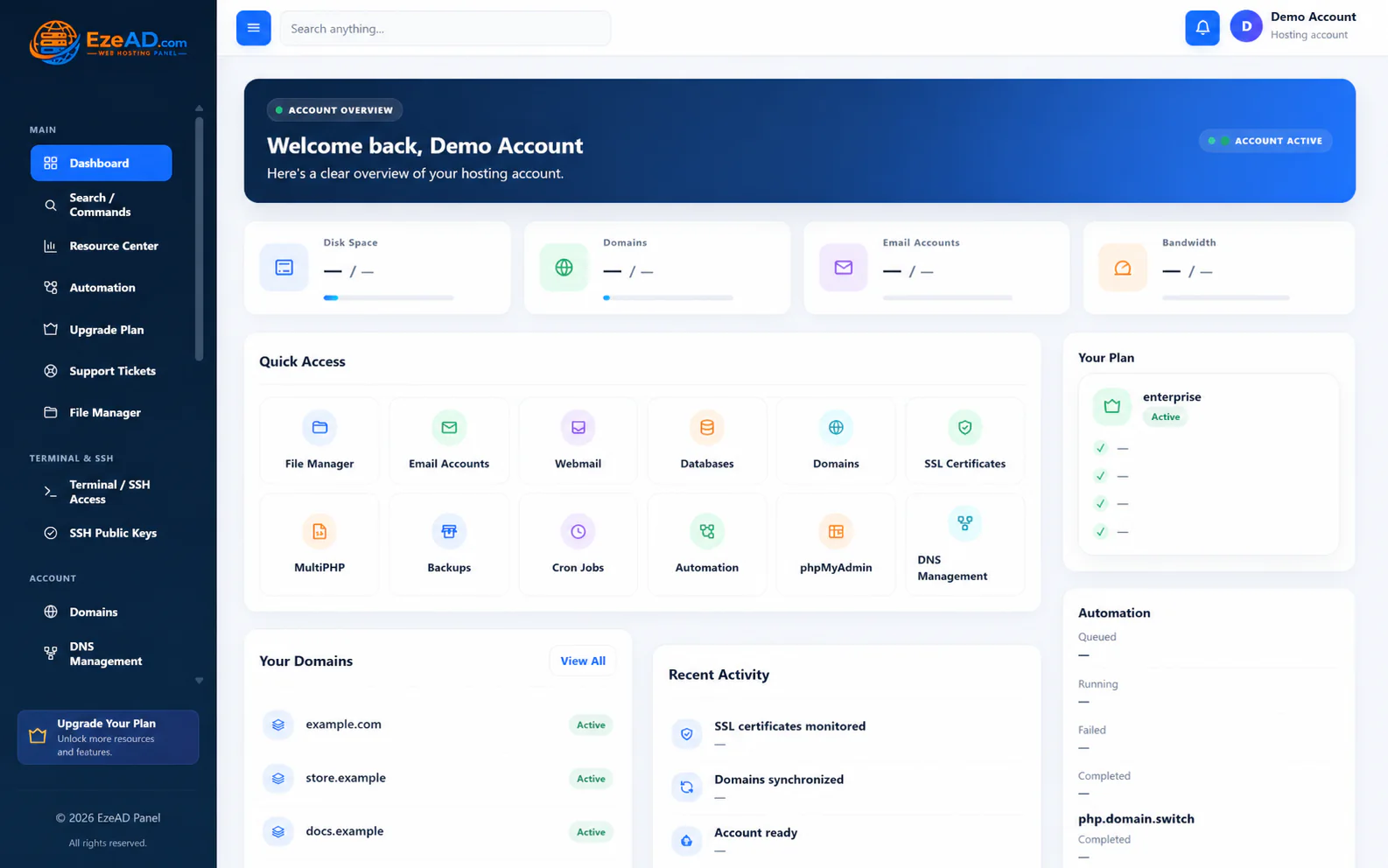
The hosting customer experience
A hosting workspace customers can actually understand.
Give customers direct access to their everyday hosting tools. They can manage their own services while server-wide administration stays with your team.
Explore the User PanelSwipe to inspect · tap the image for full context
Purposeful boundaries
Control without giving everything access to everything.
The right tool for the right role. Customer ownership, hosting policy and restricted operations shape what each account can do.
Account separation
Customer operations stay attached to owned domains, data and services.
Permission-aware access
Feature entitlements and shell policy define available tools.
Controlled system changes
Server-side checks and restricted helpers handle privileged operations.
Sign-in & activity
MFA, session controls and activity records support accountable access.
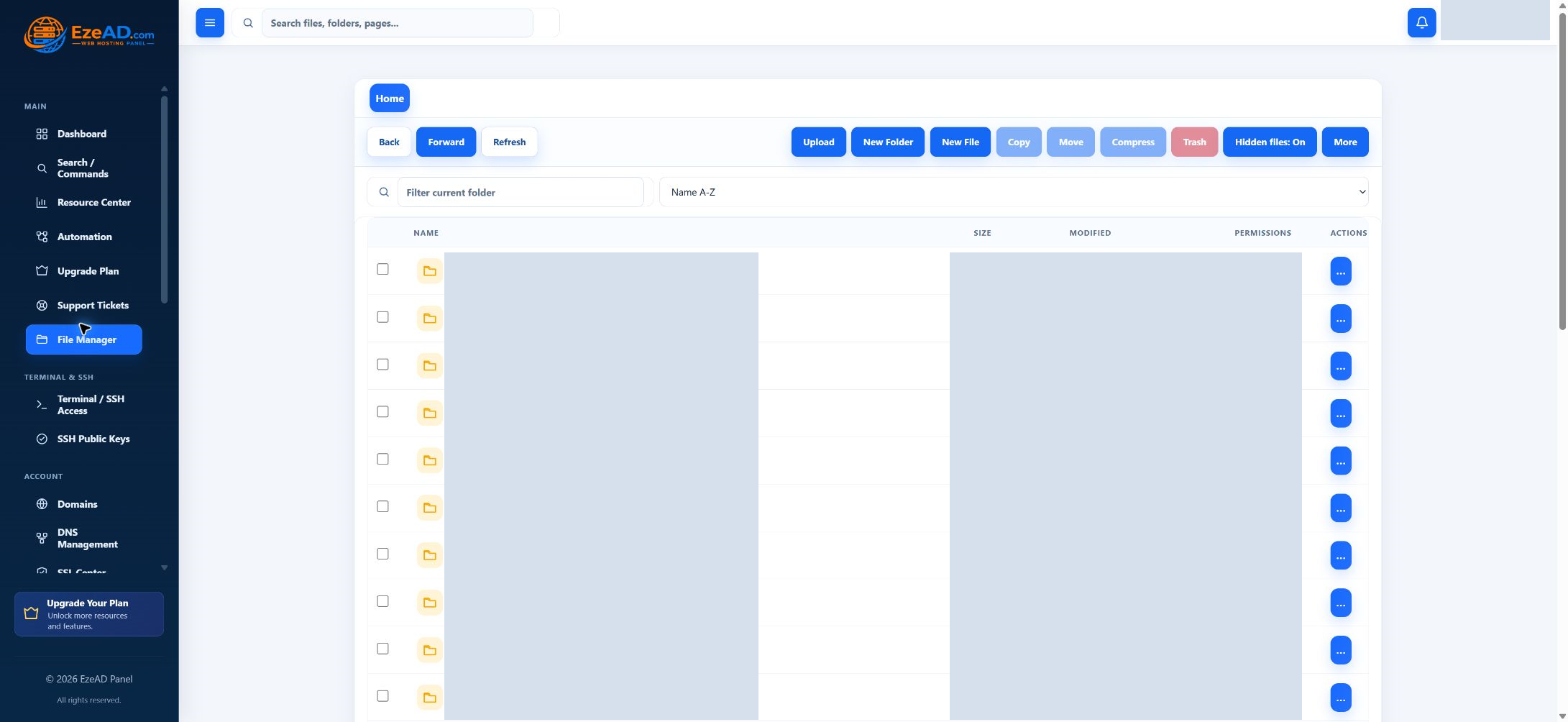
Inside EzePanel
See the platform, screen by screen.
Explore the interfaces and enlarge a screenshot for a closer look.
Swipe to explore screens · select a tab
Swipe to inspect · tap the image for full context
Swipe to inspect · tap the image for full context
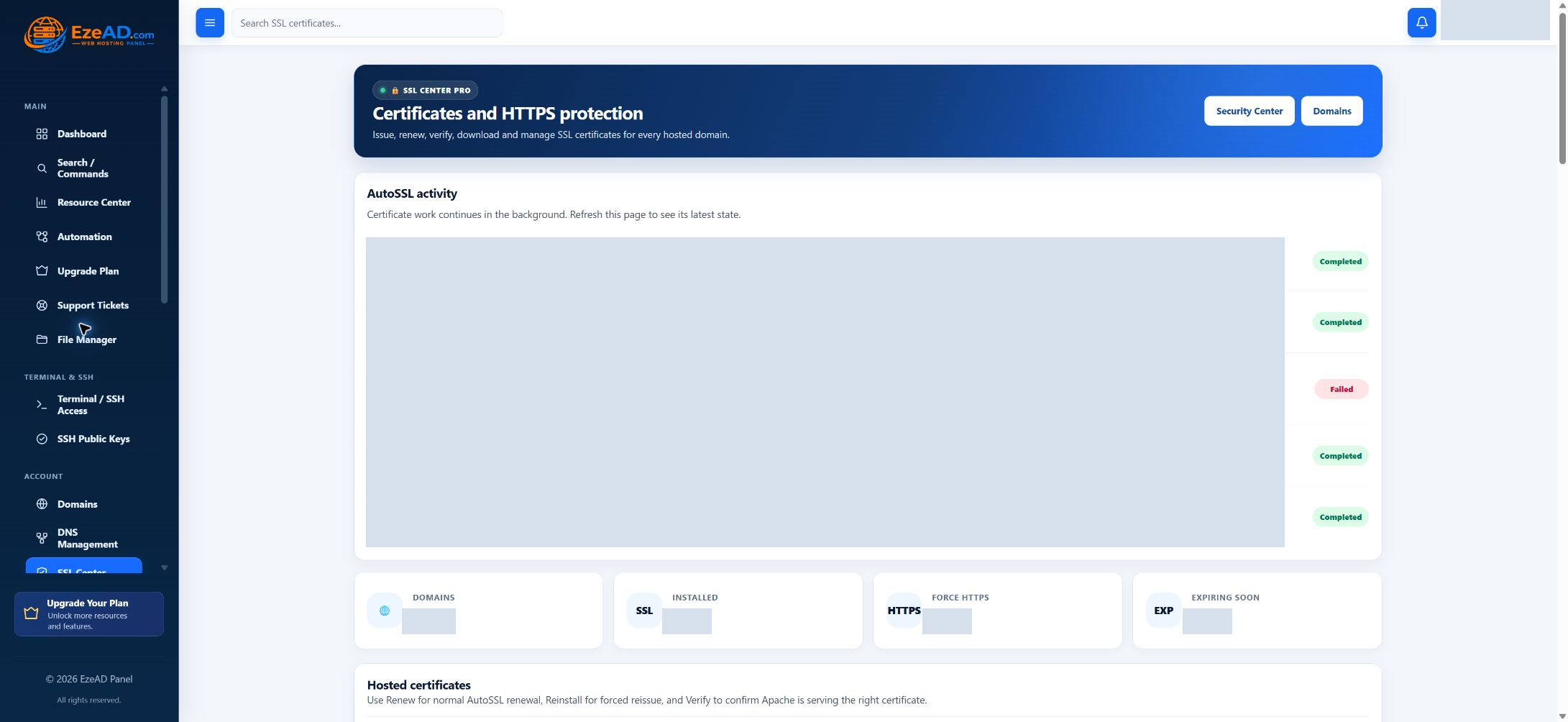
Swipe to inspect · tap the image for full context
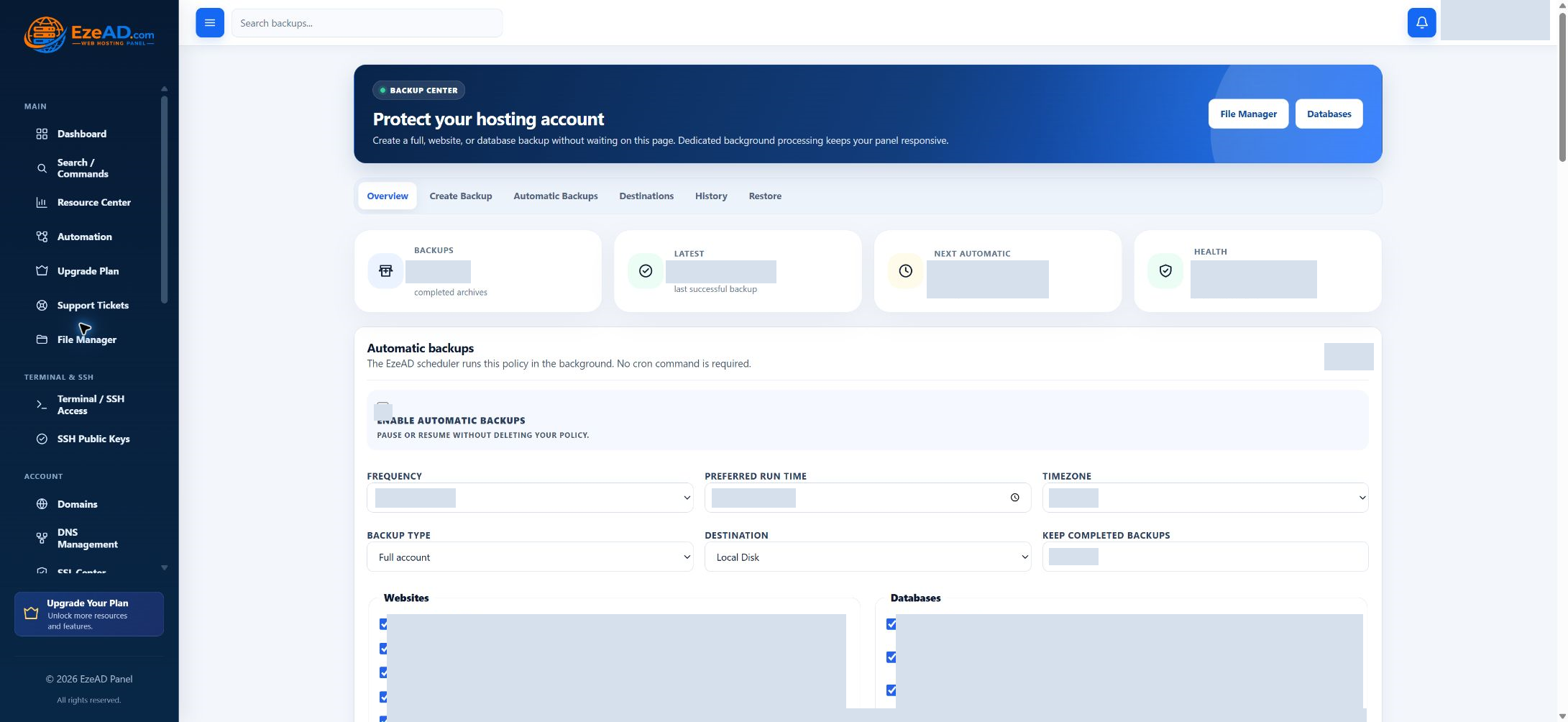
Explore EzePanel
A modern control layer for serious hosting infrastructure.
Bring account management, service visibility and customer self-service into one connected platform.