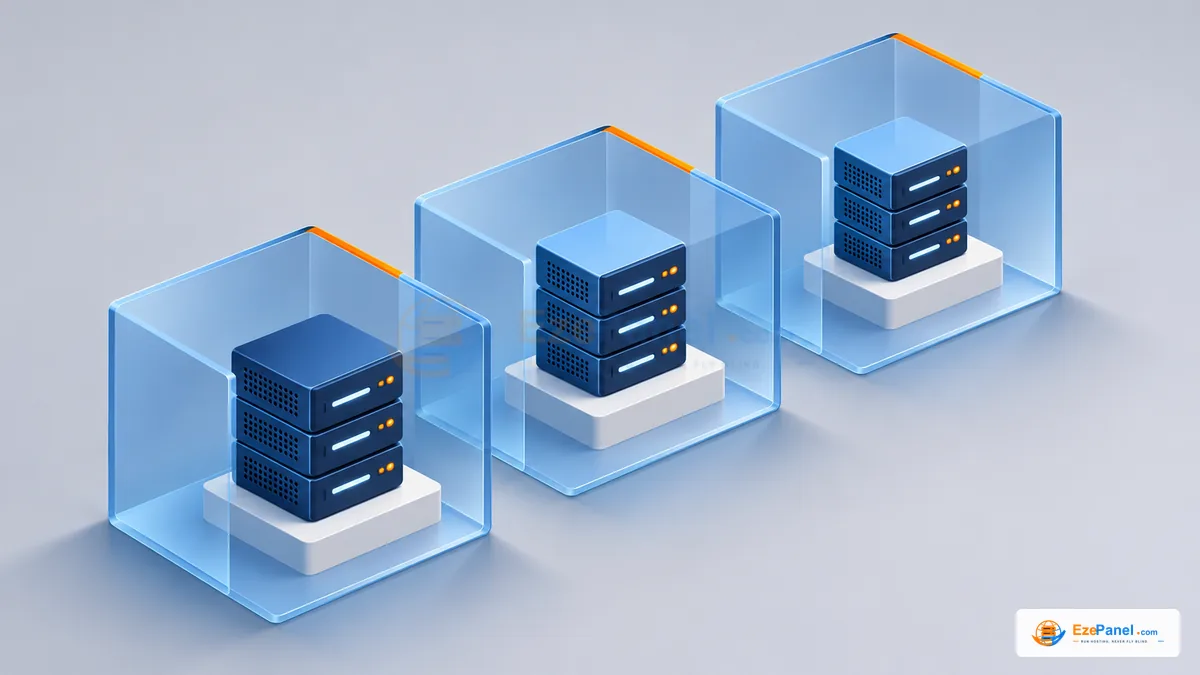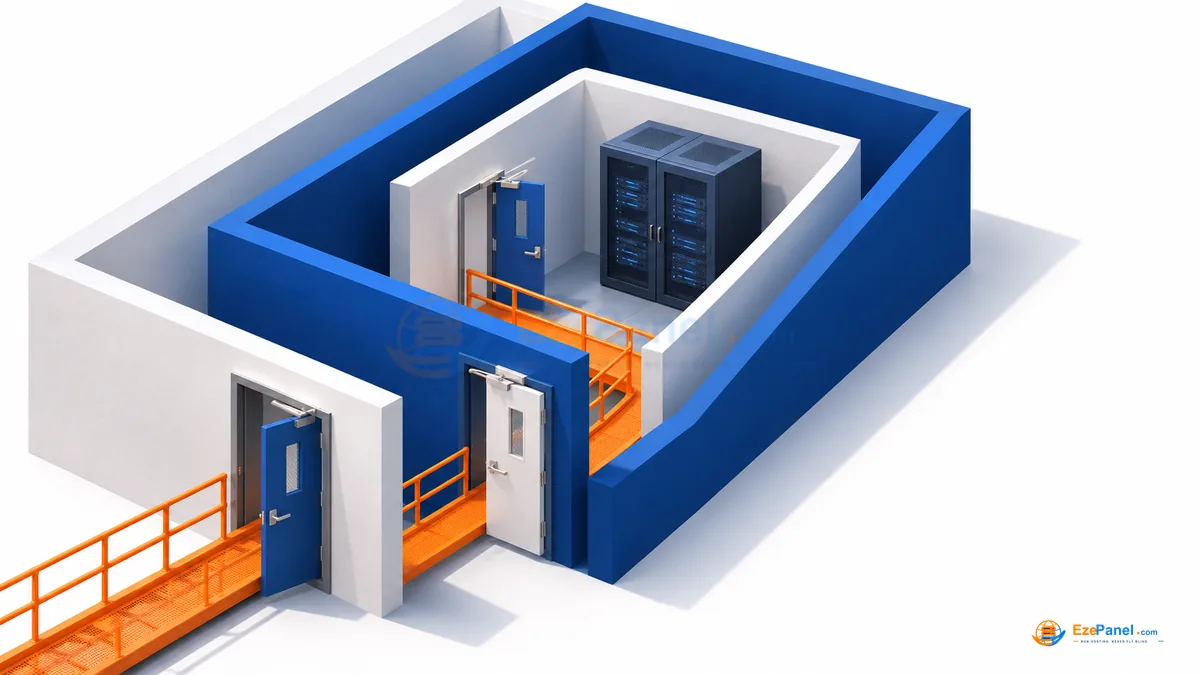

The first useful security task on a new VPS is to make safe administration repeatable. Before adding customer websites, establish how you will access, update, monitor and recover the machine. This is a preparation sequence, not a claim that an hour makes a server secure forever. If a hosting panel manages a service, use its documented controls instead of silently creating competing configuration.
Keep a recovery route before restricting SSH
Confirm you can access the provider console and that the correct machine is in view. Verify the SSH host identity through a trusted route. Keep a second working session during any approved access change, and know how you would recover from a rejected login.
Use strong, unique credentials and remove obsolete access. Do not share root credentials with website editors. Where the operating model supports individual administration identities and keys, document who owns each one and how access is revoked.
Inventory listeners before changing a firewall
List listening services and determine which are meant to be public. Web hosting, mail, DNS and server management have different exposure needs. Compare the inventory with your chosen hosting stack and provider network policy.
This command is an inspection, not an instruction to close every port. Blind firewall changes can lock out administrators or break customer email. Apply the supported policy through its owner, retain a rollback route and verify required services from the intended networks.
ss -lntupDecide who owns patching
Separate OS packages, panel code, PHP versions and hosted applications. Each may have a different update workflow and compatibility risk. A panel update does not necessarily update a CMS plugin, and an OS package upgrade is not the same operation as a panel-code release.
Maintain a list of applications and owners before onboarding data. Keep extensions and themes supported, remove unused code and use scoped database users. Do not put production secrets into example configuration, public repositories or troubleshooting screenshots.
Prepare backups and logging early
Choose an independent backup destination and restrict access to it. Document encryption secrets and recovery credentials outside the VPS. Verify a disposable restore rather than trusting the presence of an archive.
Record log locations and retention, and avoid collecting unnecessary sensitive content. Plan how to preserve incident evidence while restricting compromised access. If mail or payment data is involved, coordinate the recovery process with the service owner instead of improvising destructive cleanup.
Verify the first application boundary
Create a disposable account before the first customer. Check its file ownership, database grants and allowed management tools. Use another account to inspect separation. These practical checks do not certify the server, but they reveal avoidable configuration mistakes.
Review security again after adding services or changing the access model. Use EzePanel’s documented Security Center and feature controls for the installed system. Keep unsupported features and missing measurements explicit rather than interpreting an attractive dashboard as a blanket guarantee.
- Verify recovery-console access before restricting SSH.
- Assign an owner to every exposed service.
- Keep credentials outside screenshots and public logs.
- Test restoration independently of the source VPS.
Where to go next
Sources & further reading
Official documentation for the topics in this guide. Check current vendor requirements before a purchase or server change.