
Security
Security controls built into hosting operations.
Bring sign-in protection, web security, malware visibility and privileged-operation checks into the same hosting workspace.
Swipe to inspect · tap the image for full context
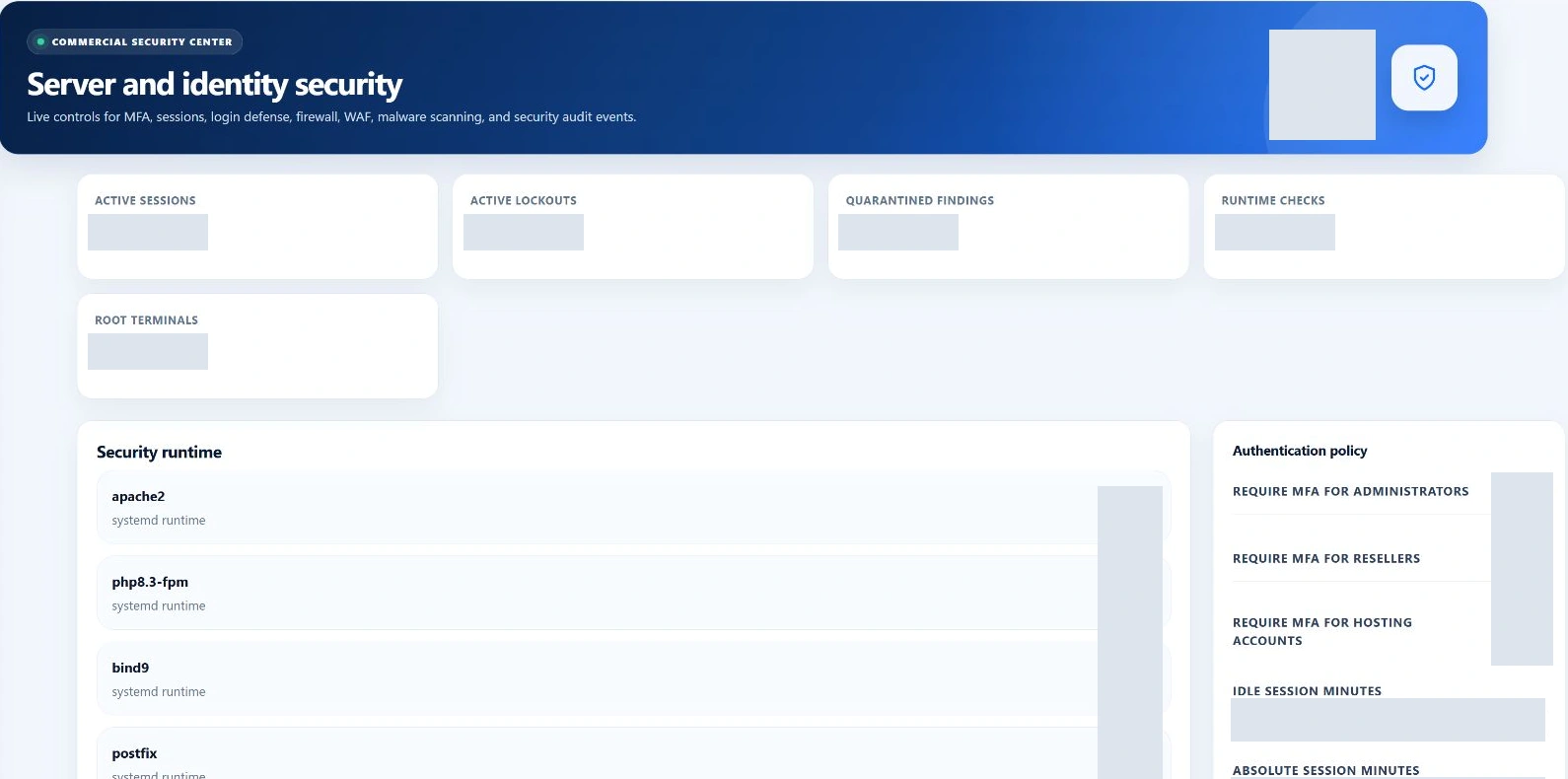
Security layers
Protection across the hosting stack.
Start with the layer involved. Identity, account access, hosted websites and privileged operations each have a purpose—and a control you can inspect.
Identity
Panel authentication · authenticator MFA · browser sessions
Account access
Role boundaries · account ownership · SSH access
Web protection
ModSecurity · UFW / IP controls · malware scanning
Hosting security
SSL / AutoSSL · account-scoped hosting controls
Privileged operations
Restricted helpers · integrity checks · security activity
Identity & access
Protect the people who control the server.
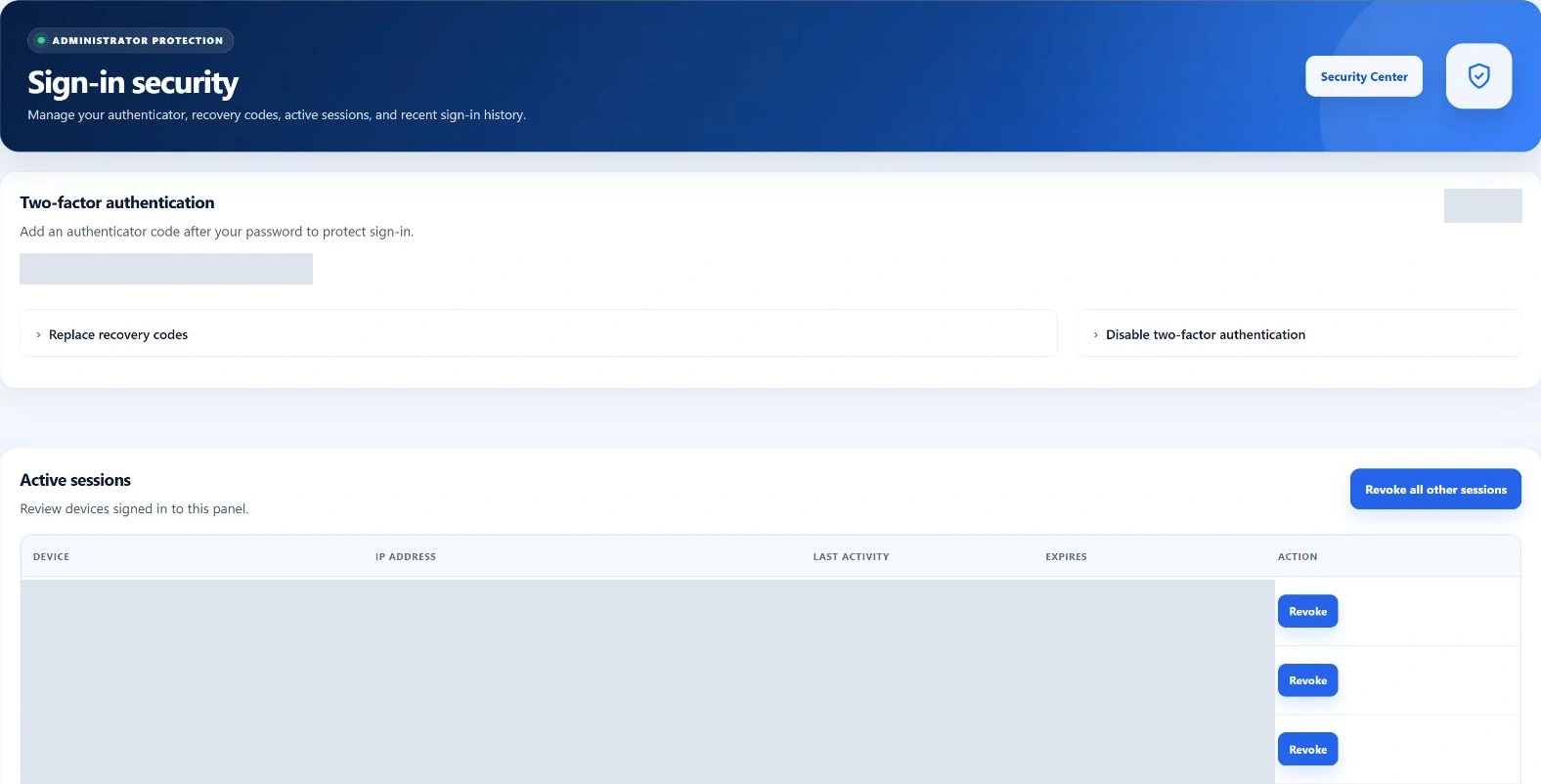
Add authenticator-based MFA to panel sign-in, retain recovery options and review the browser sessions associated with your identity.
- Authenticator and recovery-code controls
- Active panel sessions and revocation
- Role-based MFA requirements
- Renewed identity checks for sensitive changes
Swipe to inspect · tap the image for full context
Web & application protection
Protect hosted websites at the web and account level.
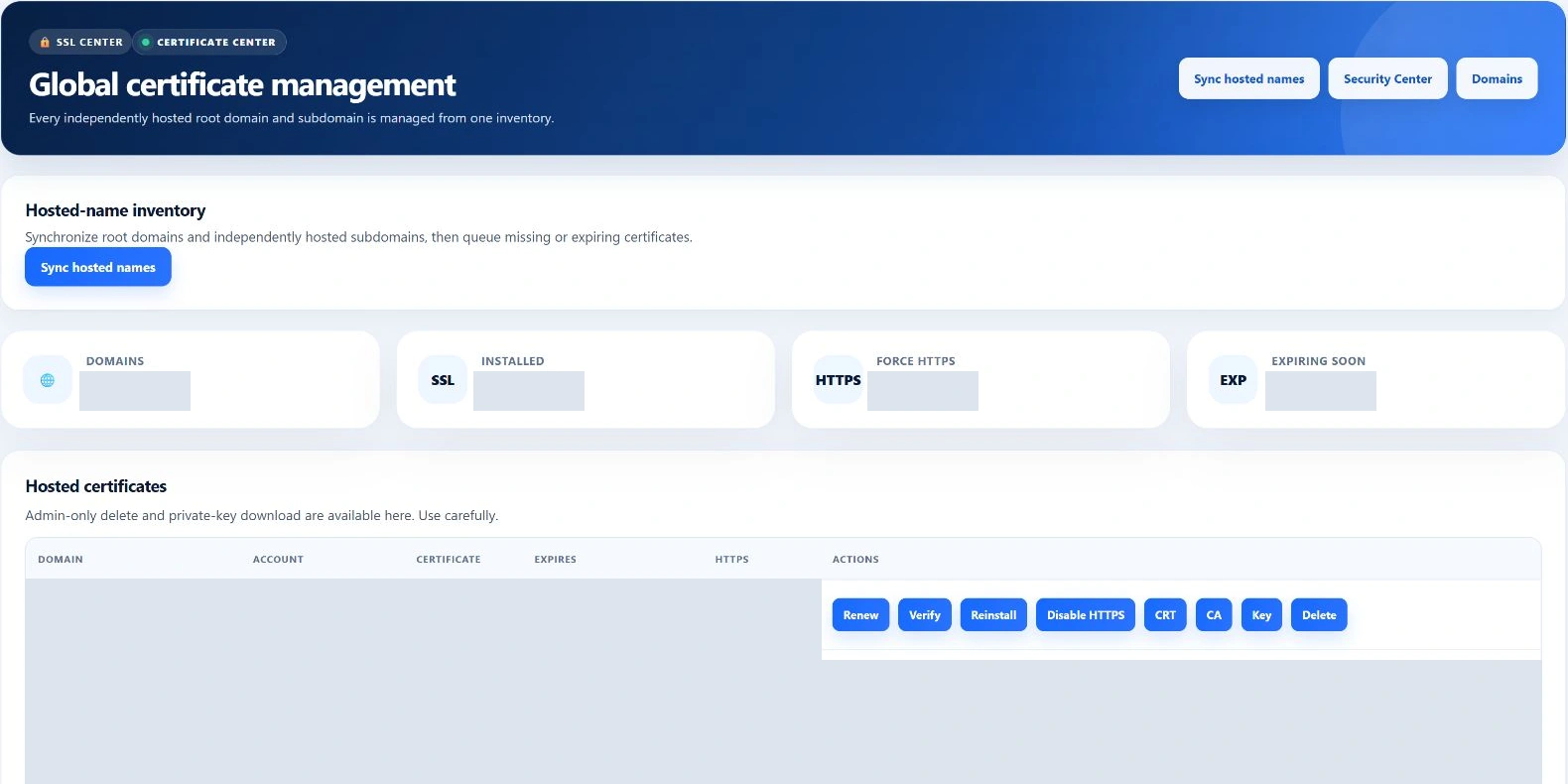
Review the protection your server is running and choose the control appropriate to the traffic, network rule or certificate involved.
ModSecurity
Inspect WAF state, configure supported modes and manage scoped rule exclusions.
Firewall & IP defense
Manage supported UFW rules and Fail2ban controls with safeguards for management access.
SSL & AutoSSL
Review certificate state and the supported issuance and renewal workflow.
Account scanning
Queue supported file scans and follow their result in the malware workspace.
Swipe to inspect · tap the image for full context
Malware Protection
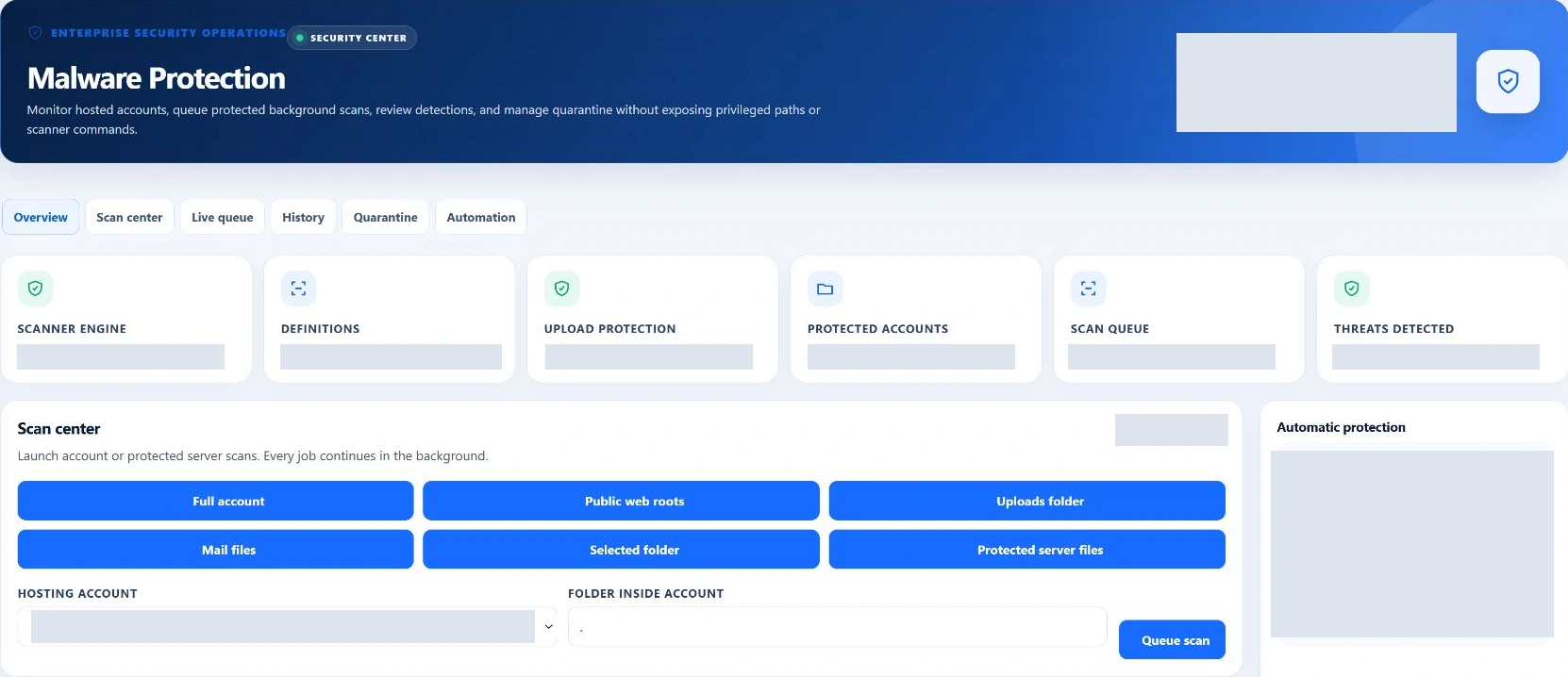
Make malware visibility part of the panel.
Queue an account-path or protected-server scan, follow the background work and review the recorded result. Scheduled scanning can cover supported accounts and protected files when enabled by policy.
The history distinguishes completed findings from failed work. Existing-file scanning and quarantine management are separate workflows.
Swipe to inspect · tap the image for full context
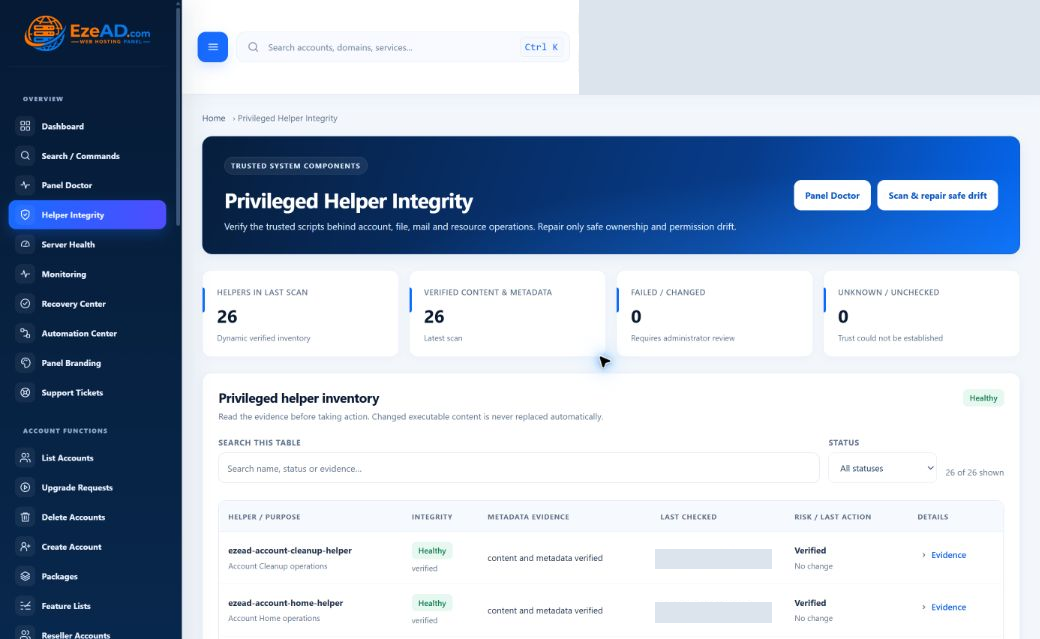
Helper Integrity
Privileged operations should remain verifiable.
Some server tasks need elevated privileges. EzePanel uses controlled helper components and checks their expected files, ownership and permissions so administrators can investigate changes at that boundary.
Check when the result was generated. An unavailable or stale result is not fresh evidence of health.
Explore Helper IntegritySwipe to inspect · tap the image for full context
Sessions & active access
Know which access path you are reviewing.
Browser sessions, server logins and account permissions have different scopes. Choose the matching control when investigating or revoking access.
Panel session
Browser sign-in, MFA and session expiry. Review and revoke panel sessions in sign-in security.
SSH access
Server access governed by account shell policy and SSH keys. Review it in the terminal/SSH workspace.
Account permissions
Hosting-account ownership and role permissions determine which controls are available. Review the account and administrator role involved.
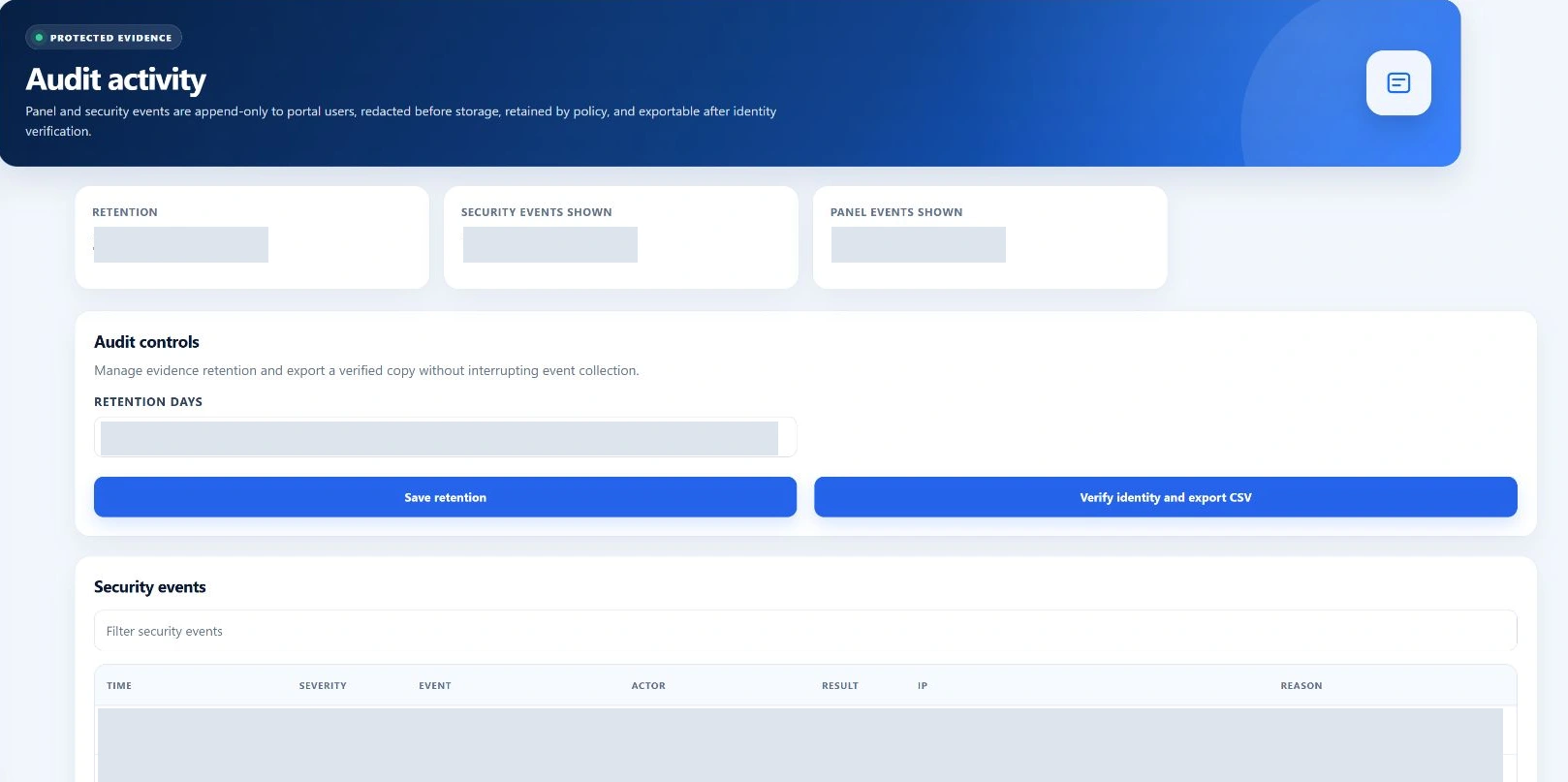
Security activity
Security changes should leave a trail.
Audit Activity brings recorded security events and panel activity into a reviewable workspace. Follow the actor, event, time and result supplied by each record.
Policy-controlled retention and identity-verified CSV export support further review. The visible lists are bounded views of the recorded activity.
Explore Activity & AuditSwipe to inspect · tap the image for full context
Everyday security operations
A practical security workflow.
Work from the affected layer to the appropriate control, then check that the intended protection and legitimate behavior still work.
Identify
Which layer needs attention?
Review
Inspect identity, website or helper evidence.
Act
Use the supported control for that layer.
Verify
Check the intended state and legitimate access.
Record
Review the available activity and outcome.
Real operating situations
Start with the layer that needs attention.
Suspicious login
Review recent sign-in evidence, the identity’s MFA setup and its active panel sessions. Handle SSH access separately if that is the path involved.
Review access layersWebsite attack traffic
Inspect the web-protection evidence. Review ModSecurity mode or the relevant IP/firewall control before changing the rule.
Explore security controlsHelper Integrity warning
Review the reported helper state and freshness. Investigate missing or changed components using the supported integrity workflow.
Explore helper checksTechnical details
Understand the control behind the interface.
Host readiness, access scope and evidence freshness help you interpret what the panel shows.
Installed controls and host readiness
Firewall, WAF, certificate and malware features depend on their host components, configuration and workers. Review their actual state; the presence of an interface is not proof that every protection is enabled or effective.
Scanning, findings and remediation
The scan queue distinguishes pending work from completed results and failed work. Existing-file scans do not automatically remove detections. Review the finding and the supported remediation path before changing customer files.
Access boundaries
Panel roles, browser sessions and SSH access have distinct scopes. Sensitive operations may require root authority, a recorded reason or renewed identity verification. Review the control for the access path involved.
Freshness and retained evidence
Helper Integrity becomes unknown when its result is unavailable or stale. Security and activity records are retained according to policy; the screen is a bounded view, not a claim that every operating-system event is recorded.
Frequently asked questions
Good questions. Clear answers.
Does EzePanel support MFA?
Yes. The installed panel supports authenticator-based two-factor authentication, recovery codes and sign-in session controls. Administrators can configure role-based MFA requirements; sensitive changes can require renewed identity verification.
Does EzePanel include malware scanning?
Yes. ClamAV-backed scans can be queued for supported account paths and protected server files. The panel presents the queue, scan history and results. Scheduled scanning is controlled by policy and requires the scanner and workers to be available.
Does EzePanel use ModSecurity?
Yes. The administration interface exposes ModSecurity status, detection/blocking modes and scoped rule exclusions. Actual protection depends on the host module, loaded rules and configuration.
Can I manage firewall/security rules?
The firewall interface supports validated UFW allow, deny and removal operations for supported rules. Sensitive changes require additional checks, and safeguards protect critical management access. IP Security also provides supported Fail2ban controls.
What is Helper Integrity?
Helper Integrity reports on the privileged components used for supported server operations, including expected files, ownership and permissions. Results distinguish healthy, repaired, critical and unknown states. Stale or unavailable evidence is not presented as a fresh healthy result.
Are SSH and panel sessions the same thing?
No. A panel session authenticates a browser to the panel. SSH is a separate server-access mechanism governed by account shell and key policies. Revoking a panel session should not be assumed to revoke SSH access.
Does EzePanel automatically remove malware?
Existing-file scans report detections; they do not automatically clean every infected file. Quarantine management is a separate supported workflow with its own permissions and identity checks. A clean scan result is not a guarantee that every possible threat has been detected.
How are security actions recorded?
Security events and panel activity retain fields such as time, event, actor and result where the action provides them. Audit Activity supports review and identity-verified CSV export. Retention is policy-controlled, and the visible lists are bounded views of those records.
Explore the platform