
A successful backup message does not tell you everything you can recover. Before you need a restore, check which files, databases and server settings the backup includes, and where the missing pieces would come from.
Define the recovery target
A website backup usually covers selected files and a database. A server backup or provider snapshot may cover disks or a machine image, but its exact scope depends on the tool. Remote databases, object storage and separate volumes may be outside it.
Ask what the incident requires: one customer restore, a complete server rebuild or a deleted mailbox. These targets need different data, credentials and dependencies. The word “full” alone is not a recovery specification.
Consistency matters as much as coverage
An archive captured while uploads change and a database export taken later can describe different application states. Consistency needs deliberate handling matched to the database engine and application.
Copying database files from a running server is not automatically a usable backup. Use supported tooling and document the restore procedure. Keep passwords out of command arguments, screenshots and shared runbooks.
Keep recovery independent of the failed system
A copy stored only on the website disk can be lost with it. Consider separate storage, restricted credentials and retention that covers delayed discovery. Encryption protects copies, but losing the recovery key can make them unusable.
Review snapshot retention, granularity and access separately from application backups. A provider feature is a useful second layer only if it covers your actual recovery target.
Prove the restore elsewhere
Restore a representative copy to an isolated destination. Test permissions, database access and an important application action. Prevent the test from sending real customer mail or overwriting live data. Record recovery time and the age of restored data.
EzePanel provides selected website and database backup workflows, not verified automatic full-server restoration. A successful backup job does not prove a restore. Repeat the exercise after significant application or configuration changes.
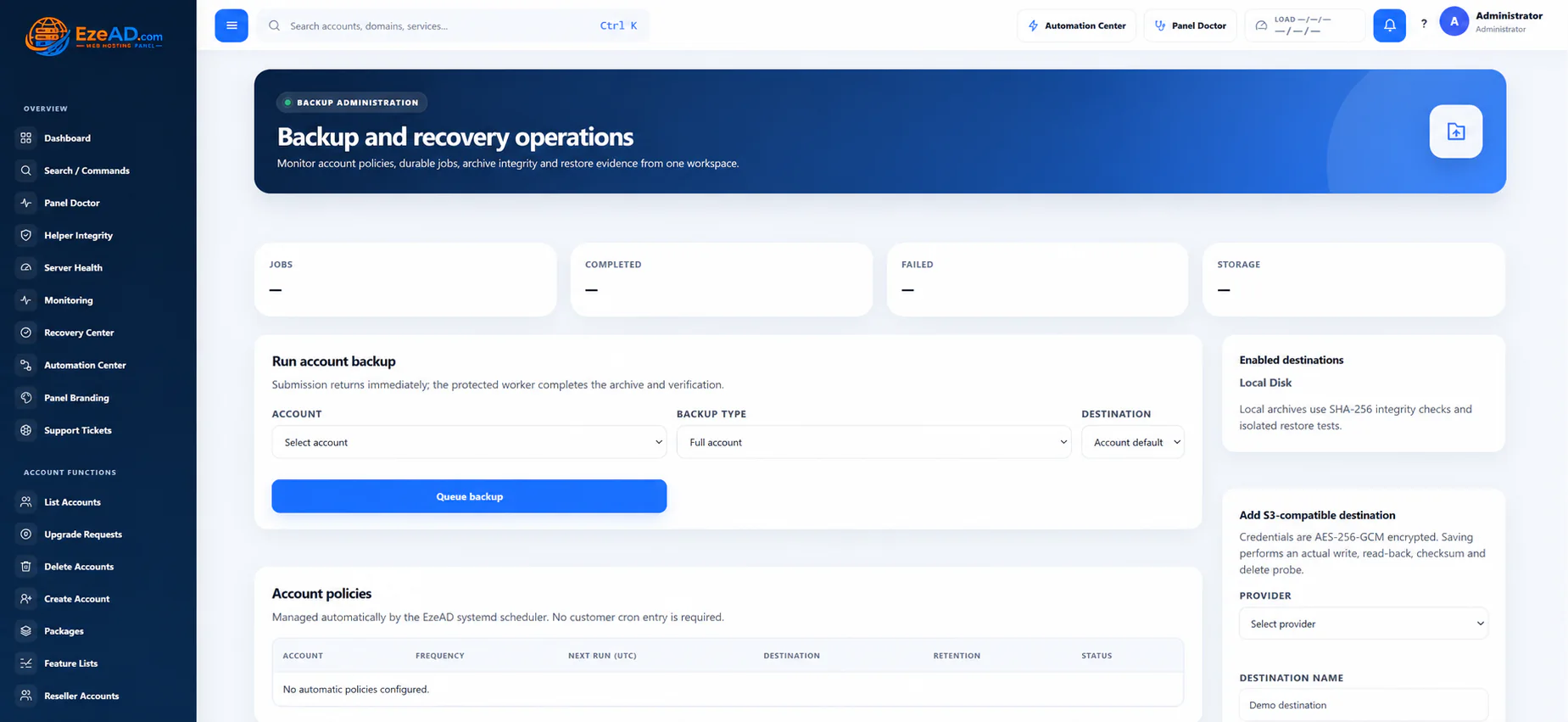
See the workflow in EzePanel
Put the guide in context
EzePanel backupsMigration planningSources and review notes
Checked 17 October 2026. Vendor terms, supported versions and prices can change. Follow the official source before a purchase or server change.