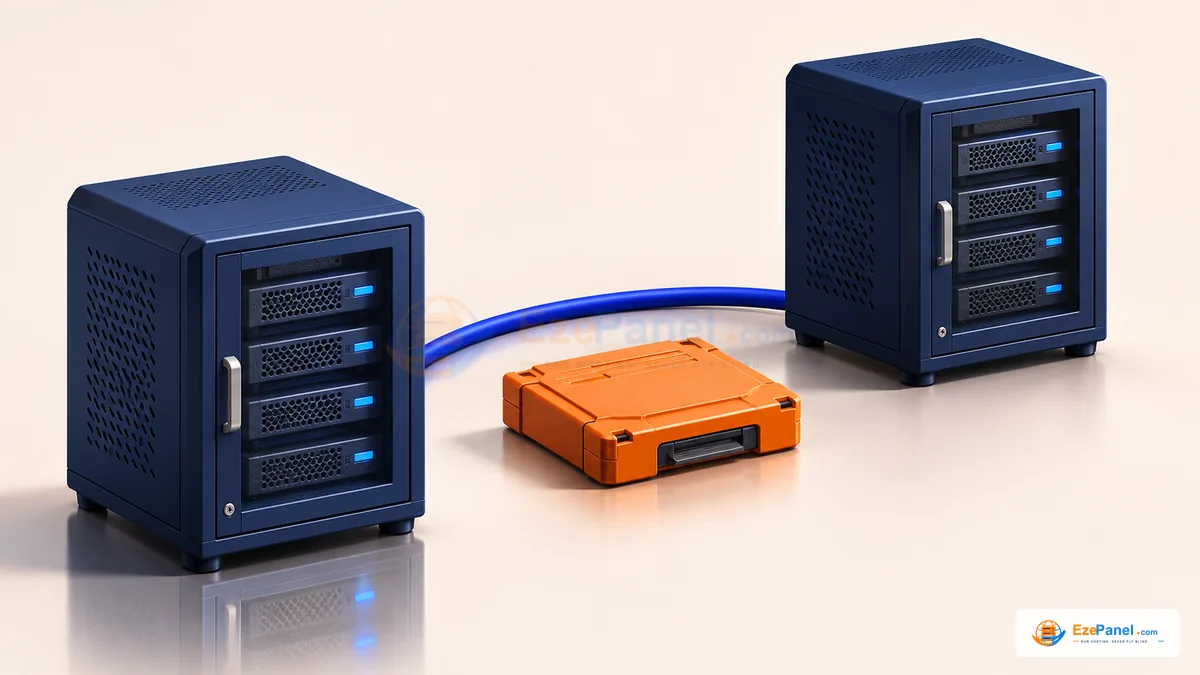

A cPanel migration is a data and application change, not simply a file upload. Website files are only part of the account: database grants, mailboxes, scheduled work, DNS and runtime settings can determine whether the service works after the move. Use this checklist to plan an operator-controlled transfer into EzePanel or another destination while keeping a clear return path.
Inventory the account before choosing an archive
List domains and document roots, PHP versions/extensions, databases/users, mailbox addresses, DNS records, cron jobs and external services. Ask the application owner which actions prove the site works: signing in, placing a test order or submitting a form may matter more than the homepage.
Record where DNS and mail are actually hosted. If either is external, preserve that arrangement unless a separate change is planned. Check the destination package’s website, database, mailbox and storage limits before importing; a trial allowance may be unsuitable for a large source account.
Verify backup format and destination capacity
Obtain a supported full-account archive through the source platform’s normal workflow and keep an untouched copy. A .tar.gz extension describes a container, not a guarantee of compatibility. JetBackup exports and arbitrary compressed home directories must not be assumed equivalent to a supported cPanel account backup.
EzePanel’s migration workflow scans an uploaded archive and presents review information before import. Scanner acceptance and the reviewed component selection determine the next step. Rejecting unsafe paths or unsupported structures is a reason to inspect the retained result, not to rename the archive or bypass validation.
- Confirm there is room for the archive, staging data and restored content.
- Use the supported destination account and ownership model.
- Keep the source account and original backup until acceptance is complete.
Stage the website and database privately
Use a separate, suitable destination rather than overwriting a serving website. Match the application’s PHP runtime and required extensions. Import databases and create appropriately scoped users, then update application configuration privately; do not publish credentials in a migration log.
Test the destination with a controlled local name mapping or another supported preview approach. Check both HTTP and HTTPS behavior, application logins, writes and uploaded files. Avoid allowing preview activity to send real customer emails, payments or duplicate background jobs.
Move mail and DNS deliberately
For local mail, account creation is only the beginning: verify incoming delivery, authentication, mailbox contents and outbound behavior. Check routing and service names. Preserve external mail records when mail stays elsewhere. A webmail login alone does not prove that new incoming mail reaches the mailbox.
Keep a reviewed DNS record inventory, including records unrelated to the website. Coordinate TTL changes in advance where appropriate and allow for resolver caching. Do not change public nameservers or MX records merely because an archive has finished scanning.
Verify the application before cutover
Use a written acceptance list with the application owner. Verify important read and write actions, scheduled work, SSL, file ownership and required database privileges. Compare representative content and mailbox counts where meaningful; do not use a single green dashboard indicator as the result.
For changing applications, arrange a final synchronization or controlled write window using a method supported by the source and destination. Without that plan, a database export taken earlier can miss newer orders or posts. Never restore an older database over newer customer data merely to undo a code or routing problem.
Keep a return path and close the migration
Define what makes cutover unacceptable and who can change traffic back. Keep the source intact during the agreed observation period, while preventing conflicting writes or duplicate scheduled tasks. Returning traffic is not the same as reconciling data written on the new destination.
After acceptance, review backups on the destination, document changed paths and credentials, and retire the source through the normal controlled process. This checklist does not promise zero downtime or complete compatibility with every archive. It helps you find a limitation while recovery is still straightforward.
Where to go next
Sources & further reading
Official documentation for the topics in this guide. Check current vendor requirements before a purchase or server change.