
A green service indicator is useful, but it cannot tell the whole story. A website also depends on DNS, TLS, the application and its database. Good monitoring connects those checks with the time and scope of each result.
Separate availability, capacity and freshness
A server can answer ping while a website fails. A service can run while its database connections are exhausted. A dashboard may contain an old sample. Record what was checked, when, and which part of the request path the result covers.
Begin with the affected URL, time and symptom. Compare application behavior with host and service evidence from that interval. “A specific request timed out” is a more useful incident than “the server is slow.”
Collect a read-only baseline
These commands inspect load, memory, disk and high-CPU processes; they do not change configuration. Permissions and installed tools vary. Output can contain operational identities, so redact it before sharing.
uptime
free -h
df -h
ps -eo pid,user,%cpu,%mem,comm --sort=-%cpu | head -n 15
Trace pressure to a workload
Load needs context: runnable work, I/O waits and database activity can produce different patterns. Inspect the relevant service and application rather than restarting everything. Low CPU does not exclude a full PHP pool.
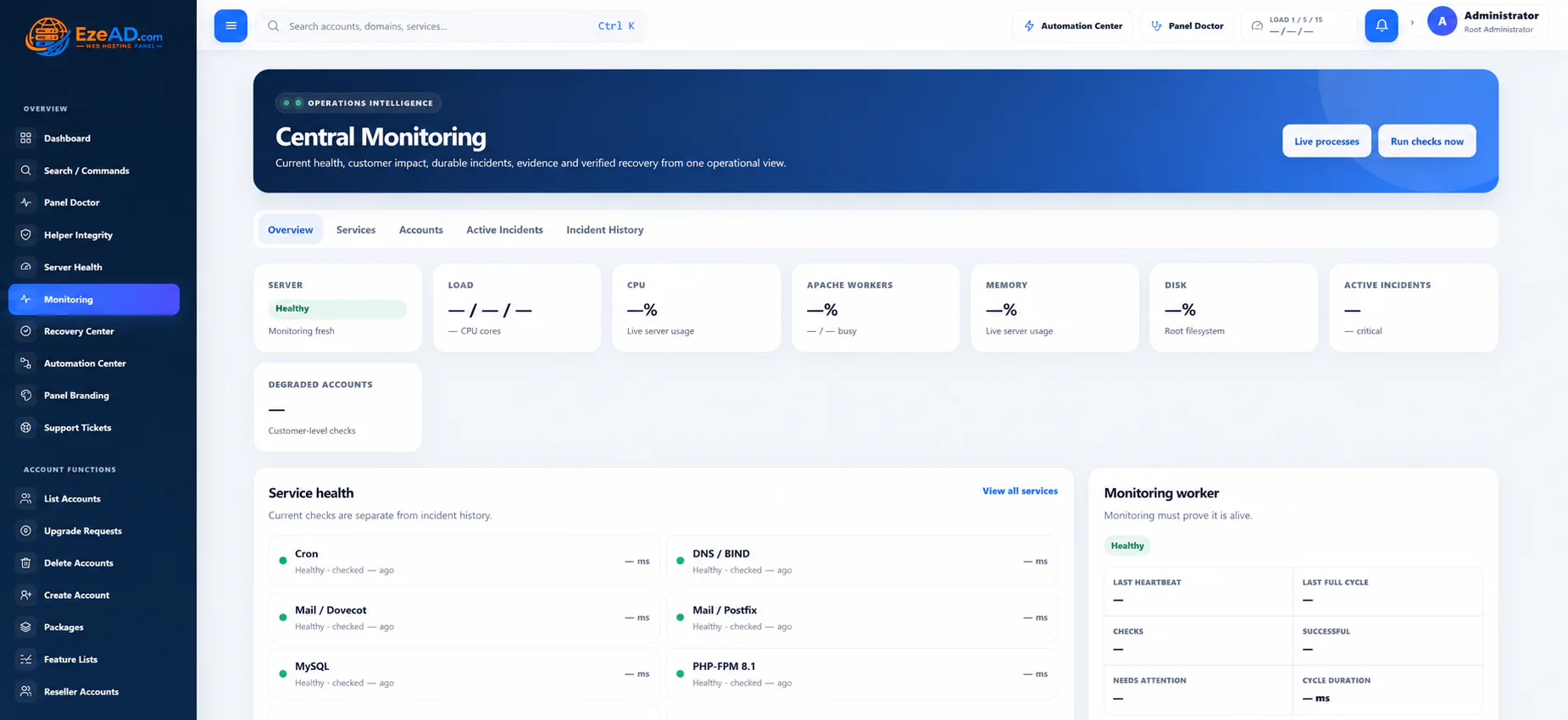
Use Apache or PHP-FPM status only where configured and restricted. Do not publish diagnostic endpoints. EzePanel’s Server Health and Monitoring offer connected evidence, but sample freshness and check scope still matter.
Verify the user-visible result
After a supported action, repeat the failing request and its critical dependencies. Preserve incident context so another administrator can understand what changed. A successful service action is not a complete application test.
Controlled Recovery applies only to eligible supported actions. If safety checks or verification fail, human review is required. Keep an external availability check: monitoring on the affected host can lose visibility when the host itself fails.
See the workflow in EzePanel
Put the guide in context
Server Health workflowCentral MonitoringSources and review notes
Checked 17 October 2026. Vendor terms, supported versions and prices can change. Follow the official source before a purchase or server change.