
Resource Isolation
One busy account shouldn’t consume the whole server.
Set compute, PHP, storage I/O and data-service policies for individual hosting accounts. Give demanding workloads a defined allowance—and keep that policy visible beside the account.
The simple idea
Give every hosting account a defined operating boundary.
Different workloads need different resource policies. Define an allowance for each account, then adjust it deliberately as that customer’s needs change.
Illustrative configuration · not live server values
Account A
200% CPU4 GB RAM16 PHP workersAccount B
400% CPU8 GB RAM32 PHP workersAccount C
Custom CPU policyCustom memory policyWorkload-specific PHPThese are example policy ceilings, not reserved resources. 100% CPU is equivalent to one core of CPU time.
The controls
Control the resources that shape a hosting workload.
Work from a single account policy across compute, PHP, storage and data services. Each control has a specific job.
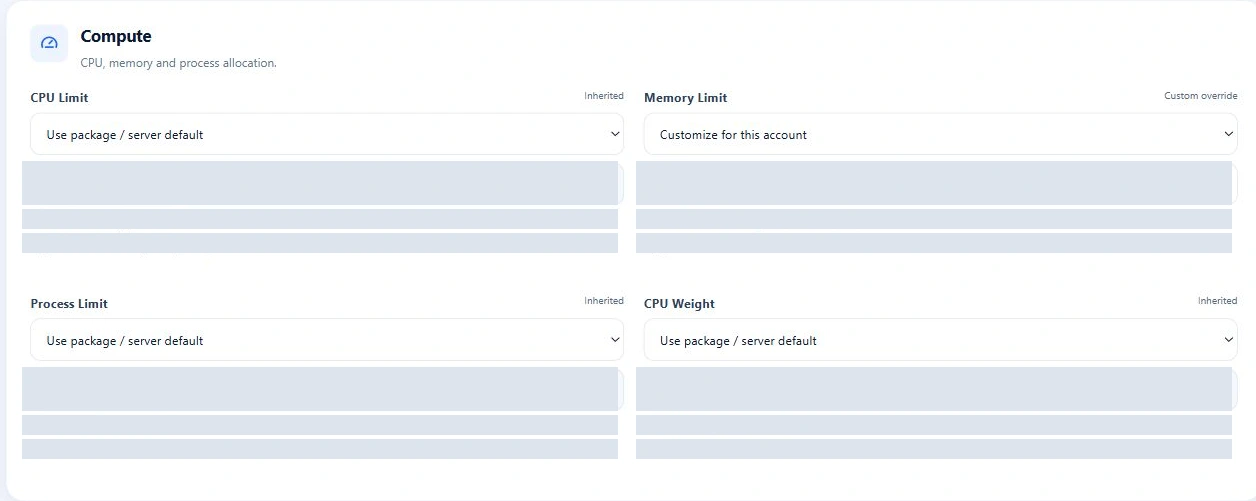
Compute
- CPU Limit
- Set the account’s CPU-time ceiling.
- Memory Limit
- Bound memory for its managed workload.
- Process Limit
- Control the number of tasks in the account boundary.
- CPU Weight
- Set relative CPU priority under contention.
PHP
- PHP-FPM Workers
- Cap concurrent PHP worker processes.
- PHP Memory per Worker
- Set PHP’s memory limit for each worker.
- PHP Request Timeout
- Bound the time a PHP request can run.
Storage
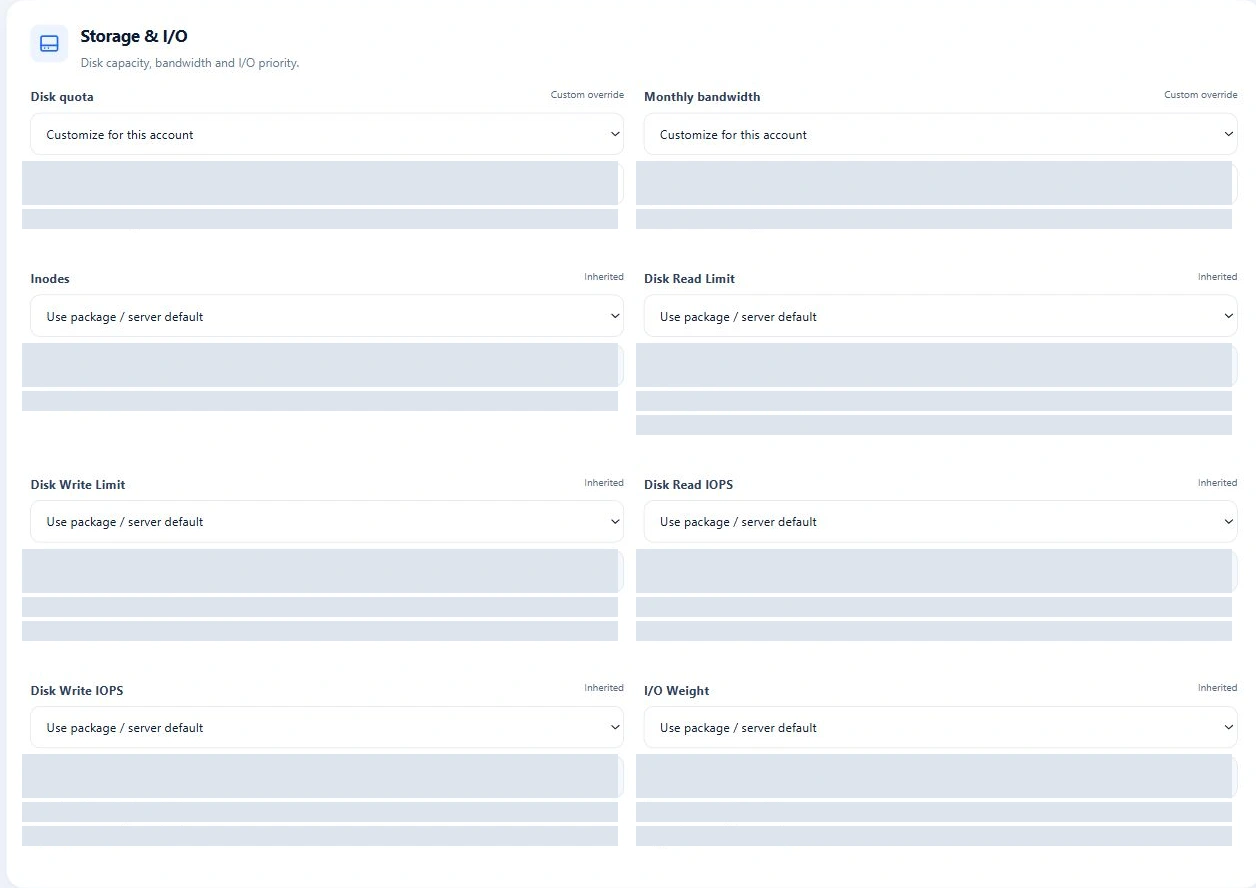
- I/O Weight
- Set relative storage I/O priority.
- Disk Read Limit
- Set a read-throughput ceiling.
- Disk Write Limit
- Set a write-throughput ceiling.
- Disk Read IOPS
- Bound read operations per second.
- Disk Write IOPS
- Bound write operations per second.
Data
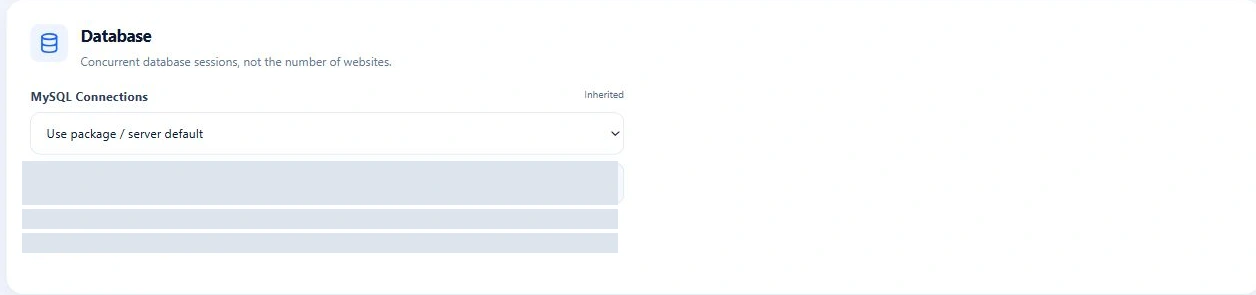
- MySQL Connections
- Apply connection policy to managed database users.
- Object Cache Memory
- Set the account’s Redis memory allowance.
Reusable defaults. Deliberate exceptions.
Start with a package. Override only where needed.
Packages make resource policies reusable. Account-level overrides let you handle an exception without creating a new package for every customer.
Server defaults
Calculated baseline
Package policy
Reusable account allowance
Account override
Only the fields you change
Effective policy
The value used for the account
A package can serve many customers. A higher-demand account can keep that package while using a different memory or PHP-worker limit.
Explore PackagesThe real resource workspace
The resource policy is part of the account.
Choose inheritance or a custom value beside each field. Compute, PHP-FPM, Storage & I/O, Database and Object cache keep related settings together in Modify Account.
See the policy source and effective value before making a change. The account summary provides usage context alongside the settings.
View Account Management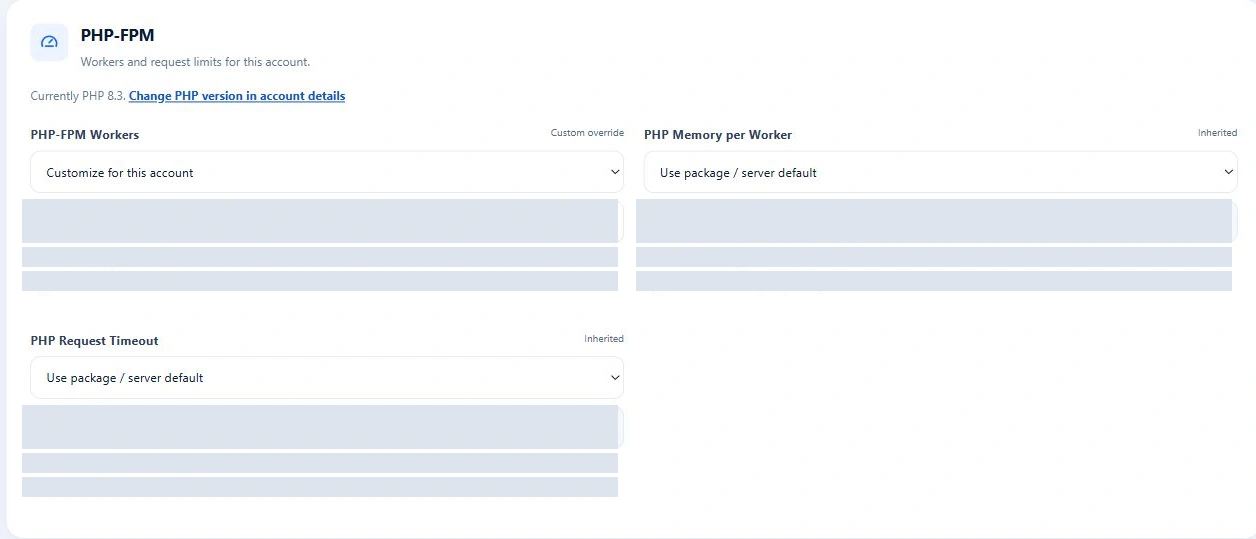
Swipe to inspect · tap the image for full context
Swipe to inspect · tap the image for full context
PHP-FPM
Control PHP concurrency instead of letting it grow unchecked.
High-traffic PHP sites need capacity. Worker limits make that capacity deliberate, while PHP memory and request timeout settings help you manage the cost of each request.
Workers
Set the maximum number of concurrent PHP workers.
PHP memory
Size each worker with the overall account allowance in mind.
Request timeout
Bound long-running PHP requests.
When workers are busy, requests may queue. Sustained pressure can cause timeouts; review usage before raising limits.
Explore PHP-FPMStorage & I/O
Keep storage-heavy workloads visible and bounded.
Treat data movement as part of account capacity. Set separate limits for reads and writes, with I/O priority for competing workloads.
Throughput
Read and write limits control bytes transferred per second.
IOPS
Read and write IOPS control operations per second.
I/O Weight
Relative priority helps express how workloads share storage.
Device I/O enforcement requires supported host controls and an identifiable block device for the account filesystem.
Databases & object cache
Resource policy continues beyond PHP.
Account capacity also includes the connections its applications open and the memory its object cache uses.
MySQL connection policy
Apply the account’s connection policy across its managed database users. MySQL enforces the resulting per-user limits.
Swipe to inspect · tap the image for full context
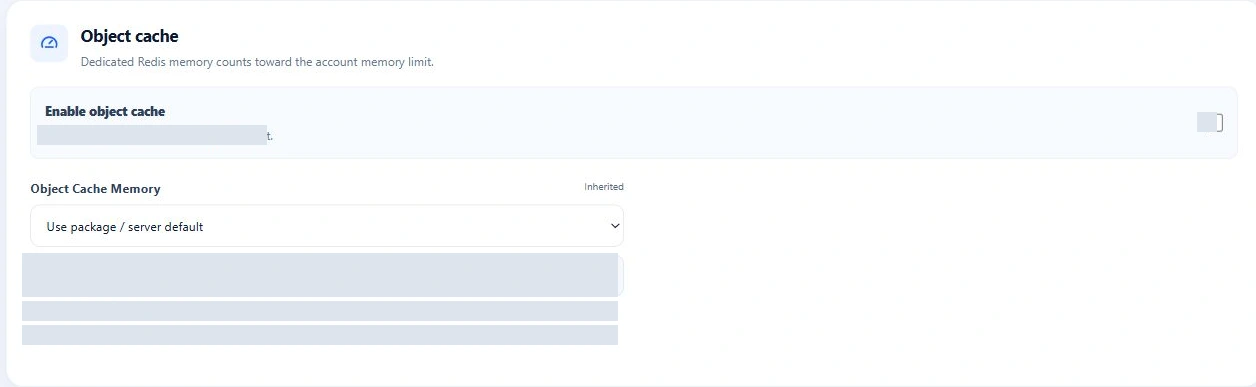
Account Redis memory
Set a memory allowance for the dedicated account cache. Redis memory counts inside the account’s overall memory boundary.
Swipe to inspect · tap the image for full context
Policy + observed usage
A limit only makes sense when you can see the workload.
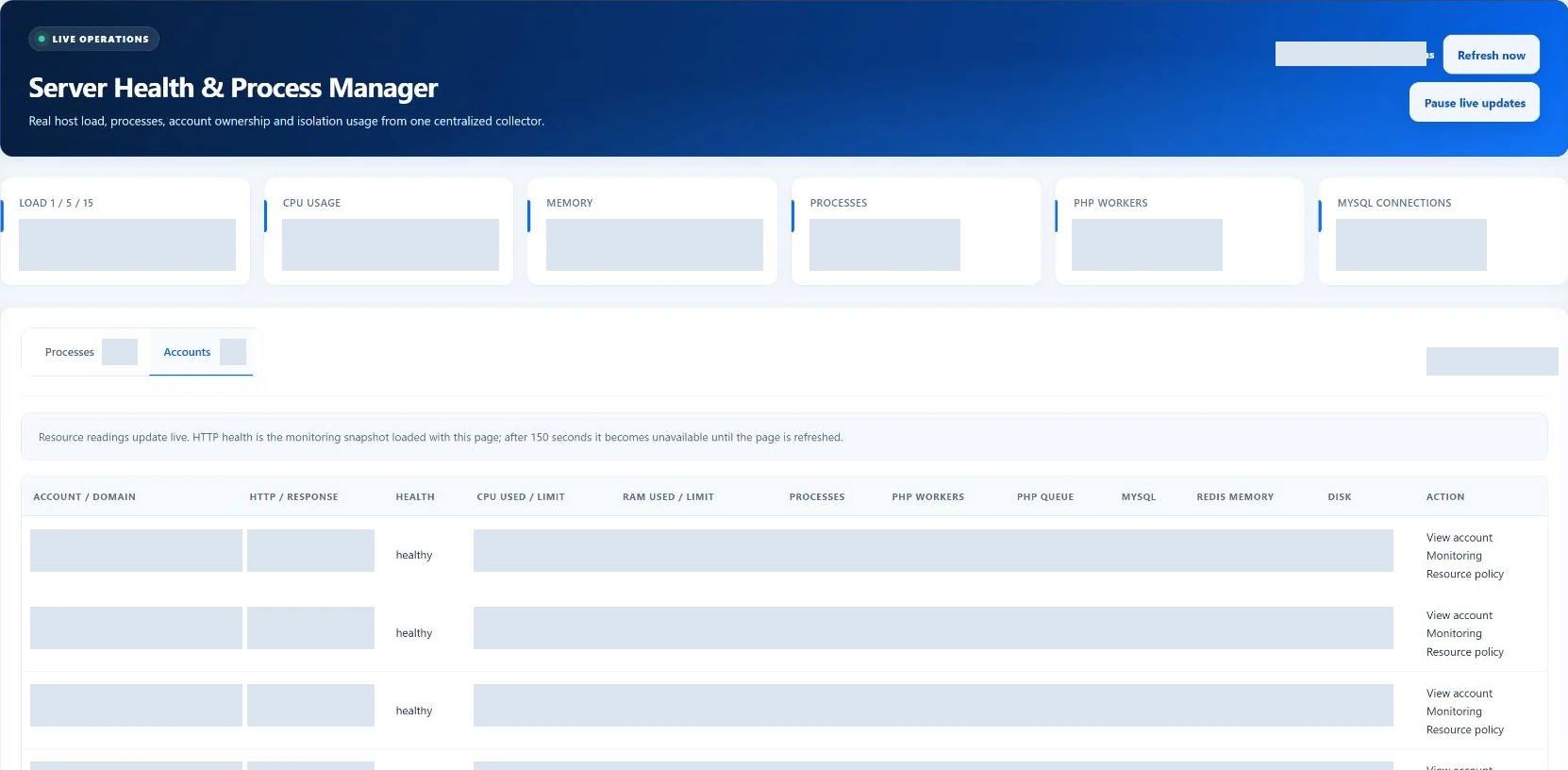
Use Server Health’s Accounts view to compare effective limits with observed demand. Follow the account when you need to change a policy, and return to see what happens next.
Read the collection timestamp and unavailable states. A policy value and a usage reading answer different questions.
An operating example
A high-traffic account needs more capacity.
A deliberate administrator workflow: understand the workload, adjust its allowance, then review the result.
Traffic grows
A customer’s workload changes.
Pressure appears
Server Health points to the account.
Policy reviewed
Compare limits with observed demand.
Limit adjusted
An administrator changes the allowance.
Runtime checked
Review the applied result and new readings.
Why it matters
Resource decisions with a clear purpose.
Contain demanding workloads
Reduce the chance that one account unnecessarily consumes shared capacity.
Size accounts differently
Give higher-demand customers a policy appropriate to their workload.
Make limits visible
Keep resource policy alongside the account’s configuration.
Operate with evidence
Compare configured limits with observed usage before changing them.
From settings to the workload
Policy in the panel. Enforcement on the server.
The account policy connects to the services carrying out the work. EzePanel uses restricted helpers to apply supported limits to the host runtime.
Account resource boundary
systemd / cgroup controlsFor administrators
Technical details, when you need them.
The policy model, runtime boundaries and host requirements behind the controls.
Policy resolution
For each field, EzePanel uses an explicit account override first, then the package value, then a calculated server default. The resource view shows the field’s source and effective value. Blank inherited values are different from an explicit custom value.
Enforcement
Restricted helpers apply the policy to the supported runtime. Account systemd/cgroup controls bound managed processes; dedicated PHP-FPM services use worker, PHP memory and timeout settings. Account Redis uses its own memory setting within the account boundary. Database connections are enforced separately on managed MySQL users.
Inheritance
Changing an inherited package value changes the account’s effective policy. An account override remains explicit. When switching packages, Modify Account offers a choice to keep resource overrides or reset them to the new defaults.
Resetting overrides
Reset one resource field or all resource overrides to return to inheritance. EzePanel synchronizes the resulting policy with the server; review the result and observed usage. A stored setting alone is not proof that every runtime operation succeeded.
Host requirements
Enforcement requires the installed privileged helpers and supported Linux service configuration. CPU, memory and task controls depend on the account’s systemd/cgroup placement. Device I/O limits require a supported block device; filesystem disk quotas have their own requirements. These controls do not reserve capacity or replace application tuning.
Resource Isolation FAQ
Good questions. Clear answers.
Can limits be changed after account creation?
Yes. Authorized administrators can edit an existing account’s resource settings in Modify Account. Review the synchronization result and subsequent workload readings after making a change.
Do packages define resource limits?
Yes. Packages provide reusable resource defaults. Where neither the account nor its package defines a value, EzePanel calculates a server default.
Can one account override its package?
Yes. Each supported resource field can inherit its package or server default, or use an explicit account override. You can restore inheritance for one field or reset all resource overrides.
How is CPU represented?
CPU Limit is a percentage of CPU time: 100% is equivalent to one core, and 200% to two cores. It is a ceiling across the account’s managed workload, not a reservation of dedicated physical cores. CPU Weight expresses relative priority when workloads compete.
What happens when PHP reaches its worker limit?
PHP-FPM stops adding workers beyond the configured ceiling. Additional requests may wait in the listen queue; sustained pressure can lead to timeouts or failed requests. Review worker activity, queue pressure and account memory before increasing capacity.
Can I limit database connections?
Yes. MySQL Connections sets the account’s connection policy, which EzePanel distributes to managed database users through per-user limits. MySQL enforces those user limits; this is not a separate CPU or memory boundary around the shared database server.
Can I control disk throughput?
Yes. The resource policy includes separate read and write throughput limits, read and write IOPS, and I/O Weight. Enforcement depends on the host’s cgroup support and an identifiable block device for the account filesystem.
How does this connect to Server Health?
Server Health’s Accounts view puts observed resource usage beside effective limits. Follow CPU, memory, processes, PHP workers and available data-service readings, then open the account when a policy change is needed. Check timestamps and unavailable states before drawing conclusions.
Does EzePanel automatically change limits?
No automatic scaling is claimed here. Administrators choose package defaults and account overrides. Inherited values follow their policy source; an explicit override stays in place until it is changed or reset.
Capacity, with context