
Recovery Center
Recover the affected service — not the whole server.
EzePanel evaluates supported recovery conditions, targets an eligible service or hosting account, checks the resulting service state and records what happened.
Swipe to inspect · tap the image for full context
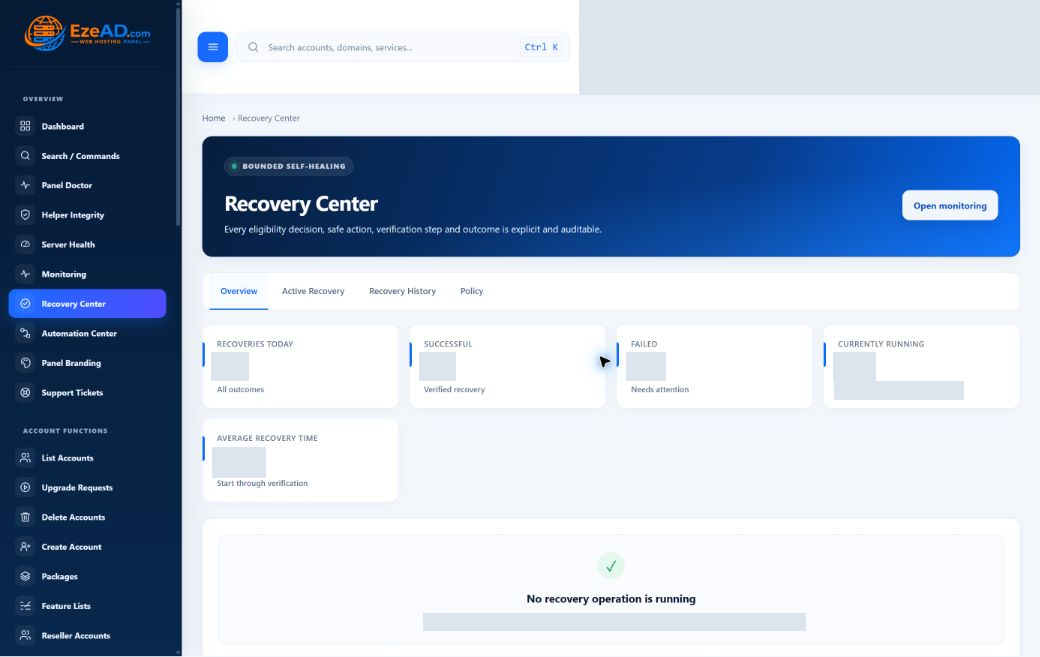
The recovery model
Detect. Evaluate. Recover. Verify. Record.
A defined path from a critical incident to a targeted action, with a decision and an outcome you can review.
Detect
Monitoring identifies a supported critical incident.
Evaluate
Check the target, policy and recovery limits.
Recover
Perform the allowed targeted action.
Verify
Check the target; Monitoring independently confirms health.
Record
Keep the attempt, evidence and outcome.
Targeted recovery
Fix the smallest responsible scope.
A stopped shared service and an exhausted account PHP-FPM workload need different responses. EzePanel chooses from defined recovery plans.
Core service / worker
Start the supported target.
Allowlisted service and timer incidents can receive a validated start action. A target that is already active is skipped.
Incident Allowed service StartAccount PHP-FPM
Target the affected account.
A high-confidence PHP worker-limit diagnosis and three consecutive failed origin checks can qualify that account’s PHP-FPM service for restart.
Account incident Tenant PHP-FPM RestartThe decision layer
A decision before every eligible action.
Policy controls make intervention deliberate. The action must have a supported target and a clear path through the checks.
Eligible target
Is this service and action supported?
Maintenance state
Should automation remain paused?
Attempt limit
Has the permitted attempt count been reached?
Cooldown
Should another attempt wait?
Configuration
Does the target pass its preflight?
Verification
What changed after the action?
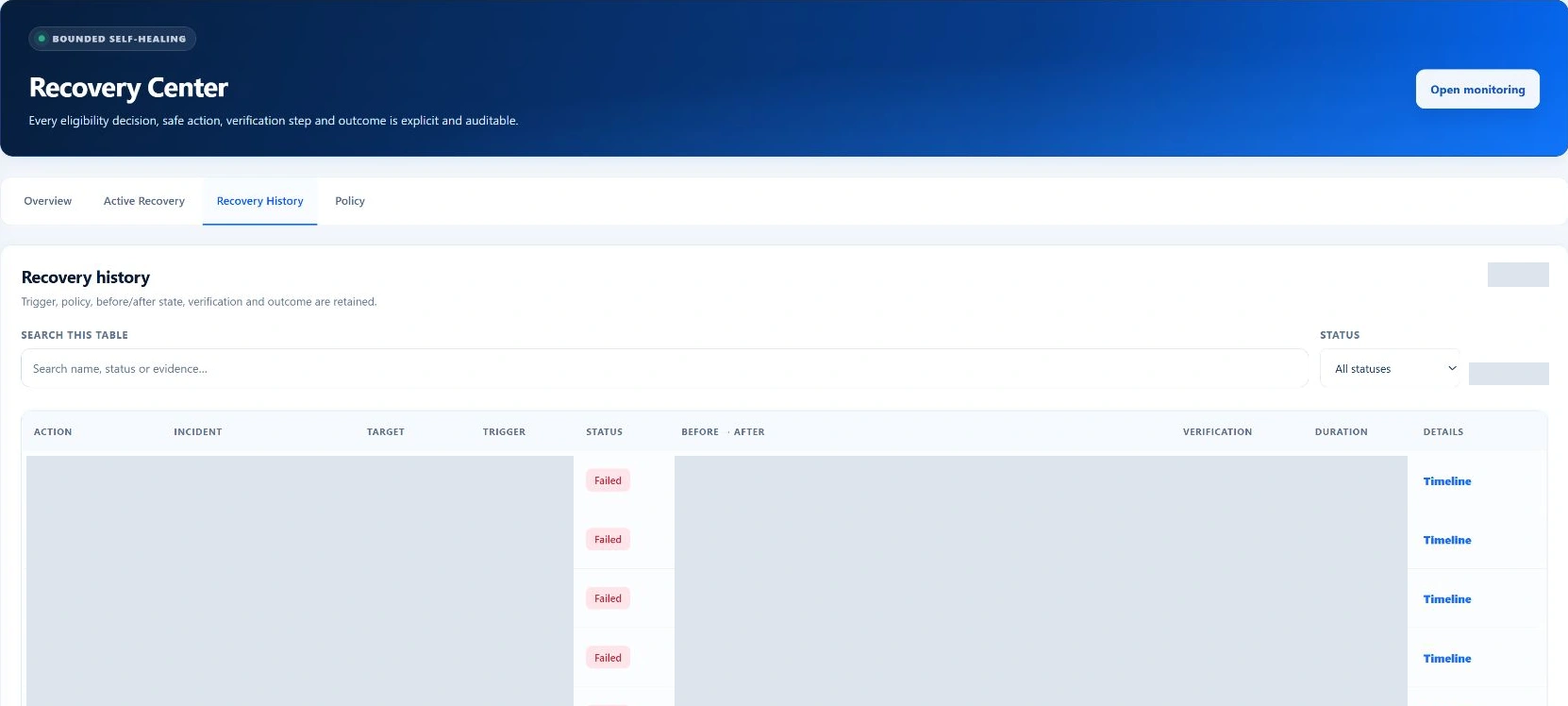
Recovery history
Every recovery attempt should leave evidence.
Review the target, trigger, time and policy reason. Follow the timeline through preflight, action and verification, then compare the before and after state.
Action history and incident history answer different questions. A succeeded action confirms the target became active; Monitoring independently confirms incident recovery.
The recorded attempts shown here failed. This image demonstrates outcome tracking, not successful recovery.
Swipe to inspect · tap the image for full context
Make room for planned work
Planned work should not look like an outage.
An active Monitoring maintenance window suppresses recovery actions and Monitoring notifications. Use that window for planned intervention, then return to the health evidence when work is complete.
An illustrative recovery scenario
A website stops responding.
For a supported PHP worker-exhaustion incident, the path can stay focused on the affected account. Eligibility and verification determine what happens next.
Repeated failure
Origin checks fail three consecutive times.
Cause identified
The worker-limit diagnosis has high confidence.
Eligibility passes
Policy, maintenance and attempt checks allow action.
Targeted restart
The affected account’s PHP-FPM service is targeted.
Health reviewed
Check the service result and independent HTTP evidence.
This illustrates an eligible path, not a promise that every website failure has this cause or outcome.
Operational notes
Automation handles supported recovery. Administrators still make operational decisions.
Defined service conditions can follow a recovery policy. Application bugs, damaged data and complex configuration problems still need diagnosis.
Two verification results
Recovery checks the action result and whether the target unit becomes active. Monitoring performs independent health checks, including origin HTTP evidence for account incidents, before recording incident recovery. Read both outcomes when diagnosing a failed website.
Target and policy prerequisites
Only allowlisted targets and actions can run. Recovery must be enabled, the incident must remain active and critical, and applicable maintenance, duplicate-action, cooldown and attempt checks must pass. Configuration preflight can stop an action before execution.
When an administrator takes over
Application bugs, damaged data, unsupported services and complex configuration faults require diagnosis beyond a service action. Review the incident and action history before changing configuration or starting a separate restore workflow.
Frequently asked questions
Good questions. Clear answers.
Does EzePanel automatically restart services?
When enabled by policy, the recovery worker evaluates supported critical incidents. Core service and worker-timer recovery uses allowlisted start actions. A targeted account PHP-FPM restart is supported only for the specific eligible worker-exhaustion condition.
What can Recovery Center recover?
The inspected implementation supports allowlisted web, PHP, database, DNS and mail services, supported worker timers, and qualified account PHP-FPM incidents. The incident type, target, active policy and host configuration determine eligibility.
Does it restart Apache automatically?
Apache recovery uses a validated start action for an eligible incident. An already-active target is skipped. It is not a recurring global Apache restart loop.
Can it recover one hosting account?
Yes, for a supported account PHP-FPM incident. The account must be active, the diagnosis must identify PHP worker-limit exhaustion with high confidence, and three consecutive origin checks must have failed. The target is that account’s PHP-FPM service.
What happens if recovery fails?
The failed action retains its reason, before/after state and verification result. Cooldowns and attempt limits bound further recovery. Administrators can review the evidence and investigate the underlying problem.
What are cooldowns and attempt limits?
A cooldown makes another attempt wait. The attempt ceiling bounds how many actions may run within the configured window. Together with duplicate-action checks, these controls reduce repeated intervention on the same incident.
How does Monitoring connect to Recovery?
Monitoring supplies the critical incident and its evidence. Recovery evaluates eligibility and checks the target after an action. Monitoring independently confirms that health has returned before marking the incident recovered; a successful service action alone is not that confirmation.
Does Recovery replace backups?
No. Recovery handles supported service conditions. Backups protect stored data and support a separate restore workflow. Restarting or starting a service does not repair damaged application files or restore a database.
Explore the platform