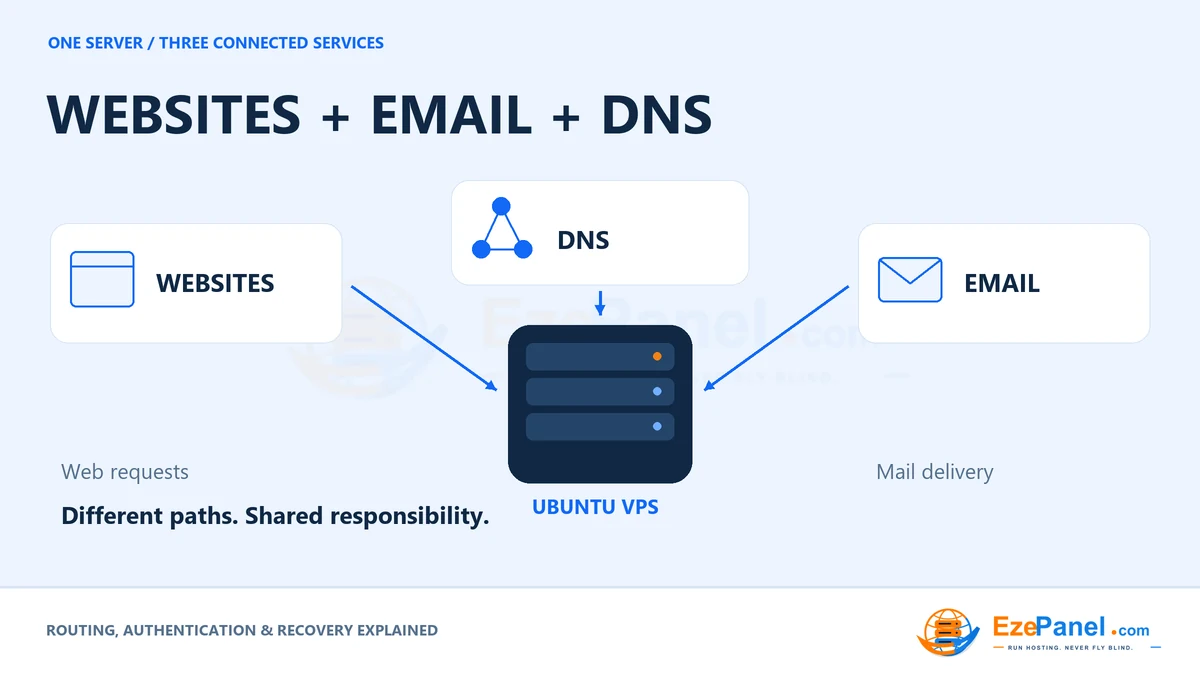

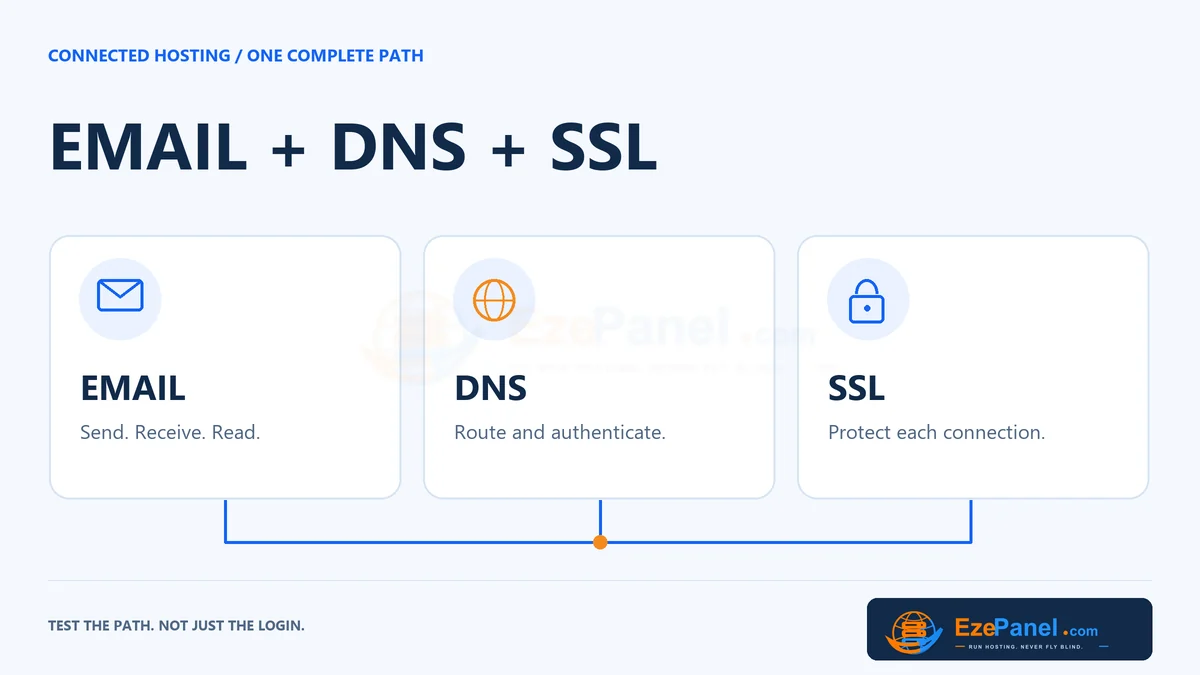
A cPanel alternative with email hosting must do more than display a mailbox creation form. Mail needs a recognized local domain, a working delivery path, correct DNS, authenticated submission and suitable server networking. SSL management adds another set of names and validation requirements. If any link is missing, the interface can look healthy while customers cannot send or receive messages. This guide helps you compare the complete email, DNS and certificate workflow. It explains the service boundaries and useful checks, then shows where EzePanel fits. The aim is to choose an operating model you can maintain, including the option of keeping business email with a separate provider.
Decide whether you should host mail
Running mail on the same VPS as websites can simplify administration, but it also makes you responsible for delivery, reputation, mailbox storage and abuse response. A control panel organizes these tasks; it cannot guarantee that another provider accepts your messages or places them in an inbox. Choose self-hosted mail because your team can operate it, not simply because the checkbox is available.
Before migrating, ask the VPS provider about outbound SMTP restrictions and reverse-DNS control. Confirm you can publish the records required for your sending identity. Establish how complaints, compromised accounts and delivery queues will be monitored. These obligations remain even with a polished panel.
External email is a reasonable alternative. You can host websites on EzePanel while leaving MX records with a mail provider. Keep authoritative DNS and local mail routing consistent with that decision so the new web server does not accidentally accept messages that belong elsewhere.
Follow one incoming message
An external sender looks up the destination domain's MX records, resolves the selected mail host and connects to its SMTP service. That service must recognize the receiving domain and accept the recipient. Delivery then needs to reach the correct mailbox storage with suitable ownership, quota and permissions.
This path explains a common diagnostic trap: being able to sign in through webmail proves neither domain registration in the SMTP server nor external delivery. Test with a real message from an independent sender. Check the SMTP response, delivery logs and the mailbox visible through IMAP. A temporary rejection, a permanent rejection and a message accepted into a queue require different follow-up.
Also test a nonexistent recipient. Your mail service should reject unauthorized recipients rather than accept everything accidentally. Verify it does not permit unauthenticated users to relay arbitrary mail to unrelated external domains.
Separate SMTP IMAP and webmail
SMTP handles message transfer and authenticated client submission. IMAP provides access to stored messages. Webmail is a browser client using the underlying mail services. These are related but independent components, so one successful connection should not be presented as proof that all email functionality works.
For a new mailbox, check receiving, reading and authenticated sending separately. Use the connection settings appropriate to the deployment, including the intended TLS hostname. A public client should not disable certificate validation merely because the server is reachable by IP. Store application SMTP credentials securely and avoid sharing one administrator mailbox across unrelated websites.
Include quotas in your acceptance test. An account that authenticates but cannot accept new mail because storage is exhausted is a service issue, not a password issue. Decide who receives warnings and which operator responds when the queue grows or mailbox storage fills.
Build the DNS identity carefully
DNS tells other systems where mail belongs and which senders are authorized. MX points to the receiving mail host. That hostname needs suitable address records. SPF identifies authorized sending infrastructure, DKIM signs outbound mail and DMARC establishes policy and reporting for aligned authentication. These records work together; adding a DMARC policy without understanding all legitimate senders can disrupt delivery.
Inventory website forms, invoicing tools and external email services before editing authentication records. Do not blindly copy a sample SPF record over an existing one or publish conflicting policies. Use the provider's instructions and inspect received message headers to understand actual authentication results.
| Record or setting | Question to answer | Mistake to avoid |
|---|---|---|
| MX and mail-host address | Where should incoming mail arrive? | Pointing a mail host through an ordinary web-only proxy |
| SPF | Which systems send for this domain? | Forgetting an existing authorized service |
| DKIM | Which service signs outbound messages? | Publishing a selector that does not match the active signer |
| DMARC | Are authenticated identities aligned? | Enforcing a strict policy before observing legitimate senders |
Treat SSL as several certificates
A website certificate does not automatically establish secure IMAP, SMTP or panel access. List the hostnames customers use and the service that terminates each connection. A reverse proxy can present one certificate to a browser while the origin server needs another. Check both connection paths instead of assuming the visible browser padlock covers everything.
For ACME issuance, HTTP-01 requires the challenge path to be reachable on port 80. A proxy, redirect or access policy can interfere with that path. DNS-01 proves control through DNS records and needs an appropriate integration for unattended renewal. Keep DNS API credentials narrowly scoped and protected when that method is used.
EzePanel provides certificate actions and saved operation results. For proxied domains, inspect the actual validation result and configured challenge method. Do not promise that every Cloudflare configuration renews automatically without checking origin routing or DNS credentials.
Compare panels by the work you need
Compare mail administration, DNS editing and certificate operations as workflows rather than counting icons. Check which role can create a mailbox, whether external mail routing is supported, how DKIM is managed and where delivery failures are visible. Establish what is included by the chosen edition or installation options.
cPanel and Plesk both document hosting-management ecosystems; their current requirements and plans should guide the comparison. Hestia documents mail and DNS installation choices. EzePanel provides corresponding owner-scoped hosting interfaces on supported Ubuntu installations. That does not make every extension, migration format or troubleshooting function identical across the products.
If your team already uses an external email service, avoid selecting a replacement primarily for an integrated mail feature you will not use. Focus instead on preserving MX routing, application SMTP settings and the website/domain workflow your customers need.
Evaluate the EzePanel mail workflow
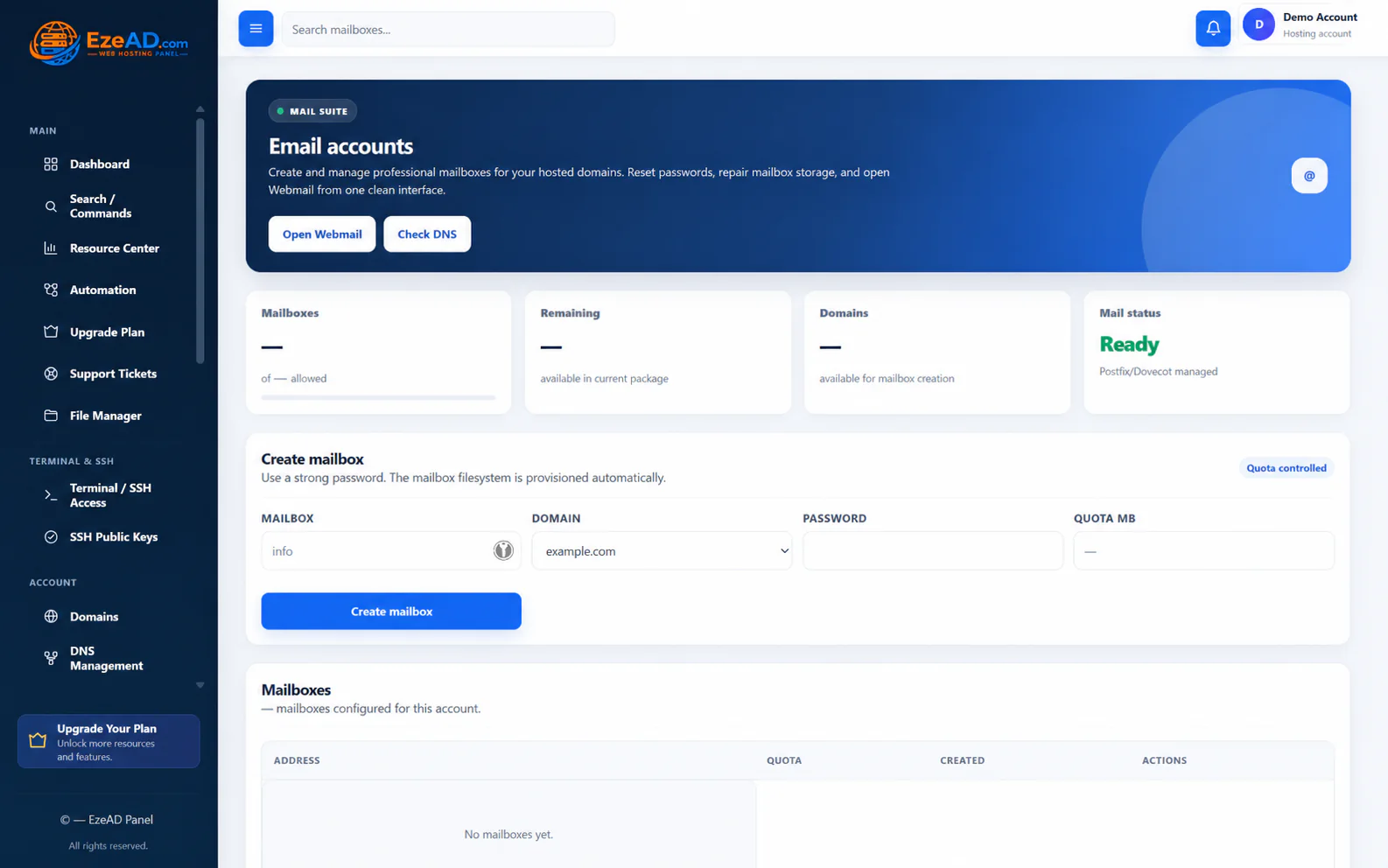
In EzePanel, start with an owned domain and the account's hosting limits, create the mailbox and verify its recorded status. Review the DNS and mail-routing configuration, then test real incoming delivery. The Admin mail pages support service and queue inspection, while account users work within their own mailbox and domain scope.
Use webmail to confirm the delivered message is readable, then send through authenticated submission to an independent recipient. Inspect the received authentication headers and reply path. The objective is an actual message exchange, not simply “mail service active.” EzePanel's mail, DNS and SSL documentation provides separate workflows because each layer can fail independently.
Keep application notifications distinct from mailbox hosting. A website contact form may use a configured SMTP provider even when its own domain's incoming mail is elsewhere. Verify the sender identity, recipients and Reply-To without trusting user input to choose server credentials or arbitrary recipients.
Test the move before changing MX
Build a small acceptance record for the destination. Test an authorized mailbox, an unknown recipient, incoming SMTP, IMAP access, authenticated outbound mail and TLS names. Check quota behavior and confirm who can inspect failures. Use disposable accounts and authorized addresses rather than sending bulk “tests” to real customers.
Mail cutover can require final synchronization because cached DNS may direct delivery to either server temporarily. Preserve the source mailbox until late messages are accounted for. A website migration completing successfully does not establish that every historical message or password format transferred correctly.
Choose a hosting panel with email, DNS and SSL when its controls fit your operating responsibilities. Try EzePanel with a representative domain and the published trial limits, or retain external email if that gives your business a more manageable boundary. Reliability comes from checking the entire path and assigning someone to maintain it.
- Provider SMTP policy and reverse-DNS responsibility are understood.
- Local versus external mail routing is explicit for every domain.
- SMTP, IMAP and webmail are checked independently.
- DNS authentication reflects all legitimate sending services.
- Certificate names and ACME renewal paths match the deployment.
- Delivery failures, quotas and cutover synchronization have an owner.
Where to go next
Sources & further reading
Official documentation for the topics in this guide. Check current vendor requirements before a purchase or server change.