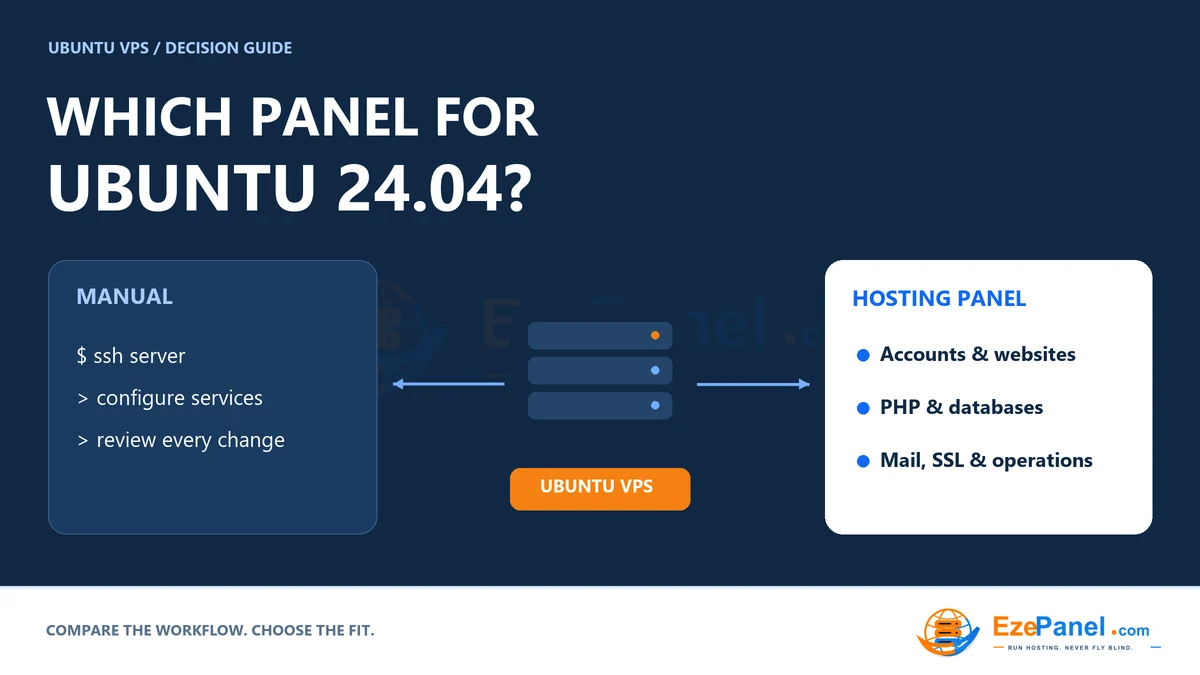

Choosing a cPanel alternative for Ubuntu 24.04 starts with the work your server must do, rather than a screenshot or a subscription price. You may be moving a handful of client websites, separating applications that currently share one login, or replacing a workflow that has become difficult to operate. Those are different projects, even when each begins with the same search query. Ubuntu compatibility alone is no longer a useful dividing line: cPanel itself lists Ubuntu 24.04 in its installation requirements. The question is which supported panel, operating model and migration path fit your team. Use this guide to build a shortlist, inspect the daily hosting tasks and decide what to test before moving real accounts.
Begin with the reason for moving
A useful comparison begins with a short problem statement. “We need clearer account boundaries for twelve clients” gives you something to verify. “We want a different dashboard” does not explain whether the replacement will reduce work. Write down the tasks that cause difficulty today, how frequently they occur and which role performs them.
Common evaluation criteria include licensing structure, application compatibility, customer access, backup operations and the amount of server administration your team wants to retain. A lower software invoice can be outweighed by migration effort or a missing workflow. Equally, paying for extensions you never use may be unnecessary. Compare your actual requirements rather than a hypothetical feature maximum.
Keep a separate list of dependencies you must preserve: PHP extensions, cron tasks, database privileges, mail routing, DNS authority and file paths used by applications. A panel change should not become an accidental application upgrade.
Confirm Ubuntu support before comparing dashboards
Check the vendor's current requirements for the exact operating system, architecture and installation method. A page that says “Linux” does not establish Ubuntu 24.04 support. Also check whether the vendor expects a clean server. Installing a second control panel over an existing managed hosting stack is not a safe migration shortcut.
cPanel's Ubuntu requirements, Plesk's Ubuntu 24.04 support notice and Hestia's installation documentation provide starting points. EzePanel's current installer targets Ubuntu 22.04 and 24.04 on supported x86-64 servers. Do not assume the same installer supports Windows, ARM or another Ubuntu release because those environments can run PHP.
An operating system being supported does not make every old application compatible with its available database and PHP versions. Inventory those separately. If an application requires an obsolete runtime, plan a tested application update or an appropriately maintained environment before choosing the destination.
Compare operating models fairly
There is no single replacement that suits every cPanel customer. A hosting company with reseller workflows evaluates different things from a developer operating four applications. Use current vendor documentation to establish capabilities, then examine how each option handles your own tasks.
This is a selection framework, not a performance ranking. No cross-panel benchmark was run for this article. A feature appearing in a comparison table is an invitation to evaluate its workflow, not proof that every implementation is interchangeable.
| Option | Why it belongs on a shortlist | What to establish before choosing |
|---|---|---|
| cPanel & WHM | Existing account workflows and familiarity | Whether staying solves the problem more cheaply than migrating |
| Plesk | Another commercial hosting management model | Relevant edition, Linux runtime support and extension requirements |
| Hestia | An open-source hosting administration option | Your team's responsibility for deployment, support and recovery |
| EzePanel | Ubuntu hosting with separate Admin and User workflows | Application fit, license capacity and the exact migration/backup scope |
Inspect the complete hosting workflow
Create a small acceptance list that follows a website from account creation to maintenance. Start with ownership and domain routing. Then inspect PHP selection, database creation and privileges, file access, HTTPS and the controls the client can see. Include aliases and subdomains if you use them; testing only the primary domain misses common operational differences.
If mail will remain on the server, add mailbox provisioning, incoming delivery, authenticated sending, webmail and DNS authentication. A working browser login does not establish that an outside sender can reach the mailbox. If you use an external mail service, ensure the destination does not silently change MX routing to itself.
Inspect backup scope and recovery separately. An archive containing website files and SQL exports is useful, but it is not necessarily a complete account recreation package. Record which operations require an administrator and which a customer can perform independently.
Separate licensing cost from operating cost
Compare software costs using the actual account and server definitions of each vendor. A hosting account may contain several websites, while a website count may be restricted separately by a plan or package. Your panel subscription, customer hosting package and VPS capacity are three different limits.
Include optional extensions, backup storage, support arrangements, administrator time and the temporary overlap between source and destination servers. Avoid assuming an advertised starting price covers your entire deployment. Follow the official plan and edition pages before purchasing; this guide deliberately does not freeze competitor prices into a comparison that will age.
For an example agency with twelve clients, estimate onboarding and incident work as well as the monthly subscription. If the team cannot restore a client's data confidently or explain who manages DNS, a cheaper control panel has not yet produced a cheaper service.
Make migration a controlled project
Preserve the source environment while preparing a separate destination. Obtain backups through supported source workflows and retain an untouched copy. Check the receiving panel's accepted archive formats rather than treating every tar.gz file as a universal hosting backup. Plugins and third-party backup products may package data differently.
Preview applications against the destination before changing public DNS. Test database writes, uploaded files, scheduled jobs and mail as applicable. Decide how to handle new data written after the initial copy. A final synchronization or maintenance window may be necessary; a transfer tool does not remove this consistency problem.
Agree on cutover and rollback conditions in advance. DNS caches can temporarily send visitors to either server. Keep a record of old and new records, avoid two writable copies drifting apart and retain the source until application and mail verification are complete.
Evaluate EzePanel on a disposable server
EzePanel provides account and package administration, user-facing hosting controls, PHP management, MySQL tools, mail/DNS/SSL operations and monitoring. Its cPanel Migration Tool uses upload, scan, review, import and result stages for supported backups. That gives you an organized workflow, but format and destination constraints still apply.
Its backup controls include website/database exports and account schedules. Complete database restoration and full-account disaster recovery should not be assumed from the presence of a backup button. Read the backup documentation and validate the recovery method your service needs before making commitments to customers.
Use a supported clean Ubuntu server for the free trial, review the published trial limits and run one representative application. A small rehearsal that exercises the exact application, customer role and failure path is more informative than opening every menu without creating any data.
Use a decision checklist
Select a cPanel replacement on Ubuntu only after you can explain how your important workflows will operate. Keep screenshots, results and exceptions in a short evaluation record. That makes the choice reviewable by someone who did not perform the trial and helps your team repeat the deployment later.
A panel is a long-term operating dependency. Prefer a platform whose supported capabilities and limits are clear, whose account model matches your customers and whose maintenance process your team can follow. Explore EzePanel's trial when those requirements match your Ubuntu hosting plans, and compare the resulting evidence with the other candidates.
- Exact OS, architecture and application runtime requirements are confirmed.
- Customer boundaries, access roles and hosting limits match the portfolio.
- Websites, databases, mail, DNS and HTTPS have a documented validation path.
- Backup scope and the required recovery workflow are understood.
- Source backup format and migration exclusions are checked.
- Cutover, late writes, rollback and ongoing operating responsibility are assigned.
Where to go next
Sources & further reading
Official documentation for the topics in this guide. Check current vendor requirements before a purchase or server change.